How to Evaluate AI Video Analytics Vendors
Vendor selection should not be decided by the cleanest demo or the longest feature list. This guide shows how to evaluate whether an AI video analytics platform can perform consistently at your sites, fit your infrastructure and support a complete operational workflow.
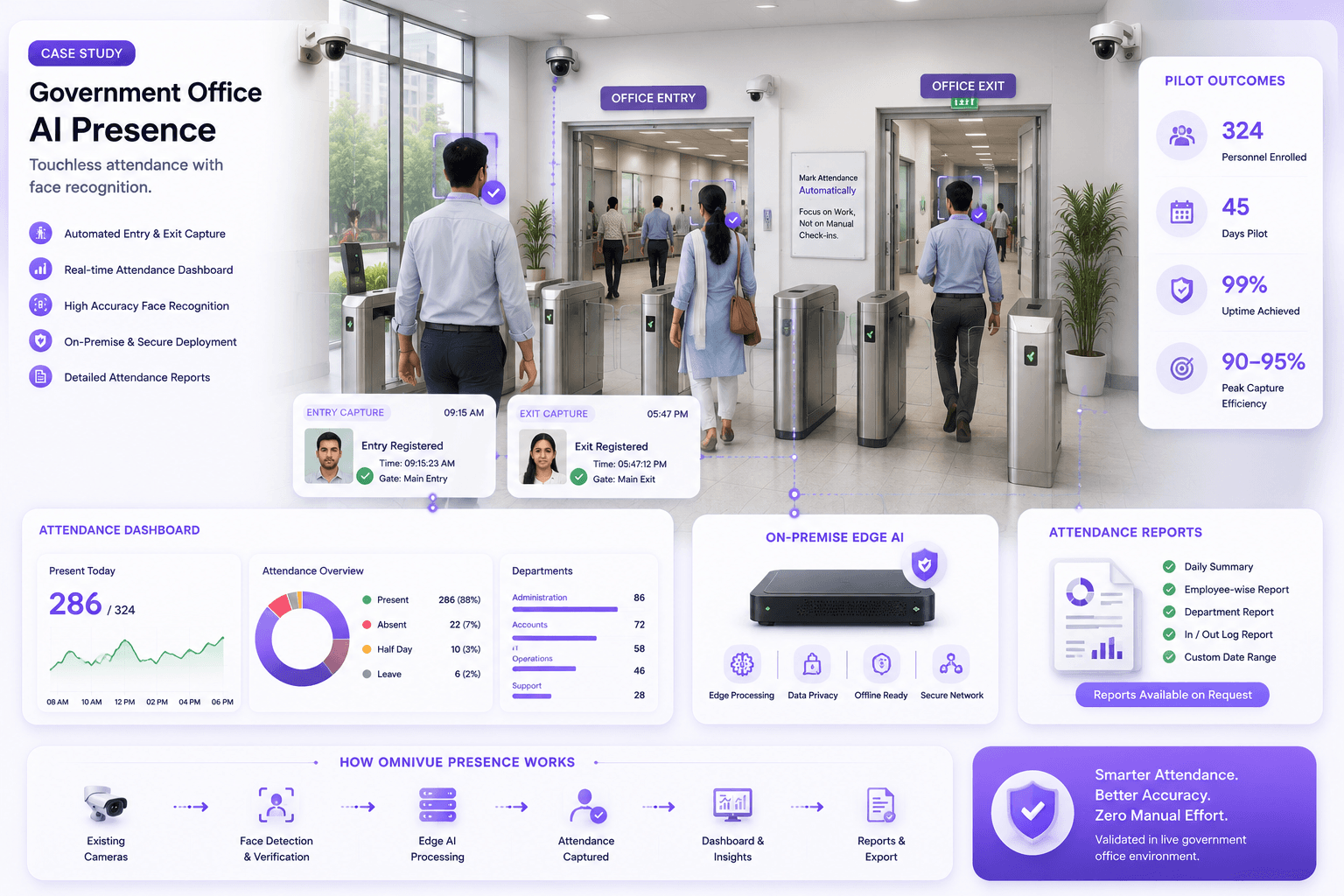
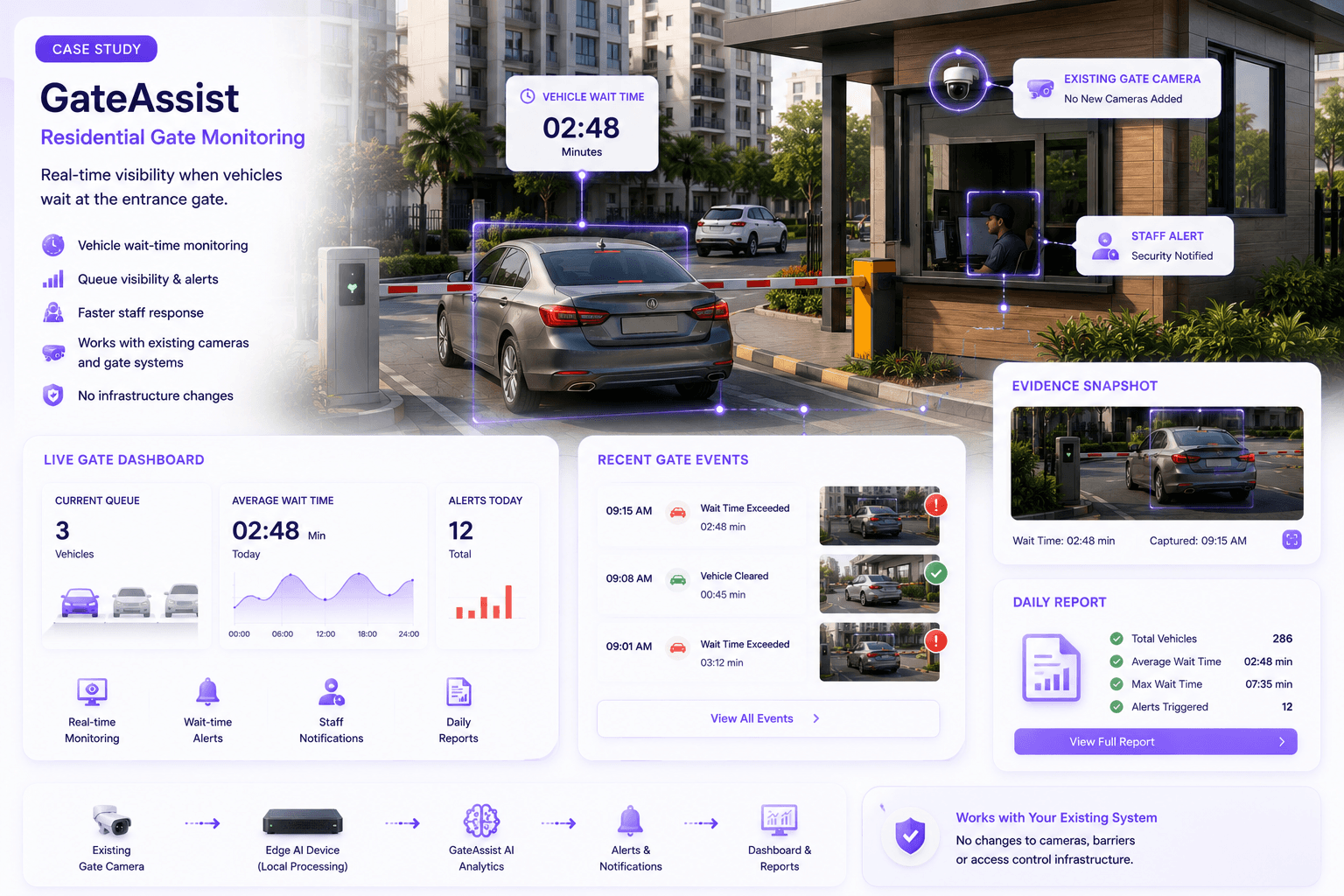
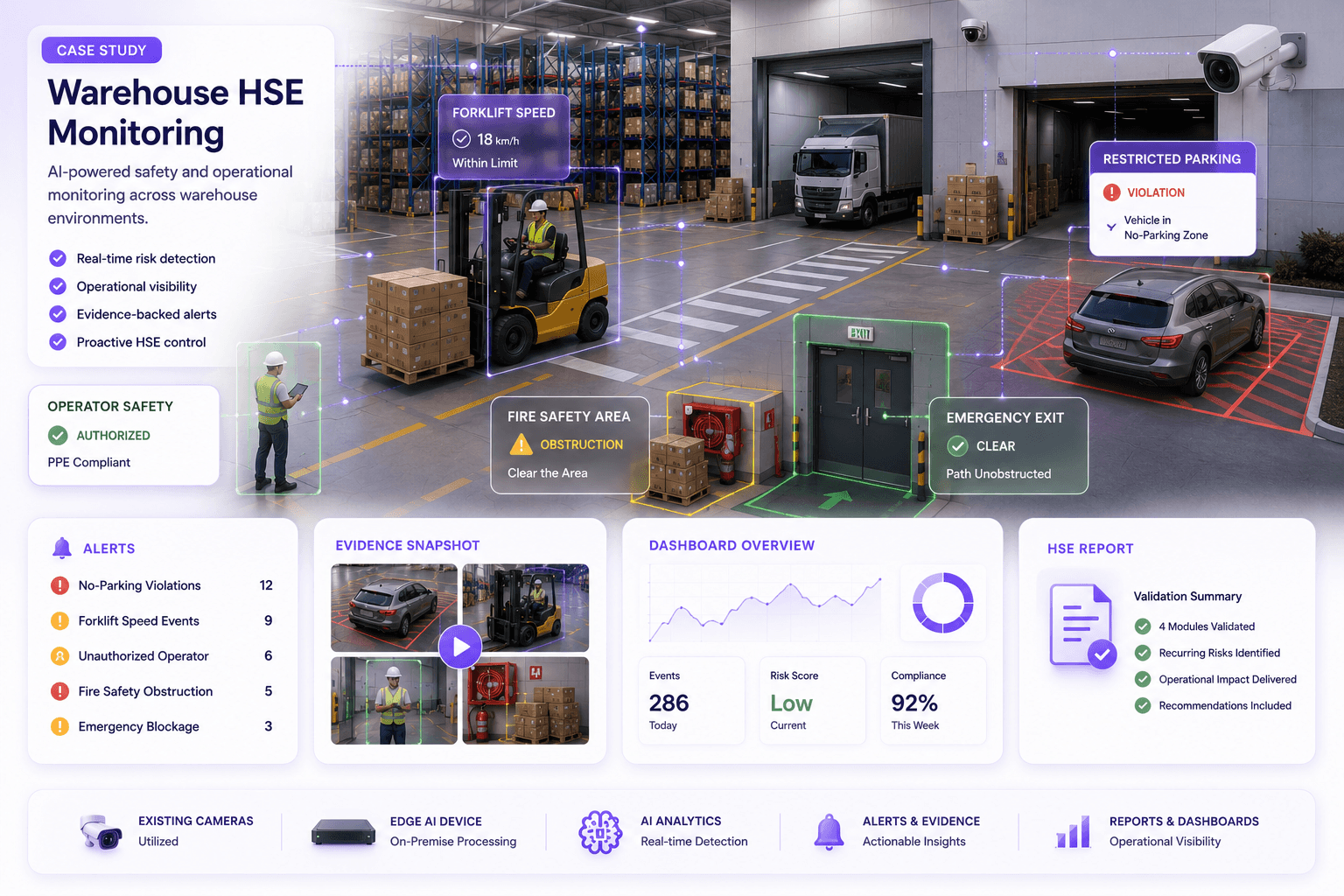
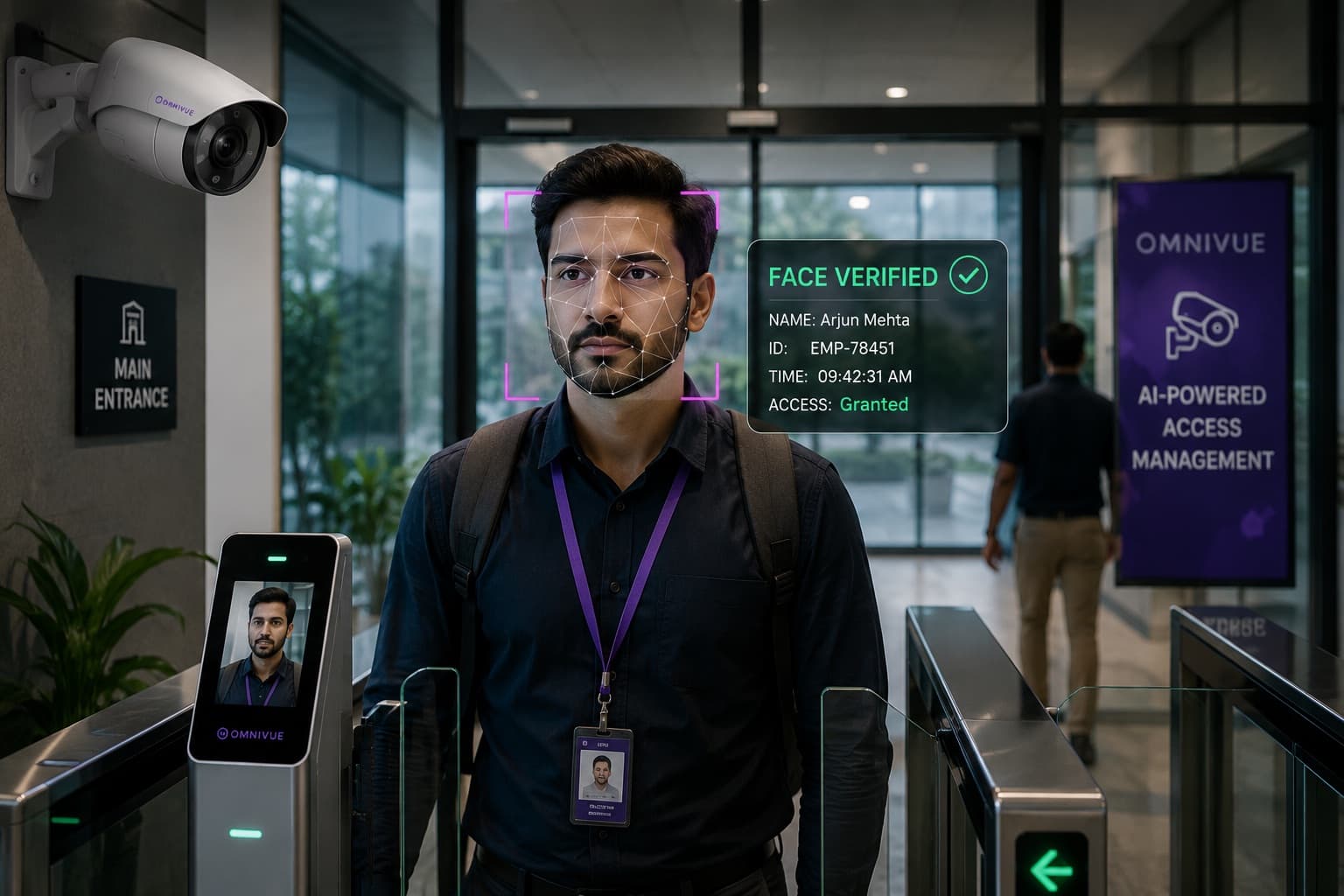
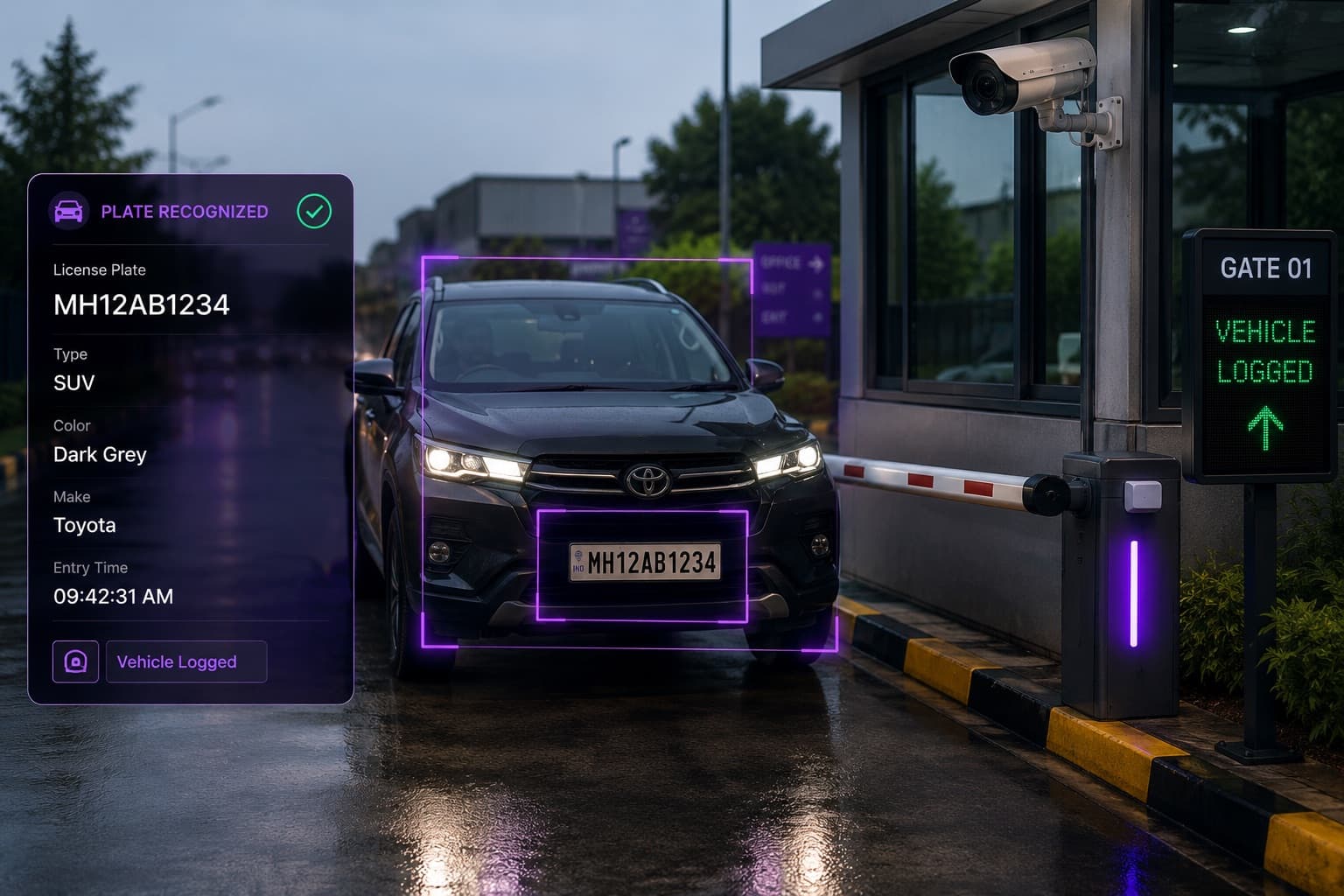
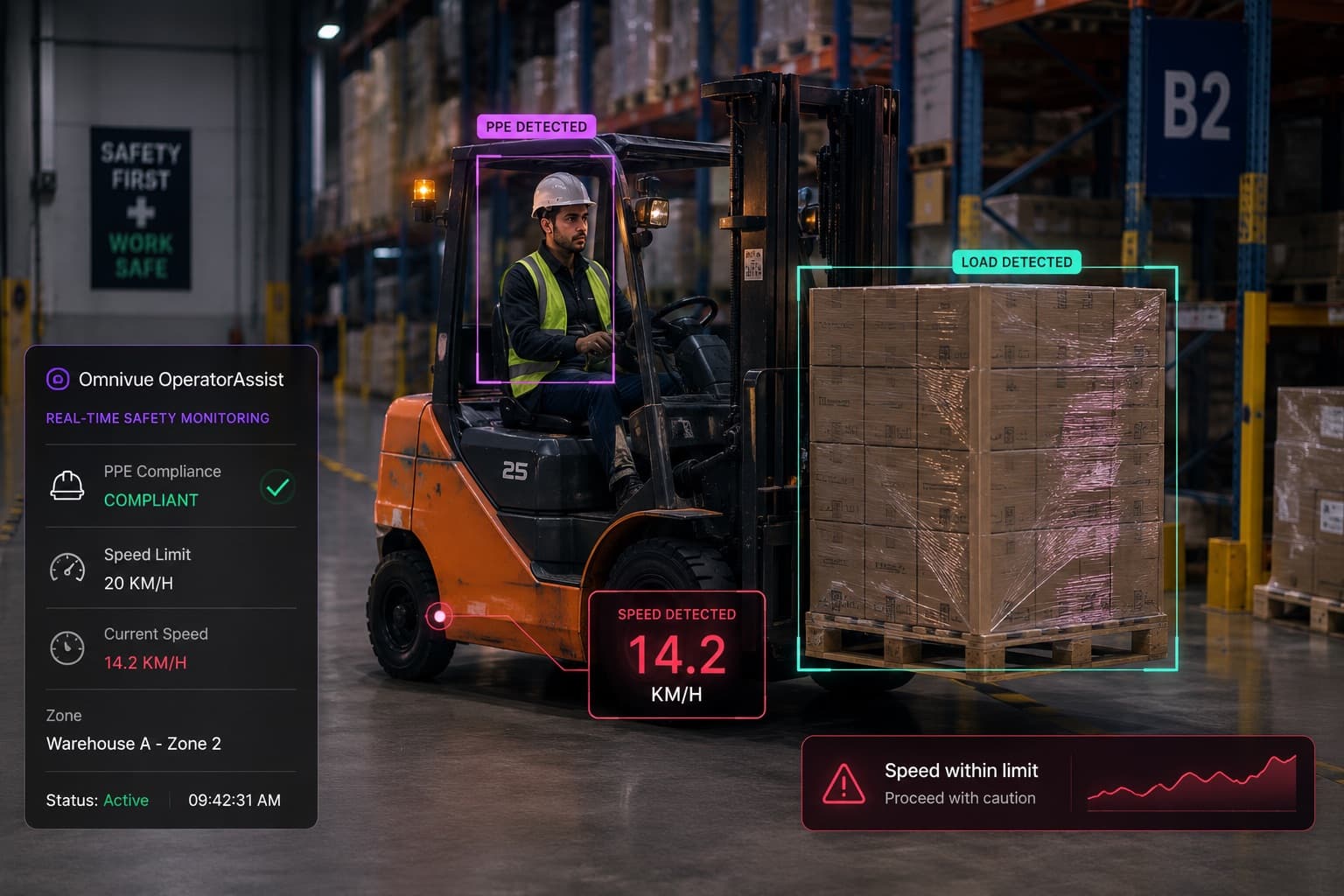
Selecting an AI video analytics vendor can look straightforward at the beginning. Most vendors can demonstrate object detection, face recognition, ANPR, PPE monitoring, intrusion alerts or people counting. The presentations often look similar. The dashboards look polished. The accuracy numbers appear high.
The real differences emerge later - at the customer site, under difficult lighting, through an existing camera network, across multiple shifts, with integrations, exceptions, security requirements and operators who need the system to help them act.
That is why an enterprise should not evaluate only whether a vendor can detect an event. It should evaluate whether the complete system can convert video into a reliable operational outcome.
Start by Defining the Operational Outcome
A vendor evaluation becomes weak when the requirement is described only as a technology feature:
- We need ANPR.
- We need face recognition.
- We need PPE detection.
- We need queue analytics.
- We need intrusion detection.
These are capabilities, not complete requirements. A more useful brief defines the operational problem and what should happen after the system identifies an event.
- Validate a vehicle against an approved list and open the correct barrier.
- Alert a warehouse supervisor when a verified PPE exception occurs in a defined zone.
- Create a searchable access event with evidence and an audit trail.
- Notify a store team when a queue remains above the service threshold for a defined period.
- Escalate an obstructed emergency exit if the condition remains unresolved.
The clearer the operational outcome, the easier it becomes to compare vendors on relevant criteria rather than generic feature breadth.
1. Evaluate the Vendor Against Your Actual Use Case
A model that performs well in one environment may not perform equally well in another. Vehicle access at a controlled gate is different from plate capture on a multi-lane road. PPE monitoring in a fixed loading bay is different from monitoring a crowded factory floor. Face verification at a well-designed entrance is different from recognising people across a wide lobby camera.
Ask the vendor to explain:
- Which exact use cases are already production-ready?
- Which use cases require site-specific configuration or model work?
- What camera views and scene conditions are required?
- What are the known limitations?
- What happens when the result is uncertain?
- How are exceptions reviewed and corrected?
A strong vendor should narrow the requirement when necessary. A vendor that agrees to every possible use case without examining footage, angles or operational rules is increasing project risk.
2. Test Camera and Scene Feasibility Before Comparing Accuracy
Accuracy claims have little meaning without the conditions under which they were measured. Camera position, subject size, lighting, motion, occlusion, compression, frame rate and scene complexity can materially change performance.
Request a camera feasibility review that covers:
- Viewing angle and field of view
- Useful pixels on the target object
- Day and night lighting
- Backlight, glare, reflections and headlights
- Motion blur and shutter configuration
- Frame rate and compression
- Occlusion and crowd density
- Network stability and stream accessibility
- Weather and seasonal variation
- Camera vibration or movement
The vendor should identify which cameras can be reused, which require reconfiguration or repositioning, and which genuinely need replacement. “Works with any camera” is not a credible technical answer.
3. Ask How Accuracy Is Defined and Measured
A single percentage can conceal more than it reveals. Buyers should ask what was counted, how the ground truth was established and whether the metric reflects the intended workflow.
For event detection, review at least:
- True positives: relevant events correctly identified
- False positives: alerts generated when the event did not occur
- False negatives: relevant events that were missed
- Precision: how many generated alerts were relevant
- Recall: how many real events were identified
- Confidence thresholds and how they are tuned
- Performance by day, night, location and scene condition
For identity or plate recognition, also evaluate unreadable cases, unknown results, duplicate matches, watchlist behaviour and the process for human verification.
4. Evaluate the Complete Workflow, Not Only the Detection
Ask the vendor to demonstrate the path from camera to action. A useful demonstration should show:
- How the video stream is received
- How the event is identified
- How the event is filtered or verified
- Which business rule is applied
- Who receives the alert
- What evidence is stored
- How an operator acknowledges or resolves it
- How the event appears in reports
- What happens if an integration or network connection fails
For access and parking, the workflow may include approved lists, schedules, visitor permissions, barrier control and manual override. For safety, it may include zone definitions, repeated-event logic, escalation and closure. For retail, it may include thresholds, store roles and trend reporting.
A detection without a practical response path is a feature, not an operational solution.
5. Compare Deployment Architecture
The right deployment model depends on latency, bandwidth, data policy, site resilience, IT ownership and geographic scale. The vendor should support an architecture that fits the customer rather than forcing every project into one pattern.
Edge
Processing occurs at or close to the site. This can reduce bandwidth dependency, support low-latency actions and keep video local.
On-premise
Application and processing infrastructure operate within the customer-controlled environment. This may suit sensitive sites, local integrations and restricted cloud policies.
Cloud
Centralized services may simplify distributed management, provisioning and remote administration where connectivity and policy permit.
Hybrid
Video can be processed locally while selected events, metadata, health information or authorised evidence are synchronized centrally.
Ask for a clear architecture diagram showing camera streams, processing nodes, application servers, databases, integrations, remote access, update paths and failure behaviour.
6. Verify Compatibility with Existing Infrastructure
A platform should be evaluated within the customer’s current environment, not as an isolated application.
Review compatibility with:
- IP cameras and supported stream protocols
- VMS and NVR platforms
- Access-control systems
- Barriers and turnstiles
- Parking management systems
- Visitor-management systems
- HR and attendance systems
- Incident-management systems
- Email, SMS or messaging channels
- APIs, webhooks and enterprise dashboards
- Identity providers and user-management systems
Ask whether integrations are native, standards-based, custom-built or dependent on third parties. Also confirm who owns integration testing and support after deployment.
7. Review Evidence, Search and Audit Capabilities
Enterprise value often depends on what happens after an event is created. A serious platform should make events easy to verify, search, export and audit.
Evaluate whether event records can include:
- Timestamp and location
- Camera and site
- Event category
- Supporting image or video clip
- Recognition or classification result
- Rule applied
- Alert recipient
- Acknowledgement and resolution status
- Operator notes
- Escalation history
- Export and reporting controls
The system should distinguish between raw detections, verified events, false alerts, acknowledged incidents and resolved exceptions. This is essential for operations, governance and performance improvement.
8. Examine Security, Privacy and Data Governance
AI video systems can process sensitive operational, vehicle or identity data. Security and privacy should be part of vendor evaluation from the beginning, not a final questionnaire after selection.
Review:
- Where video, images, metadata and identities are stored
- Encryption in transit and at rest
- Role-based access control
- Authentication and session controls
- Audit logs
- Retention and deletion policies
- Data export controls
- Remote support access
- Patch and update process
- Vulnerability management
- Backup and disaster recovery
- Data residency options
- Privacy controls for face or identity workflows
The vendor should also explain which data leaves the site in edge or hybrid deployments and how support personnel access production systems.
9. Assess Performance, Scale and System Health
A small demonstration does not prove that the platform can support a production estate. Ask how compute, storage and network requirements change as camera count, frame rate, resolution, model complexity and retention increase.
Request clarity on:
- Cameras supported per processing node under the proposed configuration
- Expected frame rate and resolution per use case
- GPU, CPU, memory and storage sizing
- Multi-site architecture
- High availability and failover
- Camera and stream health monitoring
- Resource monitoring
- Offline operation and recovery
- Centralized configuration and updates
- Performance impact when multiple analytics run on one feed
Sizing should be based on the proposed workload and tested footage, not a maximum camera count quoted without conditions.
10. Evaluate the Pilot Methodology
A pilot should reduce uncertainty. It should not be an indefinite demonstration with no agreed test method.
A credible pilot plan defines:
- Business problem and workflow
- Cameras and locations included
- Events to be tested
- Pilot duration
- Day, night and operating conditions
- Ground-truth or validation method
- Who reviews the results
- Required integrations
- Success criteria
- Known exclusions
- Issue-resolution process
- Go/no-go and scale-up decision
The buyer should retain access to pilot results, including relevant and irrelevant alerts, missed-event sampling, system availability and operator feedback.
11. Review Support and Operational Ownership
AI video deployments require more than initial installation. Camera scenes change. Networks fail. thresholds need adjustment. New sites are added. Integrations are updated. The vendor’s support model can determine whether the system remains useful after launch.
Clarify:
- Implementation responsibilities
- Site survey and camera-assessment ownership
- Configuration and model-tuning process
- Support hours and response targets
- Remote and on-site support
- Software update policy
- Compatibility testing after updates
- Incident escalation
- Training for operators and administrators
- Documentation provided
- Local partner responsibilities
- End-of-life and upgrade policy
Where a channel partner or system integrator is involved, define a single support path so the customer is not moved between vendors when an issue spans camera, network, software and integration layers.
12. Understand Commercial Structure and Total Cost
The lowest license price may not produce the lowest project cost. Compare the complete commercial structure over the expected deployment period.
Include:
- Software licenses
- Per-camera, per-site, per-server or enterprise pricing
- Analytics or module charges
- Edge servers or cloud infrastructure
- Storage and retention
- Integration fees
- Professional services
- Pilot fees
- Travel and site work
- Annual support and maintenance
- Version upgrades
- Third-party licenses
- Training
- Additional-site and additional-camera pricing
Ask which elements are one-time, recurring, usage-based or dependent on third parties. Also confirm what happens commercially when cameras are replaced, moved or reassigned.
13. Check References and Production Evidence
Case studies are useful, but buyers should examine the relevance and quality of the evidence.
Look for:
- A comparable operational environment
- A similar camera and network setup
- A use case that went beyond a controlled demonstration
- Measured pilot or production outcomes
- Known limitations and corrective actions
- Evidence of sustained use after the pilot
- Referenceability where customer policy permits
A vendor should be able to explain what was deployed, how it was validated and what operational result was achieved without relying only on logos or generic claims.
14. Evaluate Product Direction and Vendor Fit
The platform may become part of access, safety, parking, retail or facility operations for several years. Evaluate whether the vendor’s product direction fits the intended relationship.
Consider:
- Focus on enterprise video intelligence versus one-off custom development
- Ability to support the required vertical workflows
- Product roadmap discipline
- API and integration strategy
- Regional deployment and support capacity
- Financial and organizational stability
- Partner ecosystem
- Willingness to document limitations
- Approach to customer-specific requirements
- Ownership of custom integrations and configurations
A smaller specialist vendor may be a strong fit when it has relevant deployments, responsive engineering and a clear product architecture. A larger brand may reduce perceived procurement risk but still require careful evaluation of local support and workflow fit. Size alone is not a substitute for evidence.
A Practical Vendor Scorecard
Use a weighted scorecard so the decision is not dominated by the most impressive presentation. Adjust the weights according to the project.
| Evaluation area | Suggested weight |
|---|---|
| Use-case and workflow fit | 15% |
| Performance on actual site footage | 15% |
| Camera and scene feasibility discipline | 10% |
| Deployment architecture | 10% |
| Integration capability | 10% |
| Security and data governance | 10% |
| Pilot methodology and evidence | 10% |
| Scalability and system health | 5% |
| Support and implementation model | 5% |
| Commercial fit and total cost | 5% |
| References and vendor fit | 5% |
Require written comments for low or medium scores. The scorecard should identify assumptions, dependencies and items that remain unproven after the pilot.
Red Flags During Vendor Evaluation
- The vendor promises that every existing camera will work without reviewing footage.
- Accuracy is presented as one percentage with no test conditions or definitions.
- The demonstration uses only vendor-controlled videos.
- The vendor cannot explain false positives, false negatives or uncertain results.
- The solution stops at detection and has no clear operational workflow.
- Architecture, data flow or remote-access methods are unclear.
- The pilot has no written success criteria.
- The vendor avoids showing event evidence, search, audit or exception handling.
- Integration responsibility is left undefined.
- Sizing is based on an unconditional camera count.
- Support depends on several parties with no single owner.
- Commercial exclusions appear only after technical selection.
Questions to Include in an RFP or Vendor Workshop
- Describe the complete workflow from camera feed to operational action.
- Identify the camera, scene and lighting conditions required for each proposed use case.
- Explain how performance will be measured using customer-site footage.
- Provide precision, recall or equivalent event-validation methodology.
- Describe edge, on-premise, cloud and hybrid deployment options.
- Provide a system architecture and data-flow diagram.
- List supported camera, VMS, access, barrier and enterprise integrations.
- Explain evidence storage, event search, audit trails and retention controls.
- Describe security, privacy, remote access, patching and disaster recovery.
- Provide compute, storage and network sizing assumptions.
- Propose a pilot with measurable success criteria and a scale-up plan.
- Describe implementation, training, support and escalation responsibilities.
- Provide total cost over the expected contract period.
- Share relevant deployment or pilot evidence.
- Document known limitations, dependencies and exclusions.
The Best Vendor Is Not Necessarily the One with the Longest Feature List
Enterprise AI video intelligence succeeds when the platform, site, cameras, workflows, integrations and operating team work together. The strongest vendor is therefore not simply the one that can demonstrate the most detections.
It is the vendor that can:
- Define the requirement precisely
- Assess feasibility honestly
- Design the complete workflow
- Validate performance under real conditions
- Fit the customer’s architecture and governance
- Integrate with operational systems
- Provide usable evidence and auditability
- Support the system after deployment
- Scale without creating avoidable complexity
A disciplined evaluation may take more effort than comparing feature sheets. It also prevents far greater effort later - when a technically impressive pilot fails to become a dependable production system.
Vendor evaluation workshop
Request an AI Video Analytics Vendor Evaluation Workshop
Bring your use case, camera details, site constraints and integration requirements. Omnivue will help structure a practical evaluation framework and pilot plan focused on operational outcomes rather than a generic product demonstration.