
Live camera monitoring
View selected camera feeds from one operations console with layouts that match site teams and monitoring rooms.
Omnivue VMS is an AI-ready video management layer for live monitoring, playback, camera health, event evidence and multi-site operations. It works with suitable existing CCTV, IP cameras and VMS/NVR streams, and becomes more powerful when combined with Omnivue AI modules for access, safety, vehicles, parking and facility workflows.
Map suitable CCTV, IP camera, RTSP, ONVIF, NVR or VMS streams where available.
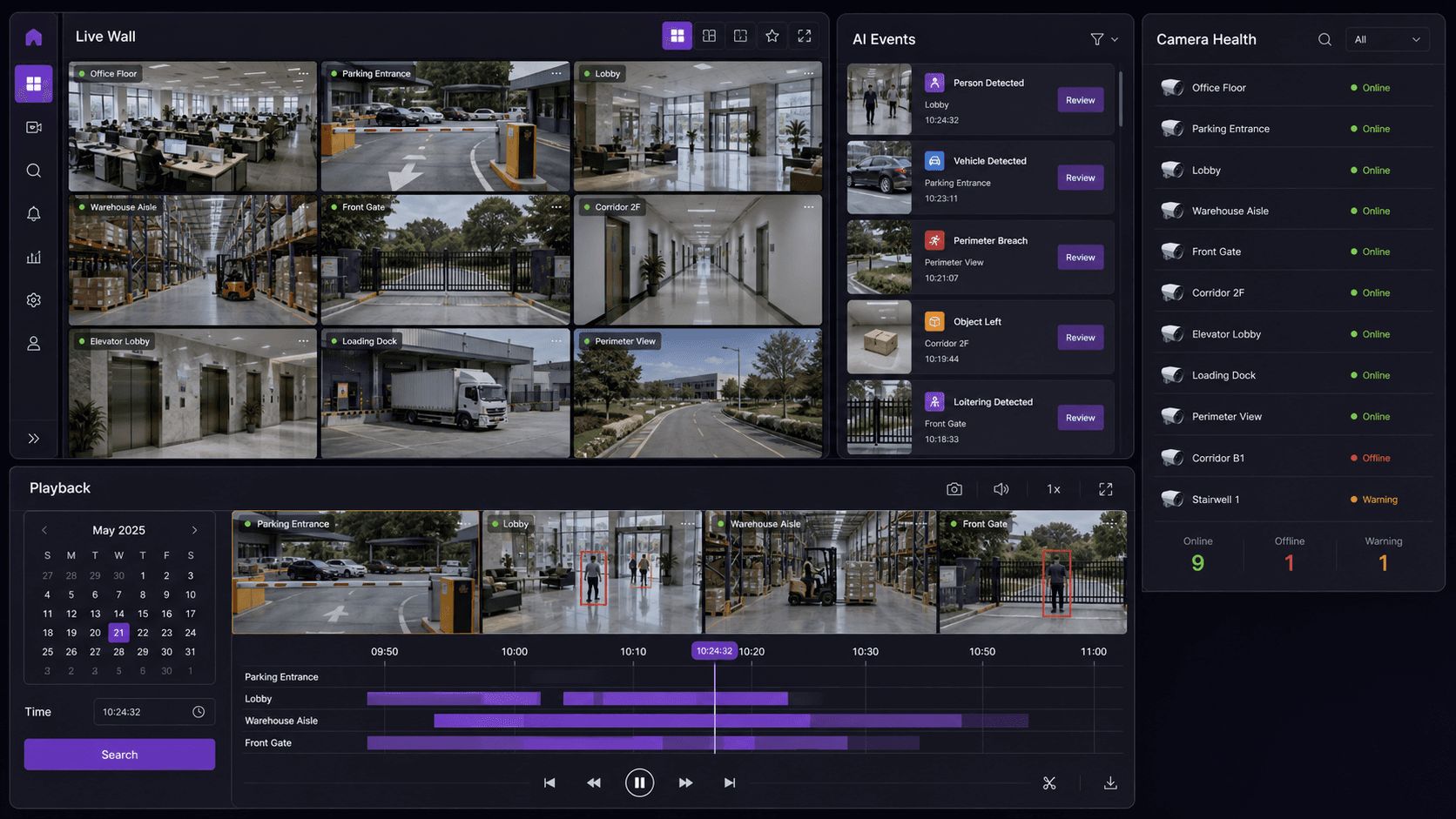
Use live wall layouts, camera groups and site views for security operations.
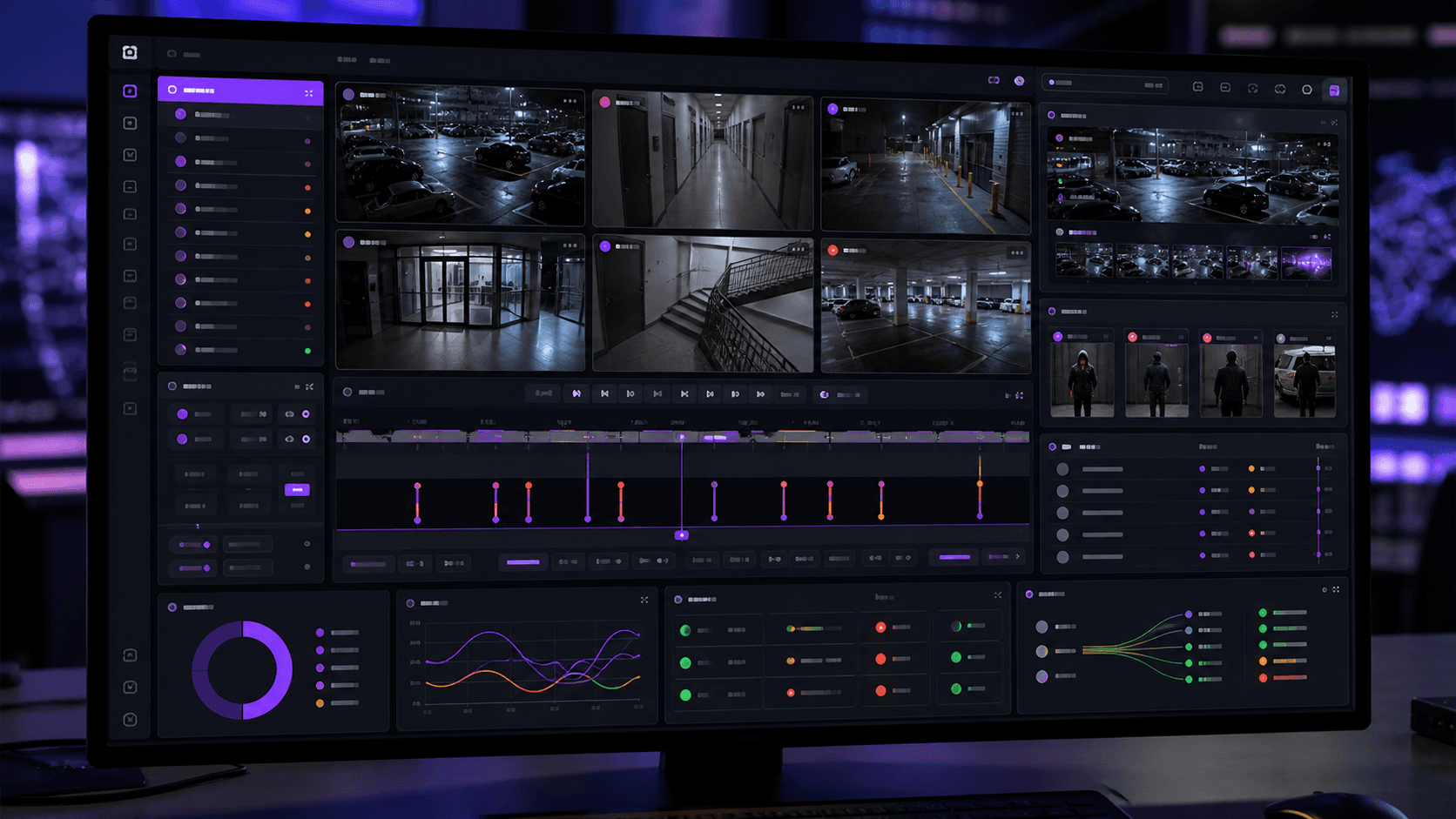
Use playback, AI event timelines and evidence records for fast investigation.
Layer Omnivue AI modules over video operations for access, safety and vehicles.
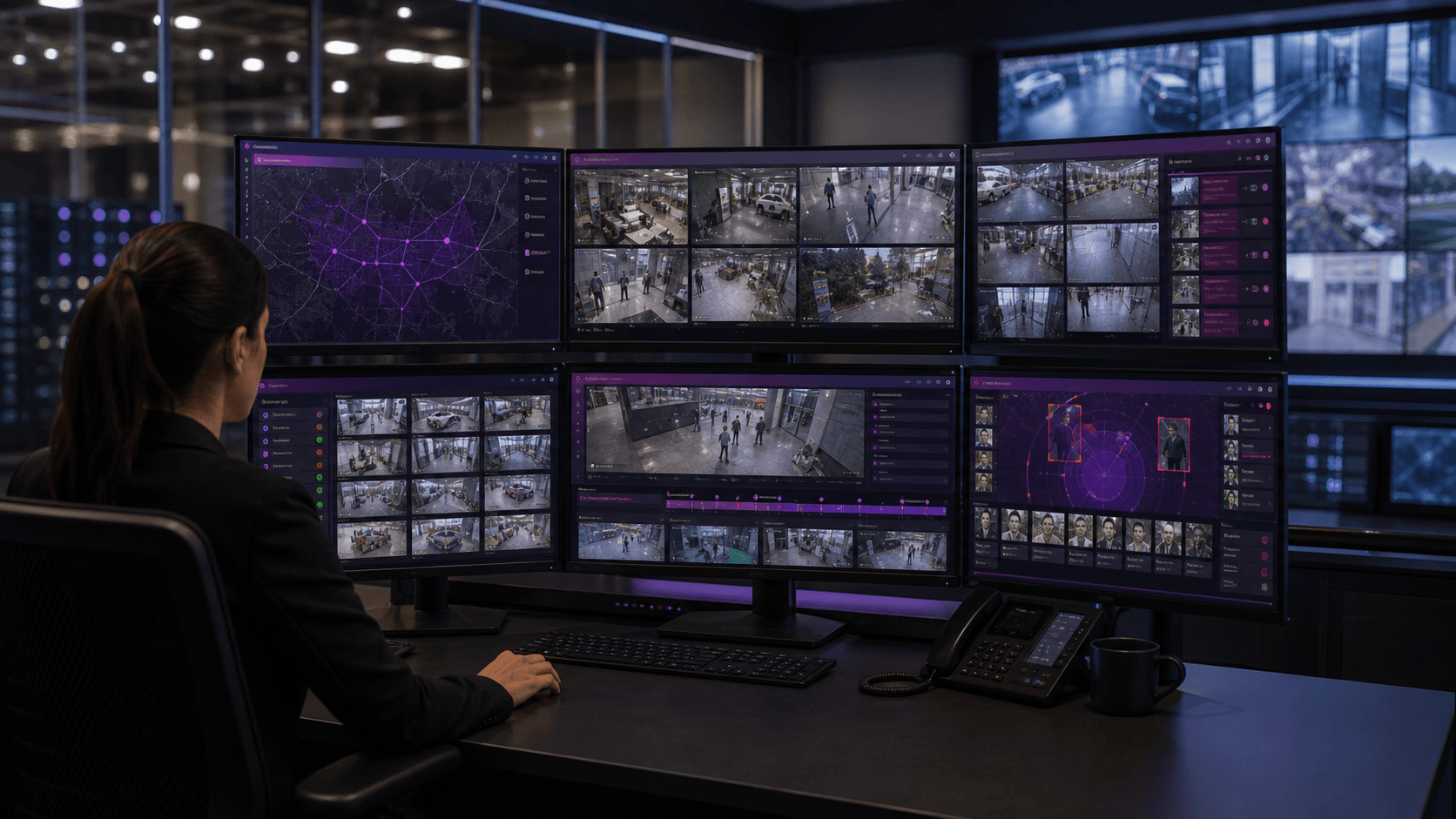
View selected CCTV and IP camera feeds in multi-camera layouts.
Search recorded moments with timeline and event context.
Keep snapshots, clips, actions and audit history together.
Workflow outcome
Every important video event is linked to camera, time, playback, evidence, user action and audit history.
VMS capabilities
Omnivue VMS gives security and operations teams the video management layer needed before, during and after an AI-generated operational event.
View selected camera feeds from one operations console with layouts that match site teams and monitoring rooms.
Review recorded video around important moments instead of searching blindly across long footage windows.
Move from raw video to a searchable timeline of events created by Omnivue AI modules.
Keep review-ready visual evidence attached to access, vehicle, safety, parking and facility events.
Track camera availability and operational readiness so monitoring teams know which views need attention.
Control who can view video, review events and access evidence while retaining an audit history.
VMS plus AI modules
The relationship is deliberately layered: VMS for live view, playback, users and evidence; AI modules for access, attendance, vehicle, parking, safety and facility intelligence.
Attach identity, visitor, contractor and attendance events to video playback, evidence and audit history.
Review vehicle movements, gate decisions, parking exceptions and barrier workflows against camera evidence.
Use video review and event timelines for HSE exceptions, restricted zones, emergency access and facility operations.
Deployment models
Use Omnivue as the central console for live camera monitoring, playback, events, evidence and operational review.
Connect suitable existing camera, NVR or VMS streams where available and add Omnivue workflow intelligence over them.
Deploy close to the site, centrally, or in a hybrid model depending on privacy, latency, bandwidth and scale.
Product workflow
Omnivue VMS brings the daily monitoring view and the incident review workflow together, so teams can move from live video to playback, evidence and follow-up without losing context.
Live camera feeds stay organized by site and operating zone.
Recorded playback is available around the event timeline.
AI alerts carry camera, location, time and evidence context.
Camera health and user actions remain available for review.
Integrations
Integration scope depends on site infrastructure, camera access, system support and deployment design.
Suitable CCTV and IP camera streams
RTSP / ONVIF integration where available
Existing NVR or VMS stream access where technically supported
Access systems, gates, barriers and turnstiles
Dashboards, APIs, webhooks and operational systems
Start with VMS, expand with AI