
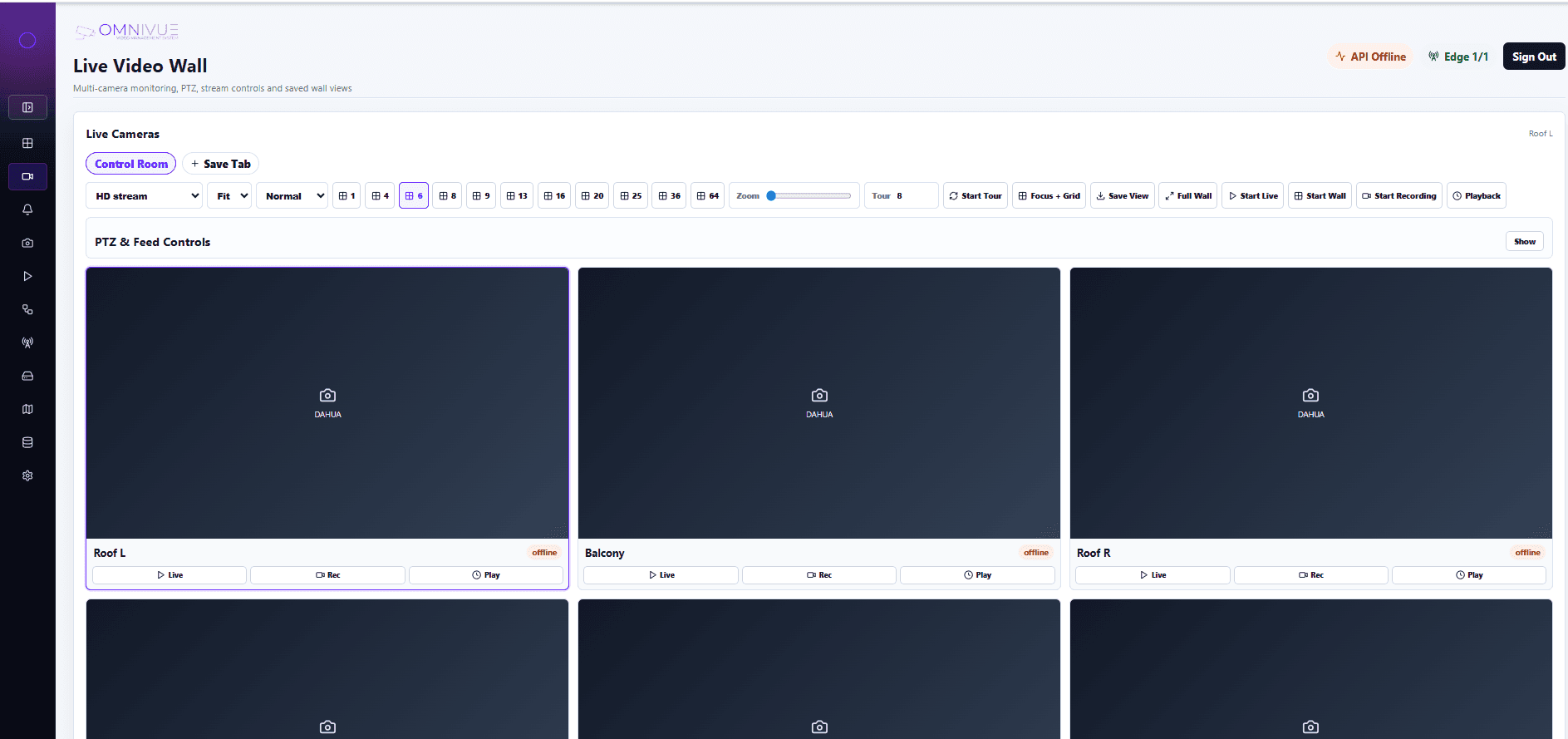
Live Video Wall
Multi-camera layouts, stream controls and saved wall views for security operators.

AI-ready video management for modern CCTV operations.
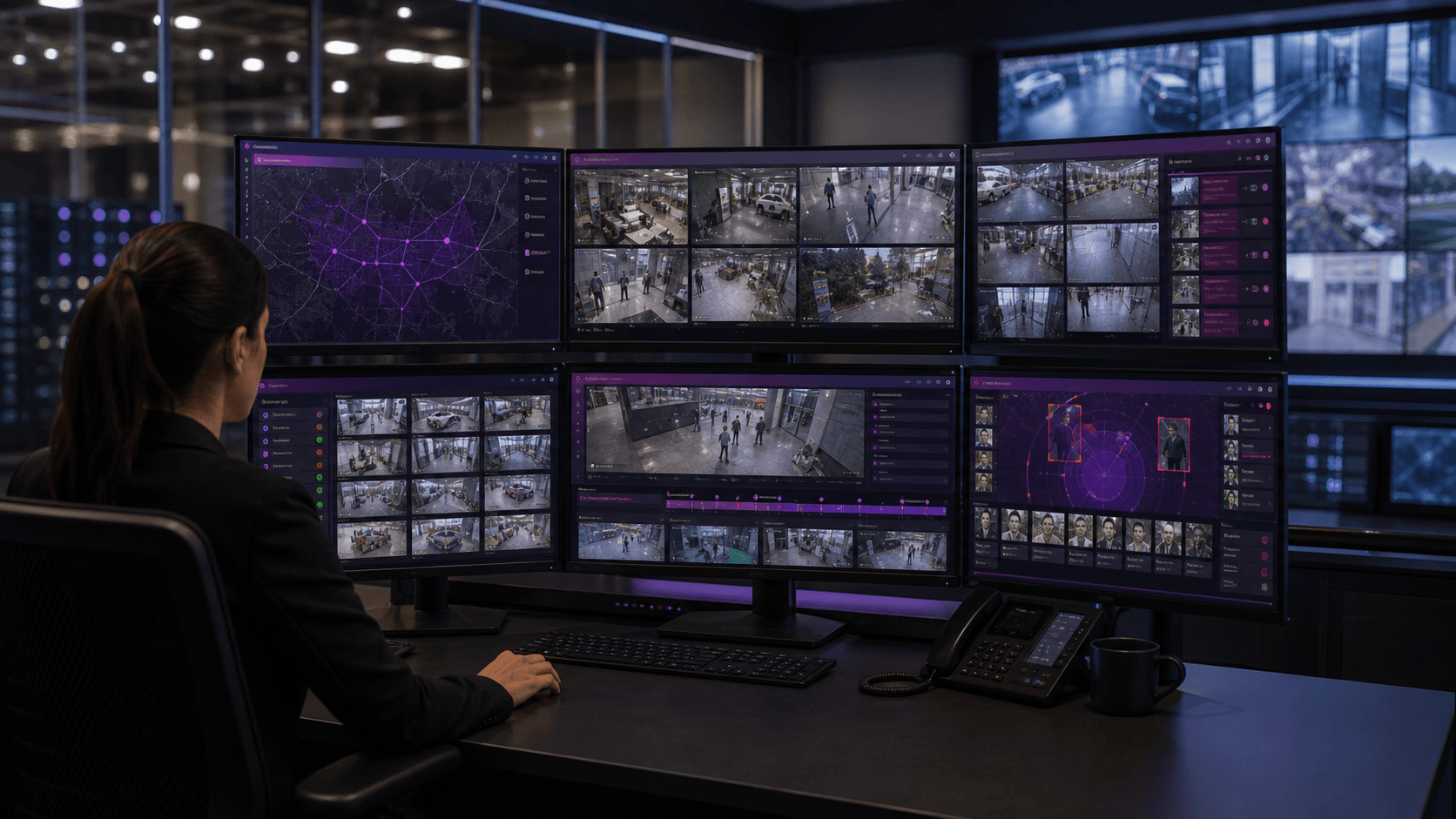
Omnivue VMS is an AI-ready video management layer for live monitoring, playback, camera health, event evidence and multi-site operations. It works with suitable existing CCTV, IP cameras and VMS/NVR streams, and becomes more powerful when combined with Omnivue AI modules for access, safety, vehicles, parking and facility workflows.
Video layer
VMS
Operations
Multi-site
AI
Module-ready
VMS capabilities
Omnivue VMS gives security and operations teams the video layer they need before, during and after AI-triggered events.
Monitor suitable CCTV, IP camera and stream views from one security and operations console.
Organize cameras by gate, lobby, warehouse, parking area, facility, floor or operating zone.
Review recorded video around access events, safety exceptions, vehicle movement and operational incidents.
Search and review AI-triggered events alongside timestamps, cameras, zones, decisions and outcomes.
Keep incident evidence connected to alerts, approvals, violations, escalations and audit records.
Track camera availability, stream readiness and site-level operational visibility for critical views.
Separate control-room, security, operations, admin and management access using role-aware workflows.
Maintain searchable records of events, reviews, user activity, decisions and operational actions.
Give distributed teams a consistent monitoring layer across buildings, campuses, warehouses and facilities.
VMS plus AI modules
Omnivue VMS gives teams live view, playback, evidence and audit history. Omnivue AI modules add the intelligence layer for access, safety, vehicles, parking and facility operations.
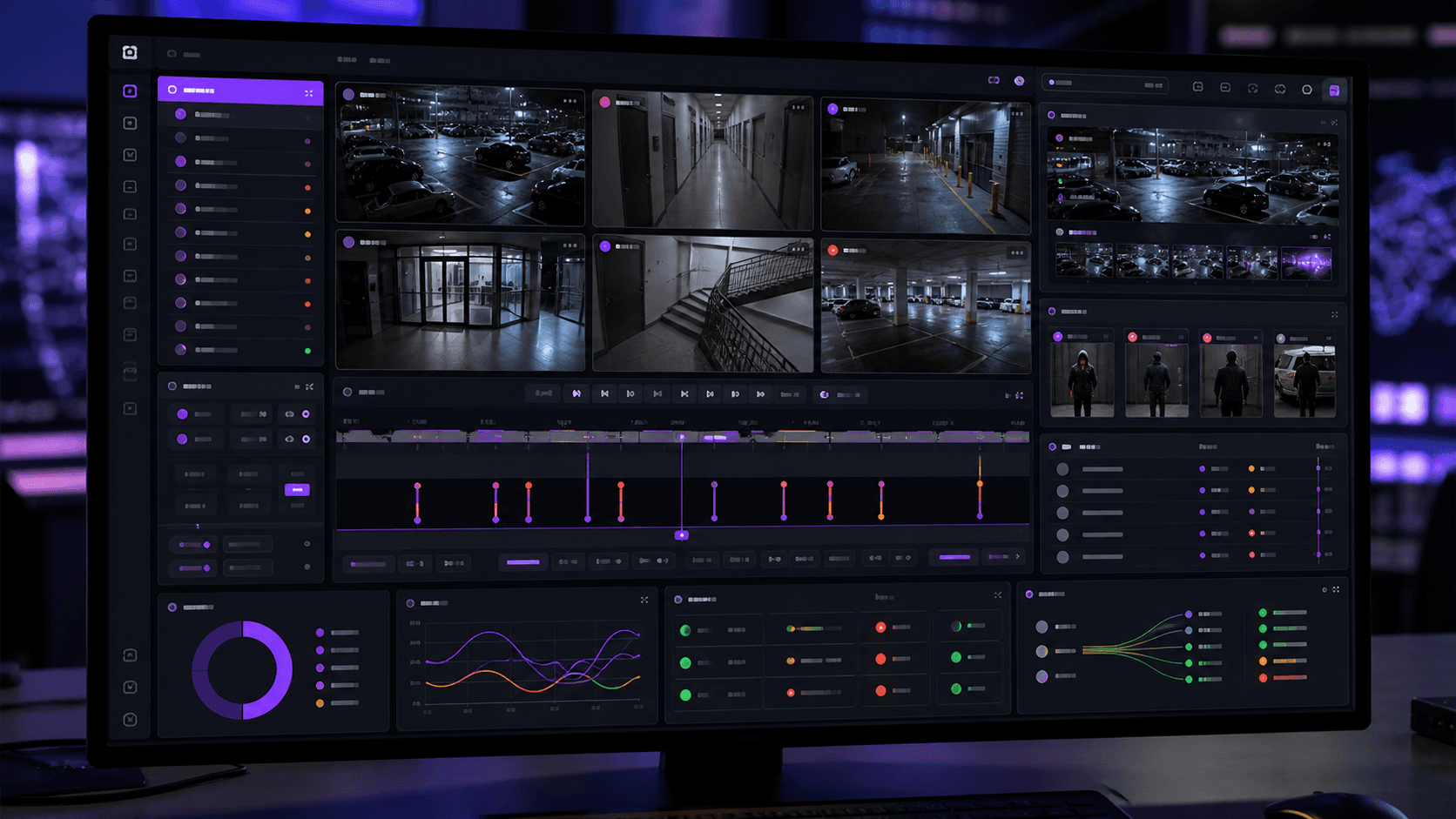
Sentinel adds access intelligence for people, visitors, turnstiles, gates and restricted areas.
Presence adds attendance, inside/outside visibility and workforce records.
PlateVision adds ANPR, vehicle identity, watchlists and movement history.
OperatorAssist and SafeGuard add HSE, restricted-zone, operator and emergency-access evidence.
ParkGuard adds parking workflows, pass validation, entry-exit records and parking exception review.
GateAssist, SpeedGuard, BayFlow, ElevatorAssist and Retail Intelligence extend VMS events into site-specific operations.
Deployment models
Omnivue VMS can start where the current camera infrastructure allows, then expand as more AI workflows, sites and integrations are validated.
Use Omnivue as the primary live view, playback, evidence and event review console for selected sites.
Layer Omnivue VMS beside suitable existing NVR, VMS and camera streams when replacement is not the right first step.
Deploy locally for resilience and governance, then add cloud-connected reporting or remote access where required.
Use cases
Security command center monitoring
Gate, lobby and reception operations
Warehouse and factory safety review
Parking and vehicle movement evidence
Campus and multi-building monitoring
Control-room exception review
Facility incident investigation
Audit-ready operational reporting
Integrations
CCTV and IP camera streams
Suitable NVR/VMS streams
RTSP / ONVIF integration where available
Barriers and turnstiles
Access control systems
APIs and webhooks
Dashboards and reports
Email, SMS or WhatsApp alerts
Real VMS views
These screens show the operational VMS surfaces behind the public website story: live walls, evidence playback, camera event handling and device management.
Multi-camera layouts, stream controls and saved wall views for security operators.
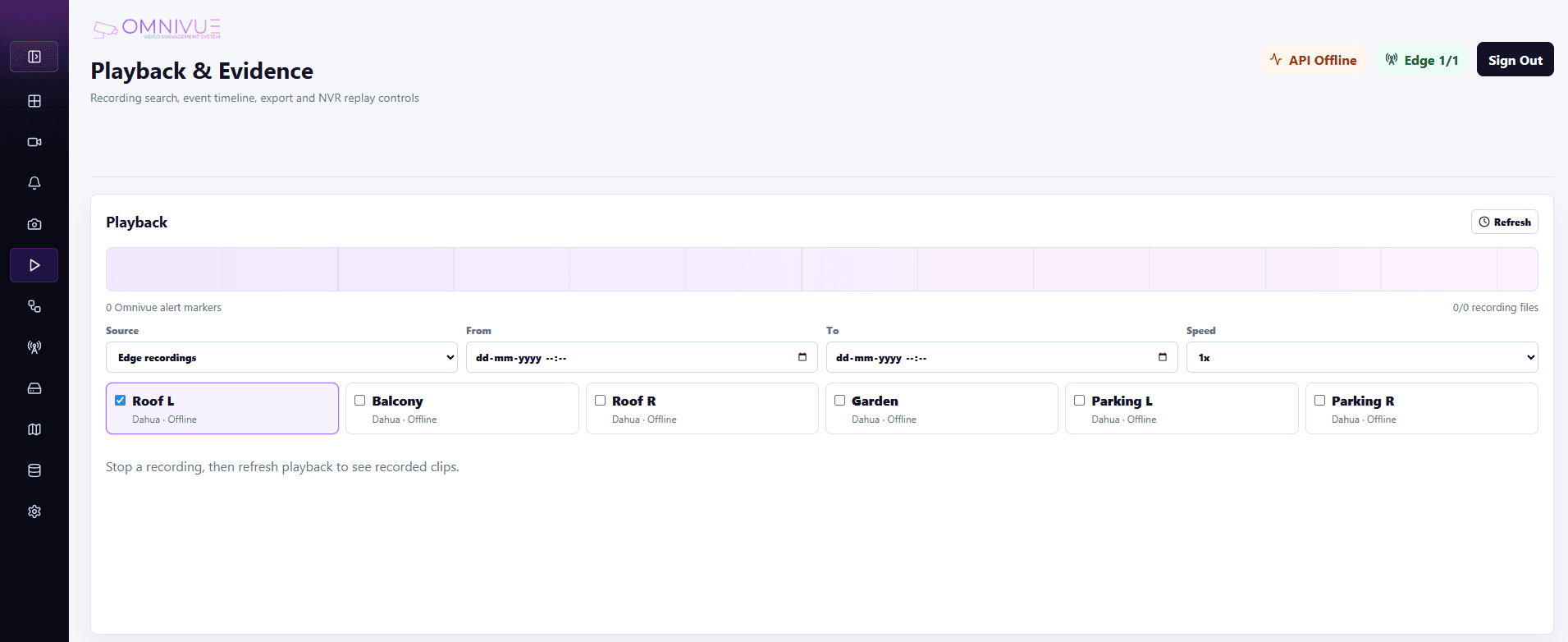
Timeline search, camera selection, alert markers and recorded clip review workflows.
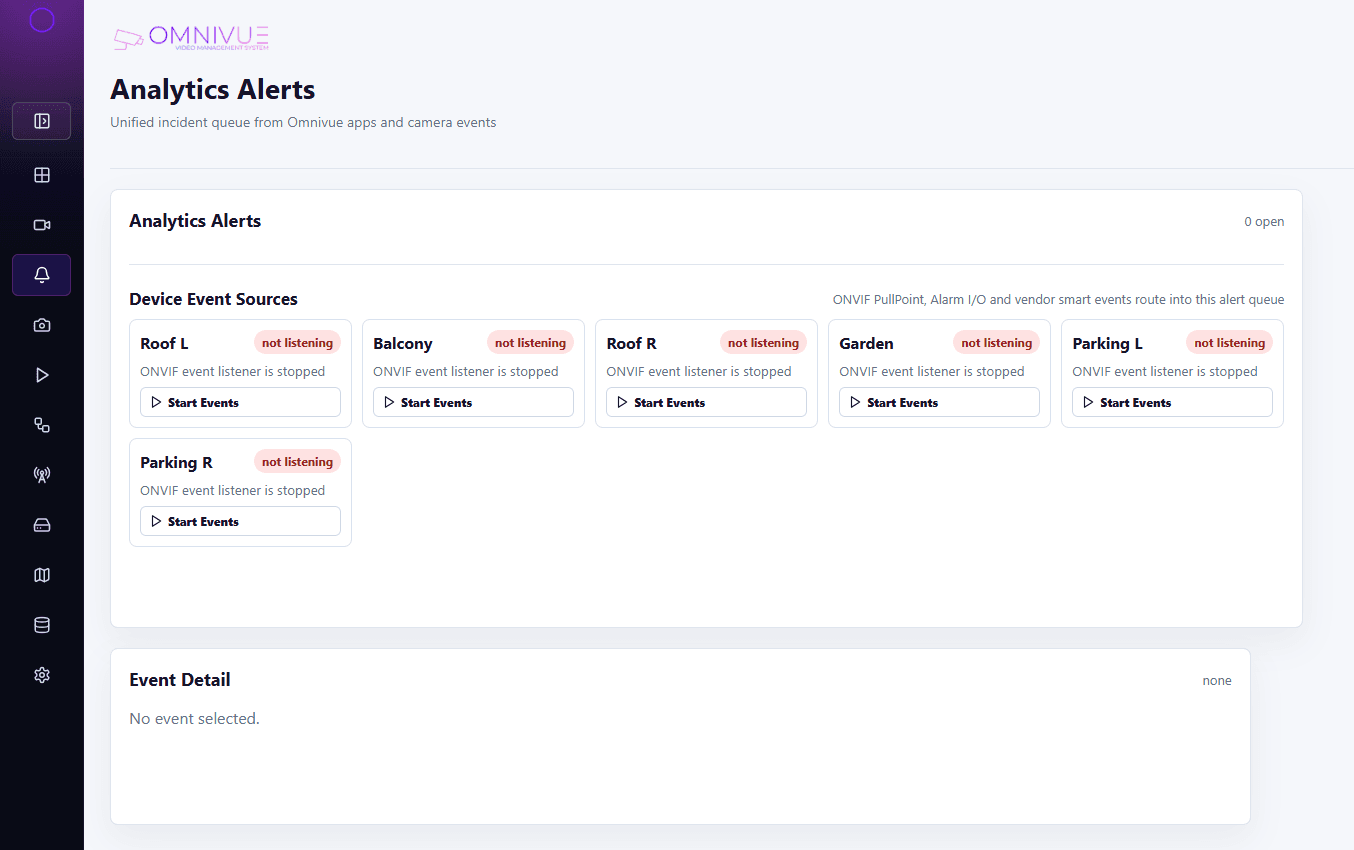
Unified incident queue for camera events, ONVIF device events and AI workflow alerts.
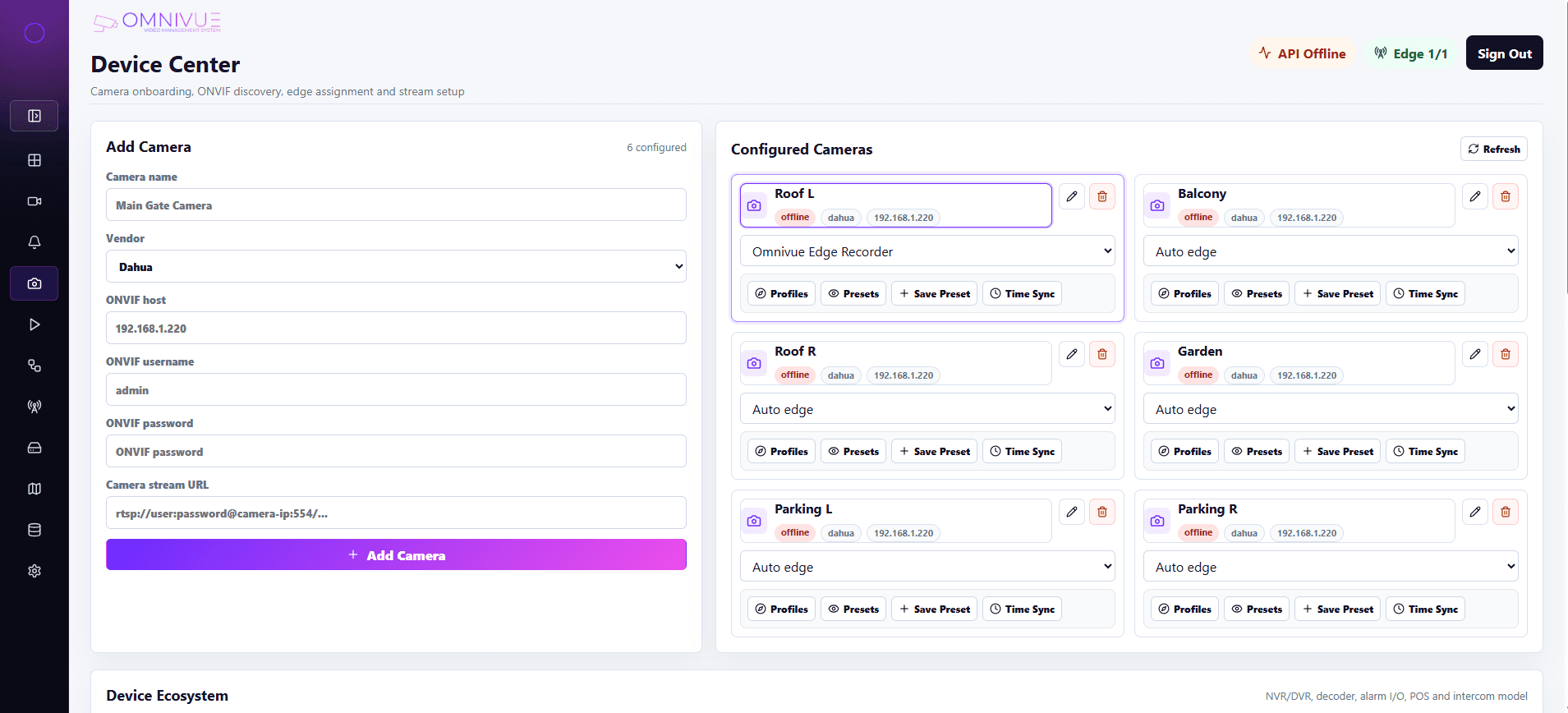
Camera inventory, stream readiness and device-level configuration views.
Plan a VMS rollout
Share your site count, camera count, current NVR/VMS setup, target workflows and deployment preference. Omnivue can recommend a practical starting scope.