
Live video operations
Monitor suitable CCTV, IP camera and VMS/NVR streams from one console with layouts that match sites, gates, floors and operating zones.
Omnivue works with suitable IP camera feeds, detects important access, safety, vehicle and parking events, then helps the customer's team take the right action through alerts, approvals, evidence, reporting and system actions.
Start with one operational problem and selected camera views. Expand after the workflow is validated at your site.
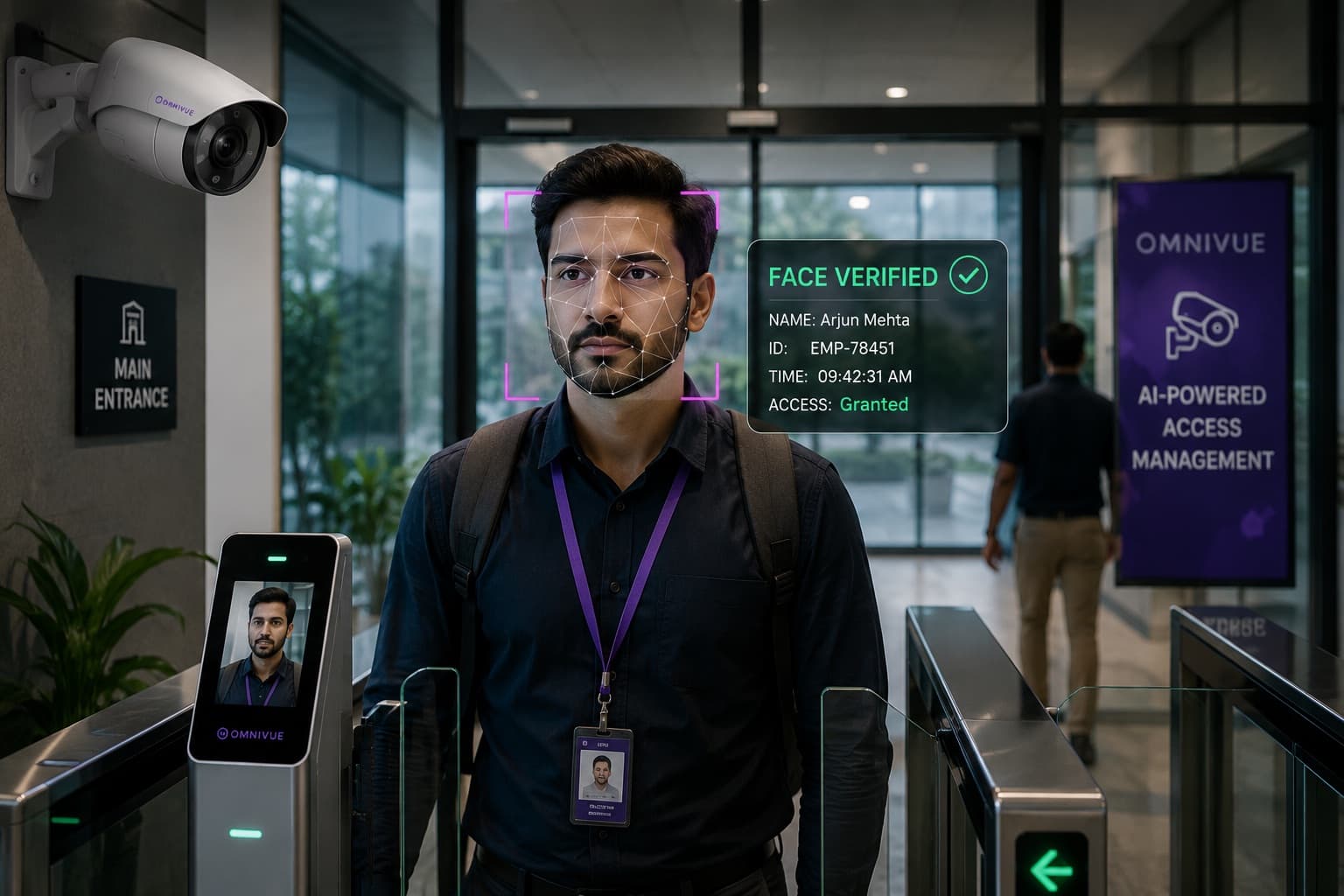
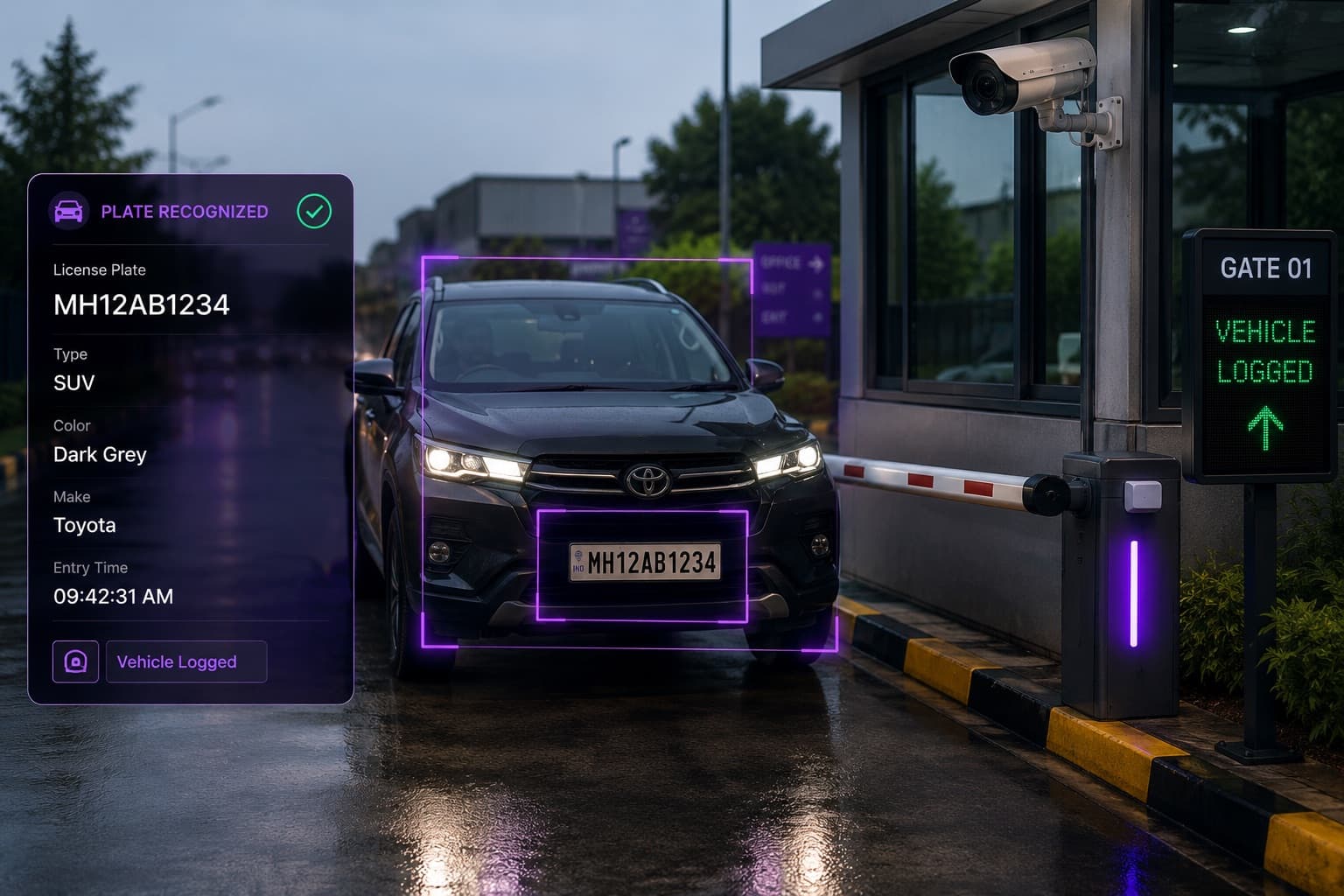
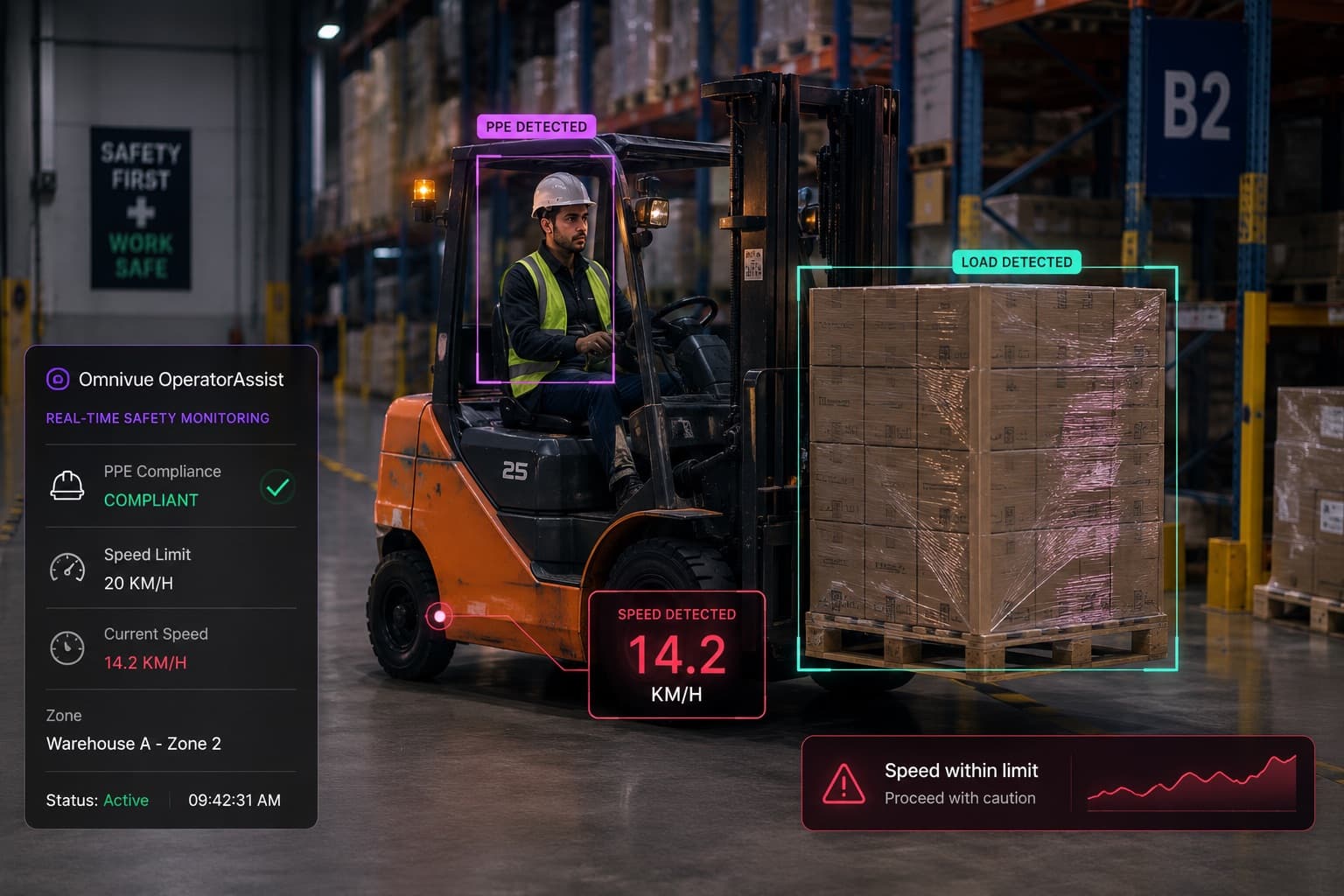
Operational workflow
Alerts, approvals, barriers, evidence, escalation and reports.
Edge online
Validated in live environments
324 personnel
enrolled in a live government attendance validation
45-day controlled pilot
99% uptime
recorded during the DPI Bhopal Presence pilot
Operational government environment
Multi-workflow HSE
validated across live warehouse environments
Safety, speed, parking and obstruction monitoring
Real site deployments
across access, residential and facility operations
Evidence-backed alerts and audit history
Now with Omnivue VMS
Omnivue VMS gives security and operations teams a single console for live camera monitoring, playback, AI event review, evidence, camera health and user access — while Omnivue AI modules convert video into operational workflows.
Omnivue VMS is an AI-ready video management layer for live monitoring, playback, camera health, event evidence and multi-site operations. It works with suitable existing CCTV, IP cameras and VMS/NVR streams, and becomes more powerful when combined with Omnivue AI modules for access, safety, vehicles, parking and facility workflows.
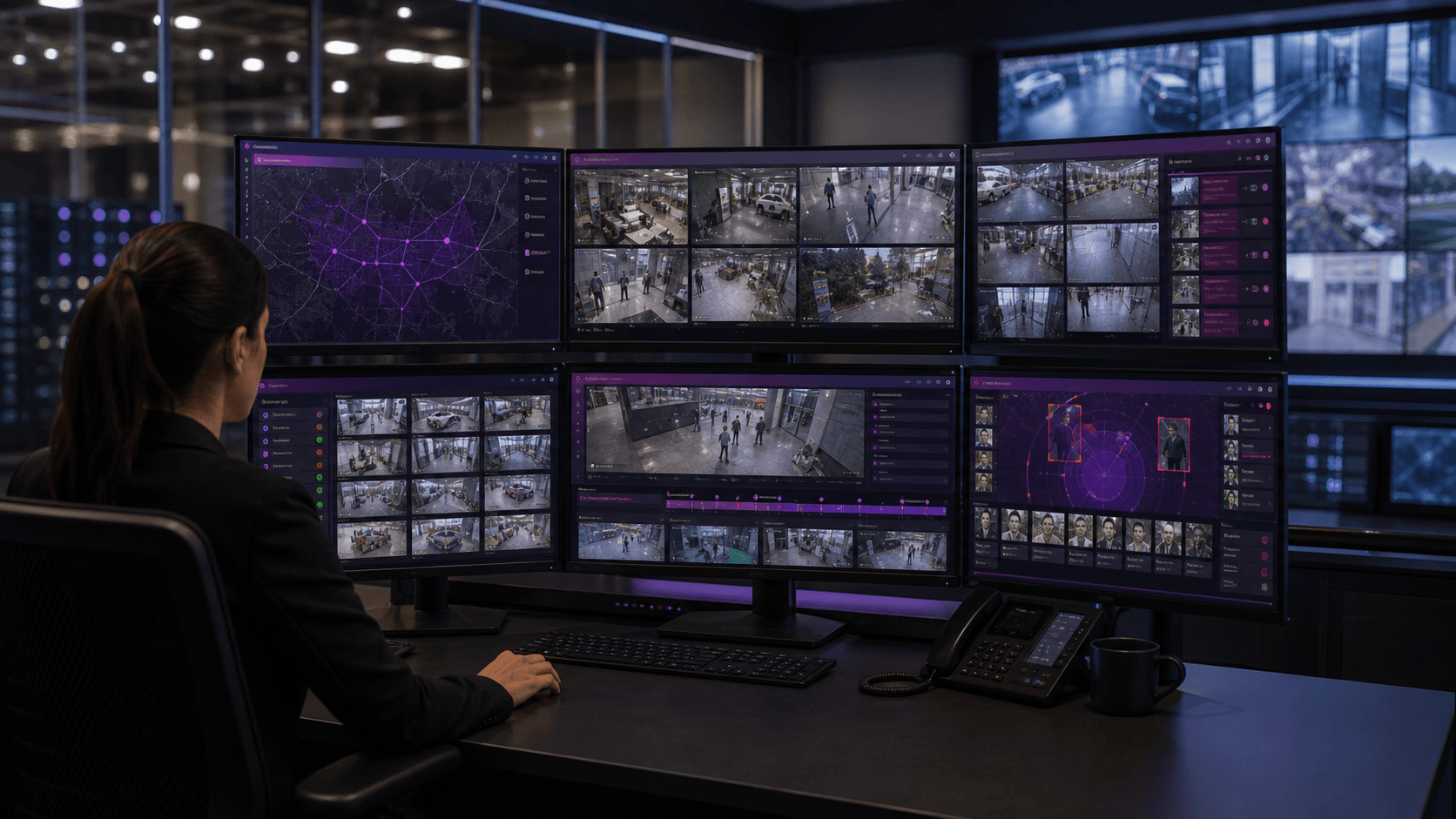
Monitor suitable CCTV, IP camera and VMS/NVR streams from one console with layouts that match sites, gates, floors and operating zones.
Review AI-triggered events with playback context, evidence snapshots, clips, timestamps, decisions and searchable event history.
Start with VMS operations, then add Sentinel, Presence, PlateVision, OperatorAssist, SafeGuard, ParkGuard and other AI modules where workflows are validated.
Three principal solution families
Each family connects camera events to specific decisions, actions, evidence and reports. The relevant Omnivue modules work together behind that workflow.
Manage visitor, employee, contractor and vehicle access through face, QR and plate events connected to approvals, gates, barriers, turnstiles and searchable evidence.
Example workflow
Identity or vehicle event → authorization check → access action → evidence and audit record
Detect and manage PPE exceptions, unsafe forklift activity, pedestrian risk, restricted-zone entry, obstruction, speeding and other safety events.
Example workflow
Safety event → rule and zone context → alert or escalation → evidence and compliance report
Recognize plates, authorize visitor and fleet vehicles, manage barriers, monitor queues and occupancy, and retain searchable entry, exit and parking records.
Example workflow
Plate or vehicle event → authorization or parking rule → barrier or operator action → movement record
Supporting capabilities
Camera-based attendance, inside/outside visibility, exceptions and reports through Presence.
Elevators, reception, lobbies, gates, guards and shared-building exceptions.
A warehouse-specific route into forklift, loading-bay, vehicle and safety workflows.
Queues, customer movement, service zones and branch-level operational insights.
Camera feed to operational action
Omnivue adds the event, context, action and audit layer between site cameras and the teams responsible for operating the location.
Typical outputs
Connect
Assess placement, image quality, lighting, stream access and the operational workflow before deciding which existing cameras, VMS or NVR streams can be reused.
Detect
Omnivue identifies a face, plate, vehicle, person, PPE condition, zone entry, queue or safety exception.
Verify
The event is checked against employee or vehicle records, schedules, allowlists, watchlists, site rules and workflow context.
Act
Notify the responsible team, request an approval, activate a barrier or turnstile, update a connected system or escalate an exception.
Record
Playback context, evidence snapshots, event timelines, timestamps, decisions, acknowledgements, audit history and reports create an operational record.
Deployment evidence
Each case study identifies the operational problem, camera environment, workflow, validation scope and rollout relevance.
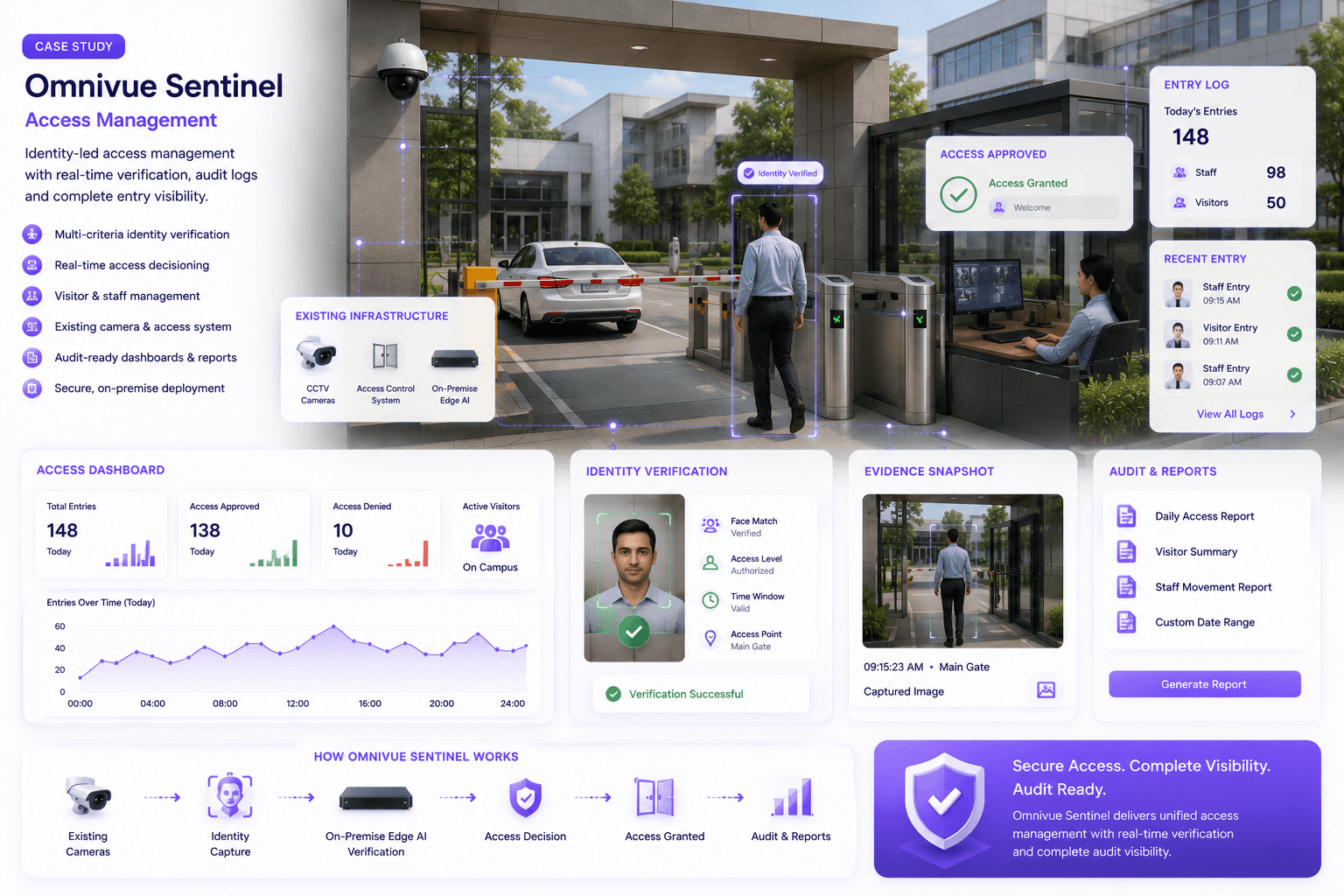
Access intelligence — Government
A secure-access deployment showing how identity events can be connected to gate operations and searchable evidence.
Controlled-access workflow
Operational gate deployment
Evidence-led access history
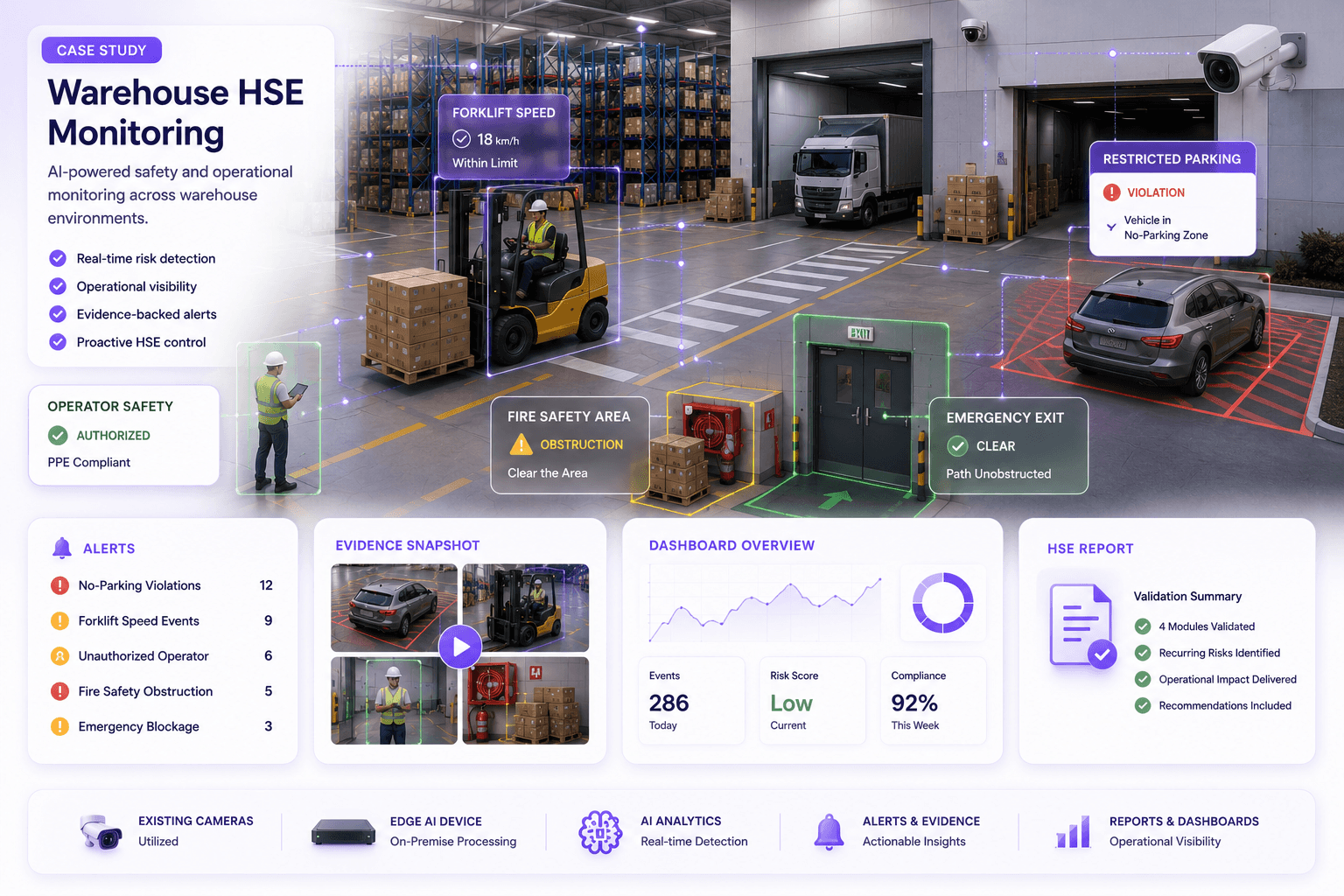
Industrial safety — Dubai
Multiple safety workflows were validated across live warehouse environments using existing operational camera views.
Forklift speed monitoring
Restricted parking and operator compliance
Emergency and fire-safety obstruction evidence
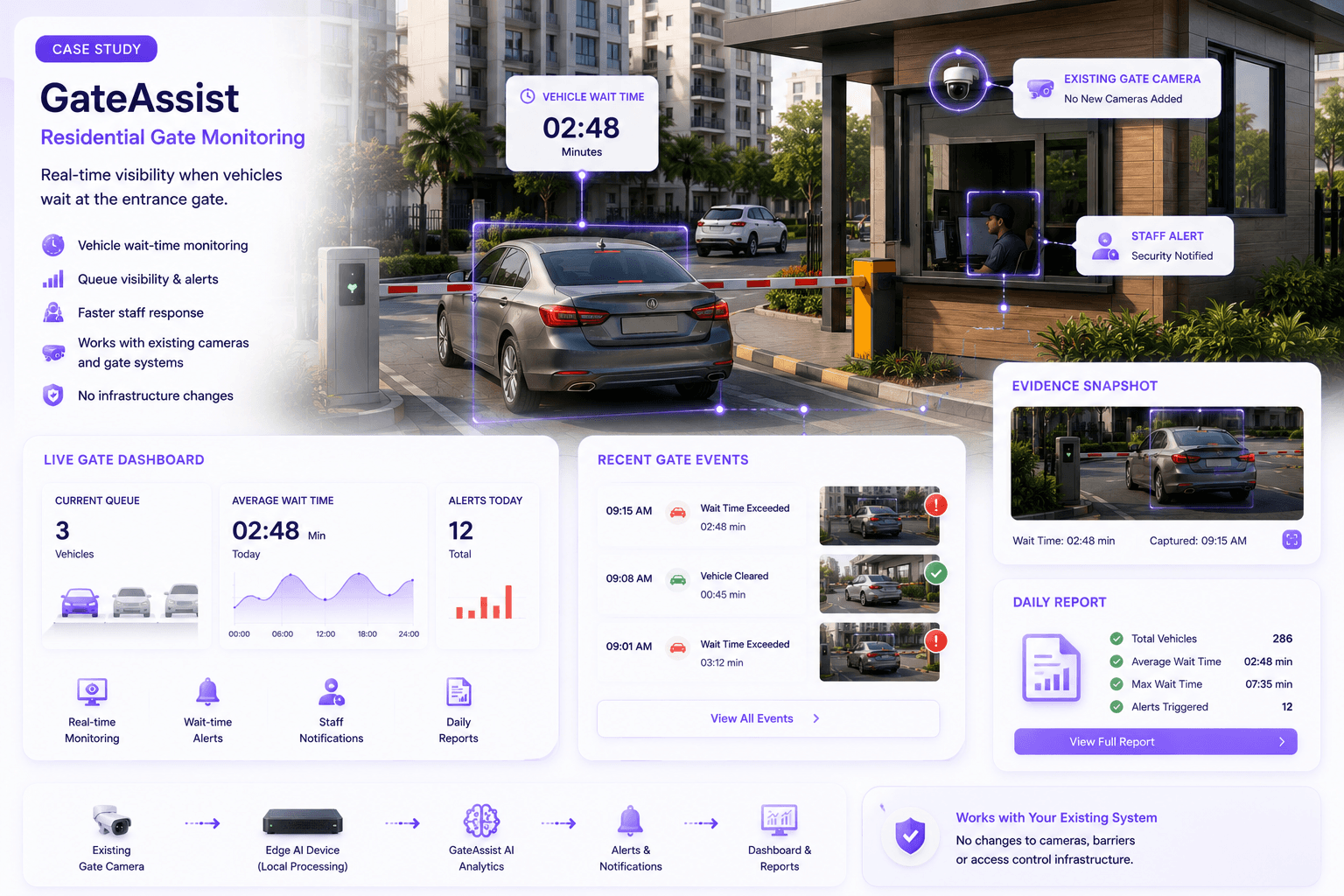
Vehicle and access — Residential
GateAssist provided event-based visibility when vehicles waited too long at the entrance barrier because of access issues, visitors or deliveries.
Vehicle wait-time visibility
Faster security response
Existing entrance camera workflow
Explore by industry
Each industry page connects site conditions and operational problems to the relevant solution families, modules, integrations and proof.
Attendance, controlled access and public-infrastructure workflows
Attendance, campus access, vehicle movement and safety
Forklifts, HSE, vehicle queues, yards and emergency access
Visitor access, gates, parking, elevators and residents
PPE, restricted zones, speed, safety and compliance evidence
ANPR, passes, billing workflows, entry-exit and barriers
Queues, customer movement, zones, parking and operations
Vehicle entry, movement history, depots and safety alerts
Deployment architecture
Omnivue can run at the edge or on-premise and connect to the systems that already manage access, vehicles, people, facilities and incidents.
Reuse selected CCTV and IP camera views where placement, image quality and stream access support the required workflow.
Run video intelligence locally where latency, privacy, governance or resilience matters.
Keep local access, attendance, safety and vehicle workflows operating without continuous internet.
Connect alerts and decisions to barriers, turnstiles, VMS, HRMS, APIs, webhooks and facility systems.
Start with one measurable workflow