Face Recognition Access Control for Residential Communities: Benefits, Risks and Deployment Considerations
Face recognition can reduce friction at residential entrances, but recognition alone is not a complete access system. A successful deployment needs suitable cameras, clear consent and retention rules, alternative credentials, exception handling and integration with visitor and gate operations.
Residential communities are under pressure to make entry faster for residents, easier for visitors and more secure for everyone on site.
Traditional workflows often rely on access cards, stickers, intercom calls, handwritten visitor logs and manual guard verification. These methods can work, but they also create recurring operational problems: forgotten cards, credential sharing, long visitor queues, inconsistent approvals and limited auditability.
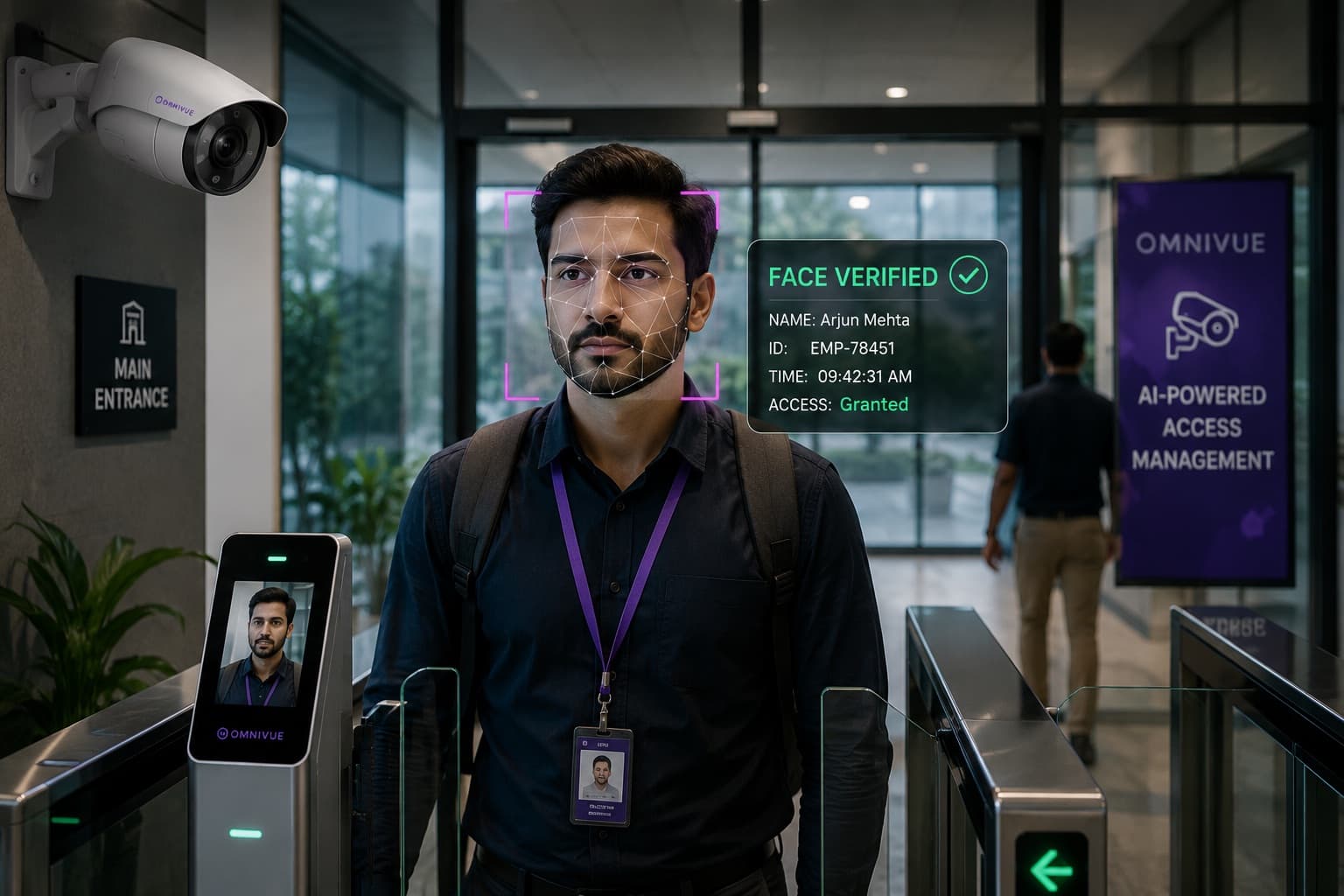
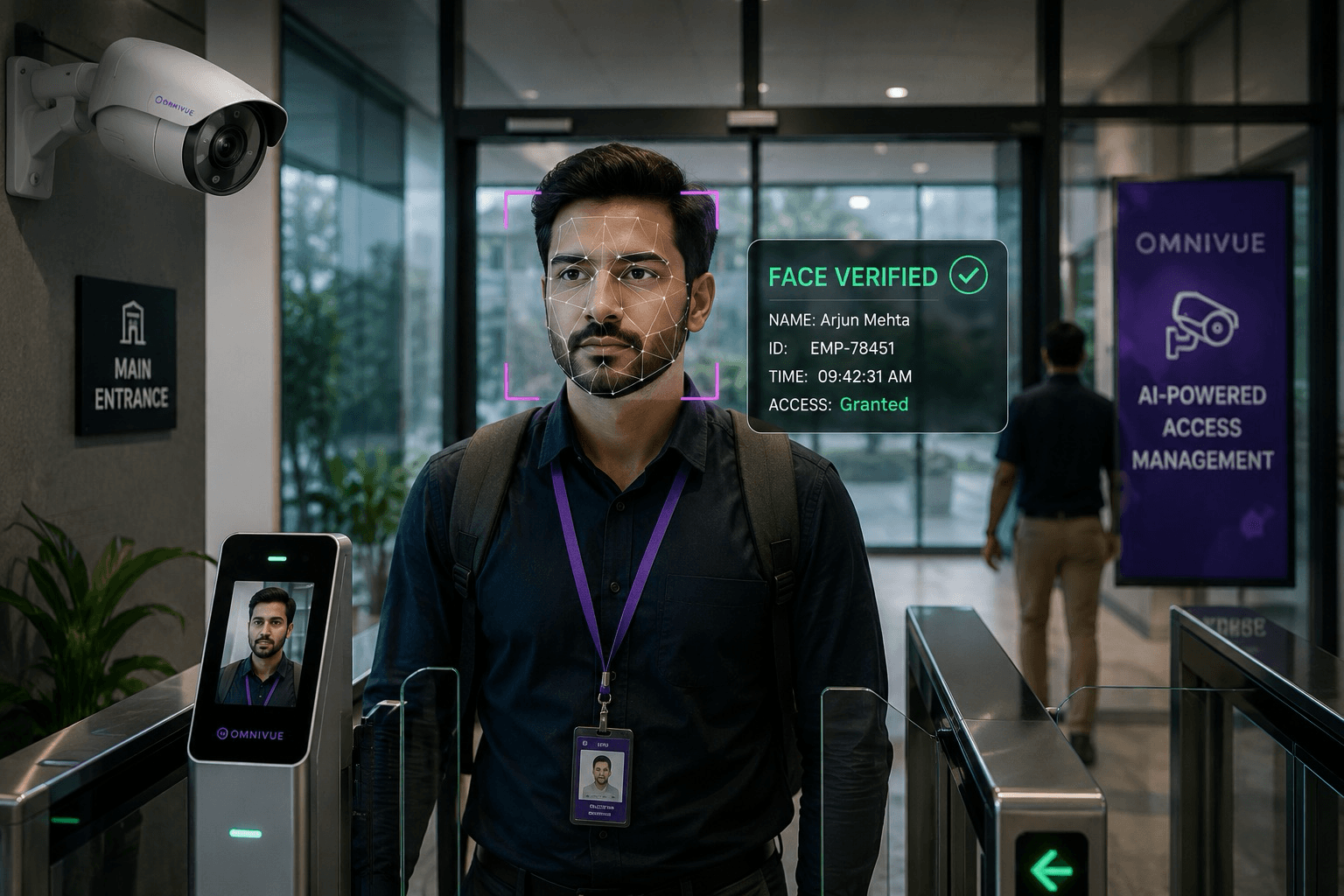
Face recognition can reduce some of that friction. A resident approaches an entrance, the system compares the captured face with an approved enrollment and the access workflow returns the appropriate decision.
But the technology should not be treated as a magical replacement for every credential or security process.
A good project therefore begins with the complete access workflow - not with the face recognition model alone.
What Face Recognition Access Control Actually Does
In a residential access workflow, face recognition generally performs three functions:
- Capture a face from a defined entrance camera or terminal.
- Compare the captured face with enrolled templates for approved residents, employees or service personnel.
- Return a recognition result to an access-management workflow, which applies site rules before allowing, denying or escalating the event.
The access decision may also consider:
- Which gate or door is being used
- Whether access is permitted at that time
- Whether the person is a resident, staff member, vendor or temporary user
- Whether the enrollment is active or suspended
- Whether a second factor is required
- Whether the event should be reviewed by security
This distinction matters. A successful recognition does not automatically mean that access should be granted. The business rule still decides what happens next.
Recognition is only one step. The access workflow still decides what happens next.
Where Face Recognition Can Improve Residential Operations
1. Faster resident entry
Residents do not need to search for a card, sticker or phone at every entry point. At suitable entrances, recognition can provide a more natural and contactless experience.
2. Reduced credential sharing
Physical cards and vehicle stickers can be transferred. A biometric credential is harder to lend to another person, although it should still be protected with appropriate enrollment and review controls.
3. Better event traceability
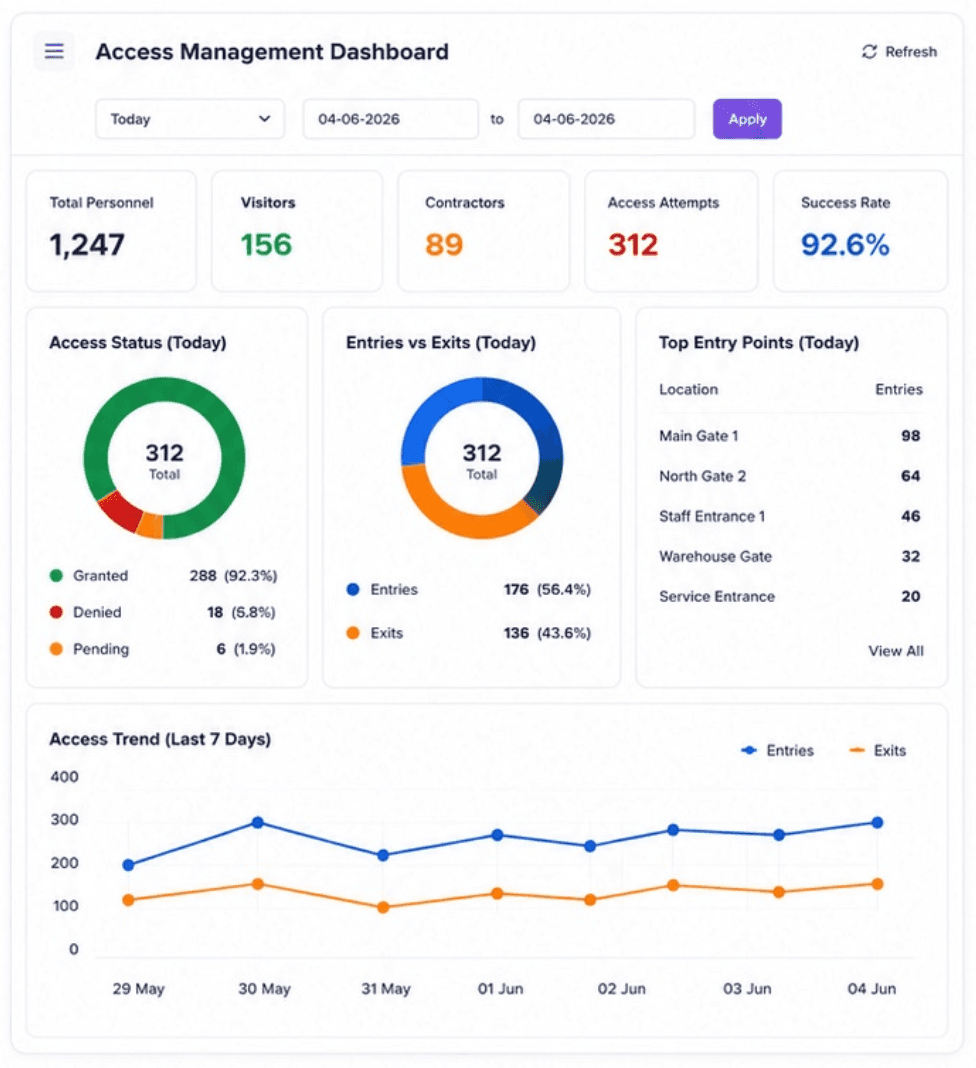
A structured event record can associate the identity result with the time, entrance, camera and access outcome. This can make incident review and dispute handling more efficient, subject to retention and privacy policy.
4. Support for multiple entrances
A central system can apply consistent permissions across gates, lobbies, clubhouses and selected staff entrances while preserving entrance-specific rules.
5. Reduced repetitive guard checks
Security personnel can focus on exceptions, unknown persons and visitor handling rather than repeatedly verifying familiar residents.
Where Face Recognition Should Not Be the Only Credential
Residential sites should avoid designing a workflow in which one biometric result becomes the only route through every entrance.
Recognition may be affected by:
- Poor camera angle or backlighting
- Face coverings, helmets or large sunglasses
- Substantial appearance changes
- Crowded entrances and partial occlusion
- Children growing over time
- Network or server availability
- Enrollment quality
- Camera contamination, vibration or damage
A robust system should provide alternatives such as:
- Access card or mobile credential
- QR code for approved visitors
- Intercom verification
- Guard-assisted review
- Manual override with reason capture
- Secondary PIN or credential at selected locations
The Most Important Design Decision: Enrollment
The quality and governance of enrollment often matters as much as the recognition model.
A practical enrollment process should define:
- Who is eligible to enroll
- Who verifies the person during enrollment
- What consent or notice is required
- Which entrances the enrollment can access
- How long the enrollment remains active
- How residents update or revoke their enrollment
- How duplicate or poor-quality enrollments are handled
- How children, domestic staff, vendors and temporary users are treated
Enrollment should use suitable images captured under controlled conditions. Importing random photographs from messaging apps or social profiles may create poor quality, uncertain consent and avoidable security risk.
Camera Placement and Entrance Conditions
A camera installed for broad surveillance is not automatically suitable for face recognition.
The entrance should be assessed for:
- Frontal or near-frontal face capture
- Sufficient face size in the image
- Consistent lighting across the day
- Backlight from glass doors or open gates
- Walking speed and expected direction
- Crowding and tailgating
- Camera height and downward angle
- Night-time image quality
- Rain, dust or outdoor exposure
In many projects, repositioning a camera or controlling the capture point produces a larger improvement than changing the recognition model.
A surveillance camera is not automatically a face recognition camera.
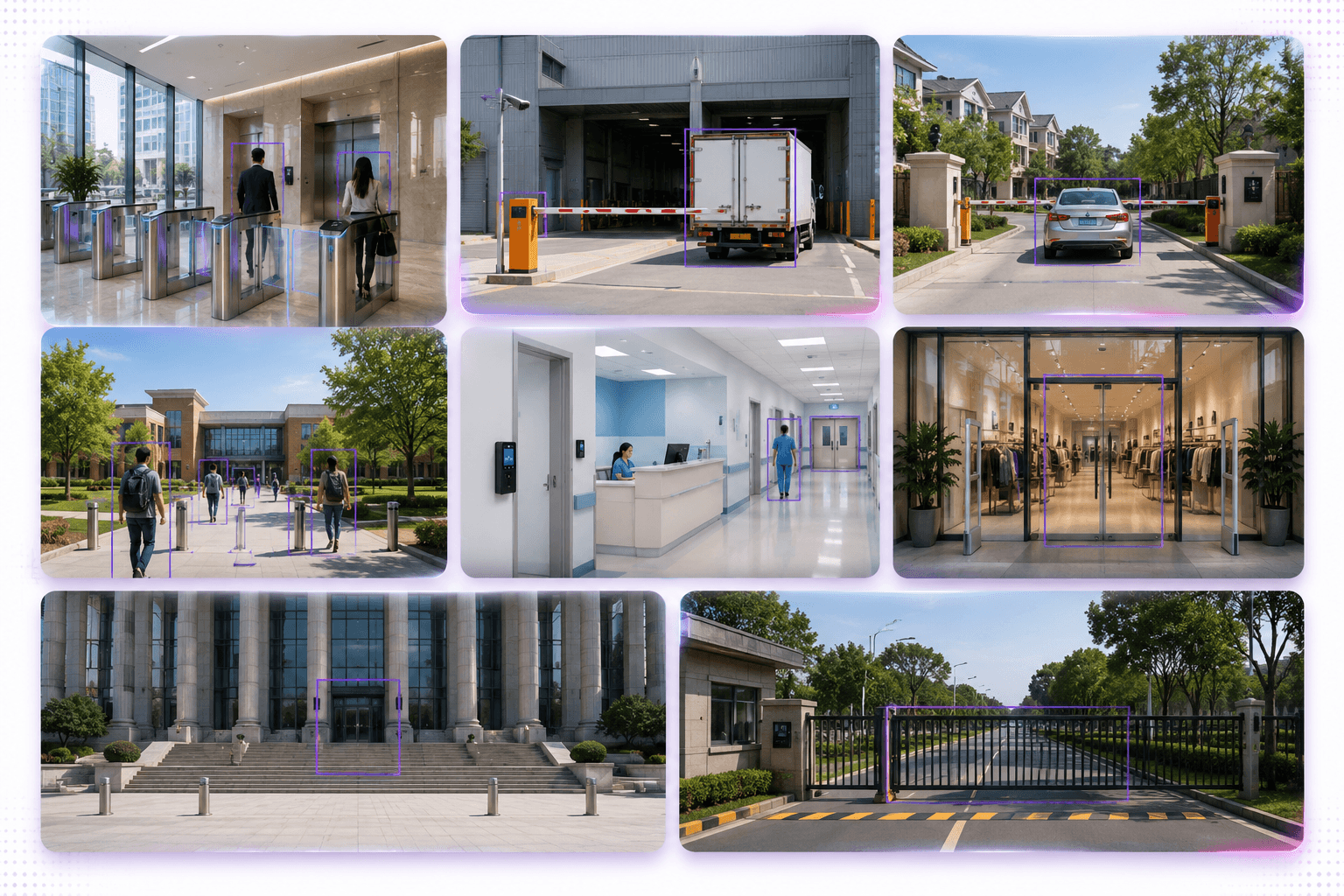
Residents, Visitors and Staff Need Different Workflows
Residents
Residents typically require recurring access with simple self-service update and revocation processes. Permissions may vary by building, gate, amenity or parking area.
Visitors
Visitor recognition should be optional and purpose-limited. A guest may instead receive a QR code, temporary mobile pass or intercom approval. Where facial enrollment is used, the validity period should be clearly defined and automatically expire.
Domestic staff and service personnel
Access may need approved days, time windows, assigned buildings and expiry dates. The system should support suspension and reactivation without requiring a complete re-enrollment each time.
Community employees and contractors
Staff access should be linked to employment or contract status and reviewed when roles change.
Privacy, Consent and Data Governance
Face recognition involves biometric information and should be governed more carefully than an ordinary access-card number.
The exact legal requirements vary by country and jurisdiction. Residential developers and community managers should obtain appropriate legal and privacy guidance before deployment.
At a minimum, the project should define:
- The lawful basis or valid consent mechanism
- What residents are told before enrollment
- Whether a non-biometric alternative is available
- Where biometric templates are stored
- Who can access or export related data
- How long templates and event evidence are retained
- How deletion and withdrawal requests are handled
- Whether data leaves the site or country
- How vendors and integrators are contractually controlled
- How breaches or unauthorized access would be handled
The system should store biometric templates and access events only for defined operational purposes. The project should avoid collecting more data than the workflow requires.
On-Premise, Edge, Cloud or Hybrid?
The deployment model should follow the community’s risk profile, connectivity and operational needs.
Edge or on-premise processing
- Keeps video and biometric processing closer to the site
- Can support faster local decisions
- May continue operating during internet outages
- Can align with stricter data-location requirements
Cloud-managed deployment
- Can simplify administration across multiple communities
- May reduce local server management
- Requires approved connectivity, privacy and data-transfer arrangements
Hybrid deployment
A hybrid design may process recognition locally while sending selected event metadata, health information or authorized evidence to a central application.
Buyers should ask vendors exactly what data leaves the site, when it is transmitted, where it is stored and how long it is retained.
Preventing Tailgating and Misuse
Face recognition verifies an identity; it does not by itself prove that only one person passed through the entrance.
Depending on the site, the workflow may also require:
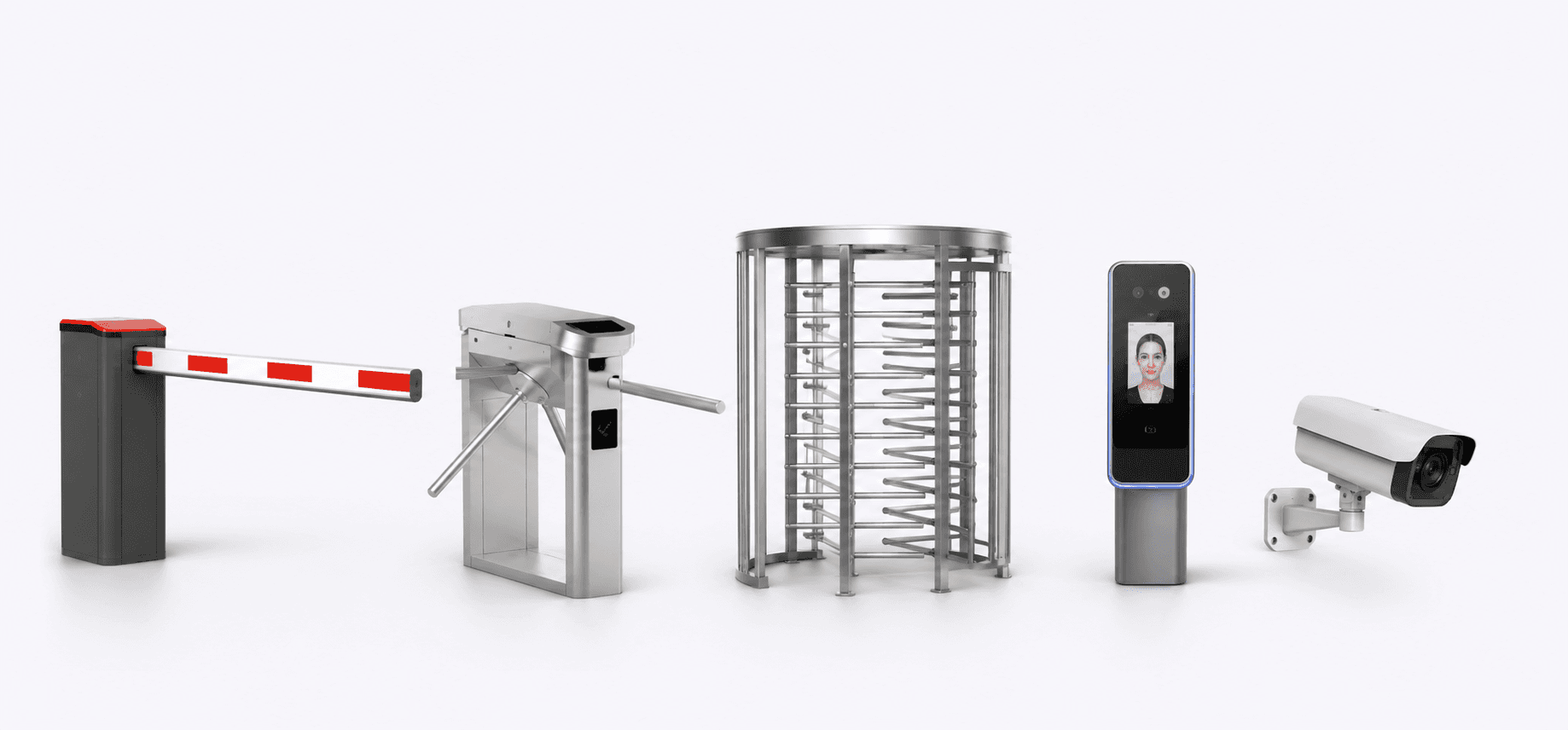
- Turnstile integration
- Door-position monitoring
- People counting at the doorway
- Anti-passback rules
- Guard review for group entry
- Vehicle occupancy or passenger rules
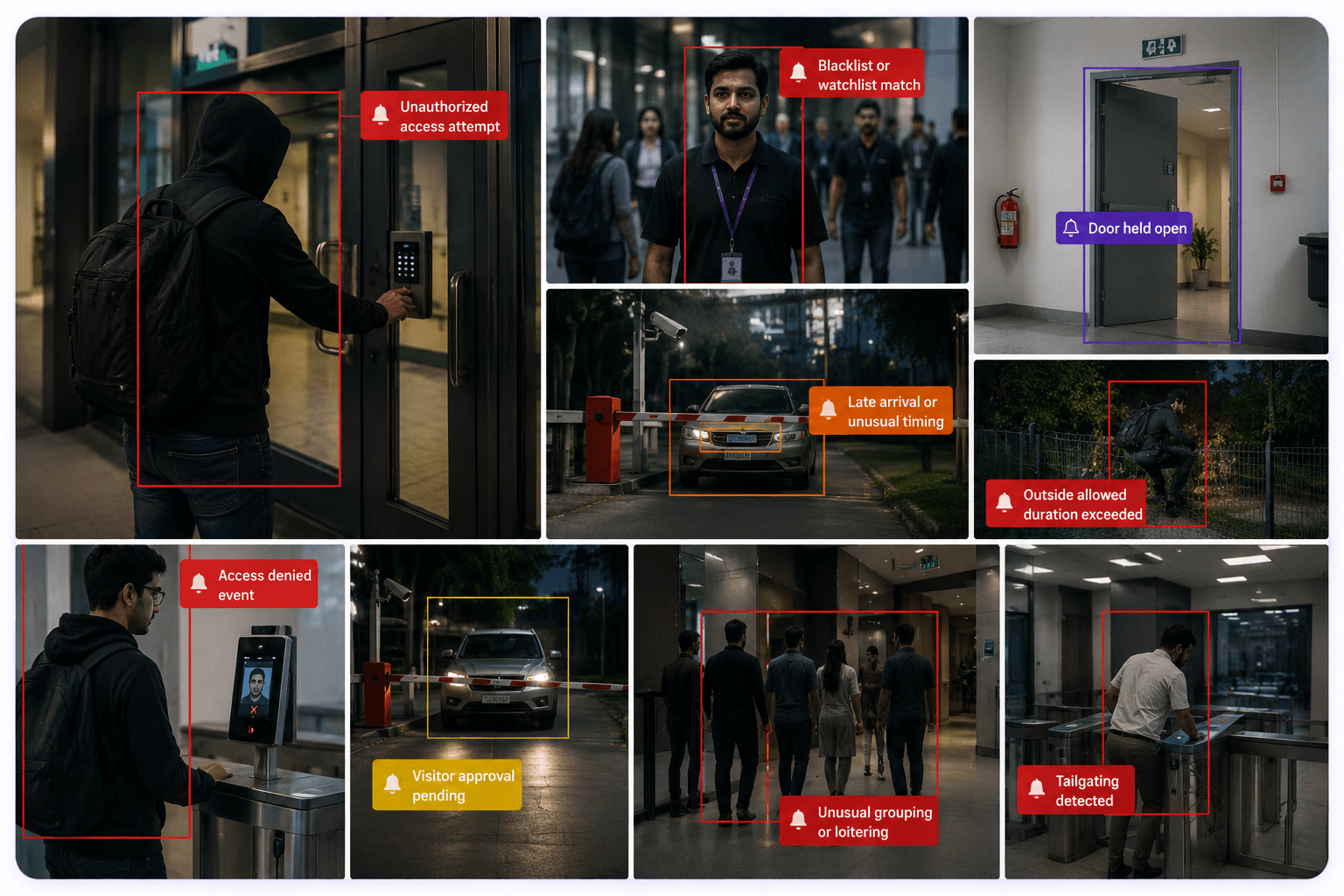
- Alerts when an unknown person follows an approved resident
The physical design of the entrance remains important. A technically accurate recognition event cannot compensate for an uncontrolled opening that allows several people to enter together.
False Matches, Missed Matches and Human Review
No recognition system should be described as infallible. Buyers should evaluate both types of error:
- False match: the system incorrectly associates a person with an enrolled identity.
- Missed match: the system fails to recognize an enrolled person.
The operational impact of each error should be considered. A missed match may create inconvenience. A false match may create a security and privacy concern.
A responsible workflow should define:
- Recognition thresholds
- When a second factor is required
- When guards must review an event
- How residents report problems
- How disputed events are investigated
- How the system is tested across lighting and user groups
How to Structure a Residential Pilot
The safest approach is to begin with one controlled entrance and a clearly defined user group.
A pilot plan should specify:
- Entrance and camera included
- Number and type of participants
- Enrollment method
- Operating hours
- Alternative credentials
- Data-retention period
- Who verifies recognition results
- Success and failure criteria
- Privacy notice and consent process
- Support and escalation process
Useful pilot measures may include:
- Successful entry rate for enrolled users
- Missed-match and review rate
- Average entry time
- Manual interventions required
- Resident feedback
- Performance at day and night
- System availability
- Number and type of exceptions
- Time required to investigate disputed events
The pilot should not be judged only by an accuracy percentage. It should also show whether the complete workflow is acceptable to residents, security teams, facility management and IT.
Questions Buyers Should Ask Vendors
- Can the system work with the existing entrance cameras, or are dedicated capture points required?
- Where are biometric templates processed and stored?
- Can the system operate on-premise or at the edge?
- What happens when recognition is uncertain?
- What alternative credential is available?
- How are residents enrolled, updated and removed?
- Can permissions be limited by entrance and schedule?
- How are visitors and temporary users handled?
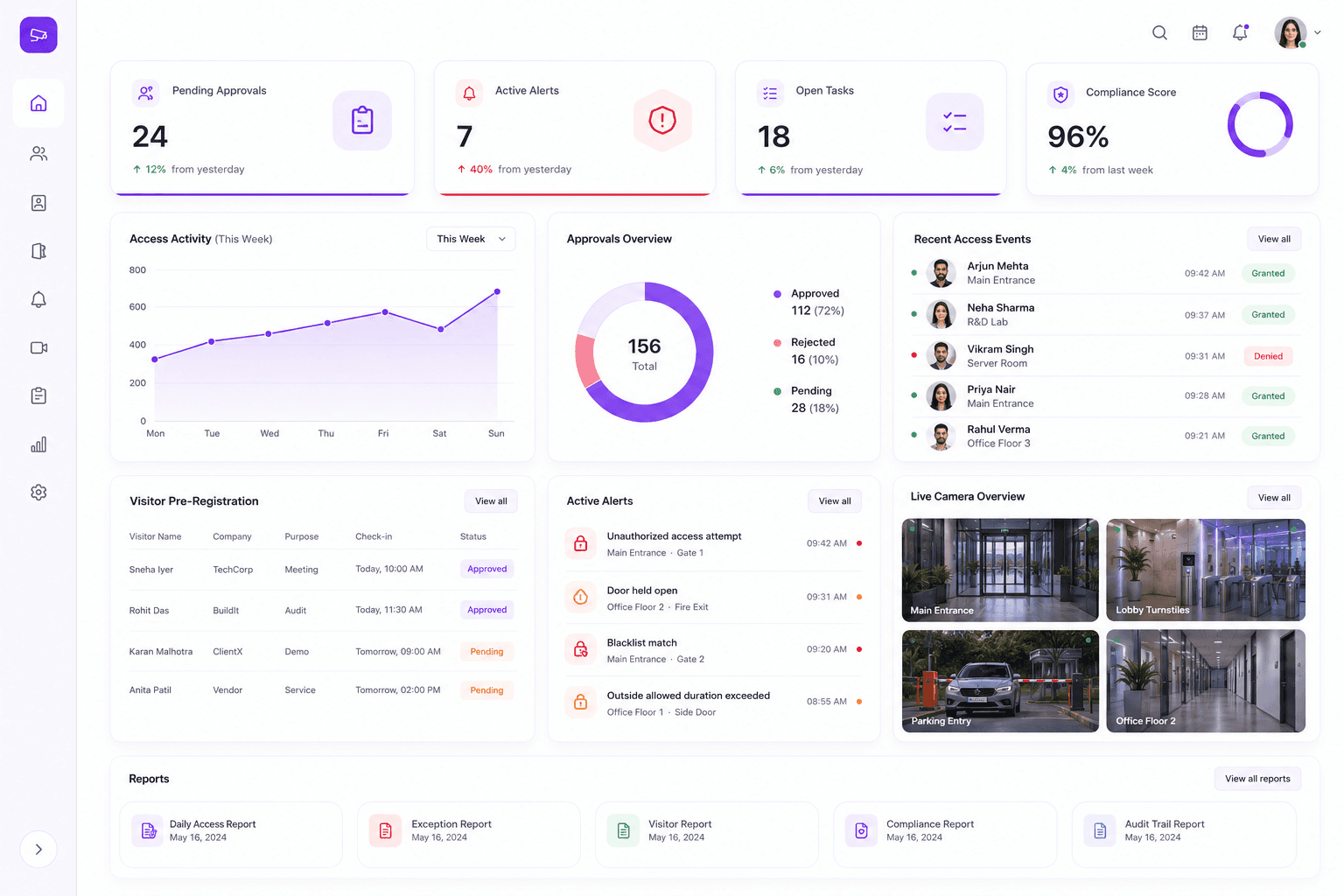
- What evidence is stored for each access event?
- How are false matches, duplicate enrollments and disputes managed?
- Which integrations are supported for barriers, turnstiles, intercoms and visitor systems?
- How will the pilot be validated under actual entrance conditions?
A Practical Deployment Roadmap
- Define the specific entrance problem and user groups.
- Review privacy, consent and data-governance requirements.
- Assess existing cameras, lighting and physical entrance design.
- Design resident, visitor, staff and exception workflows.
- Choose edge, on-premise, cloud or hybrid architecture.
- Run a controlled pilot with alternative credentials available.
- Validate accuracy, usability, privacy controls and operational response.
- Train guards and facility teams on exceptions and overrides.
- Expand only after the first entrance performs reliably.
- Review retention, access permissions and enrollment quality regularly.
Convenience, Security and Trust Must Move Together
Face recognition can make residential access faster, more convenient and easier to audit. But a deployment that ignores consent, alternatives, camera conditions and exception handling can create more problems than it solves.
The strongest projects treat face recognition as one component of a broader access-management workflow.
They combine:
- Reliable capture conditions
- Verified enrollment
- Clear permissions
- Privacy-conscious data handling
- Alternative credentials
- Human review and manual override
- Visitor and staff workflows
- Integration with physical access devices
- Measurable pilot outcomes
When those elements are designed together, face recognition can support residential operations without becoming the only point of trust.
Residential access workflow review
Evaluate Face Recognition as a Complete Access Workflow
Omnivue helps residential developers, community operators and system integrators assess face recognition and access-management workflows across gates, lobbies, turnstiles and selected shared facilities. Share your entrance layout, current access process and user groups. We will help map a practical pilot and exception workflow.