Omnivue
Access Intelligence / Visitor Management

AI Visitor Management Without Replacing Your Access Control System

AI visitor management can improve visitor flow, entry evidence and host accountability without forcing organizations to replace their existing access-control system in the first phase.
Arshad Qureshi, Founder, EnnoverseSeptember 15, 202612-15 min read
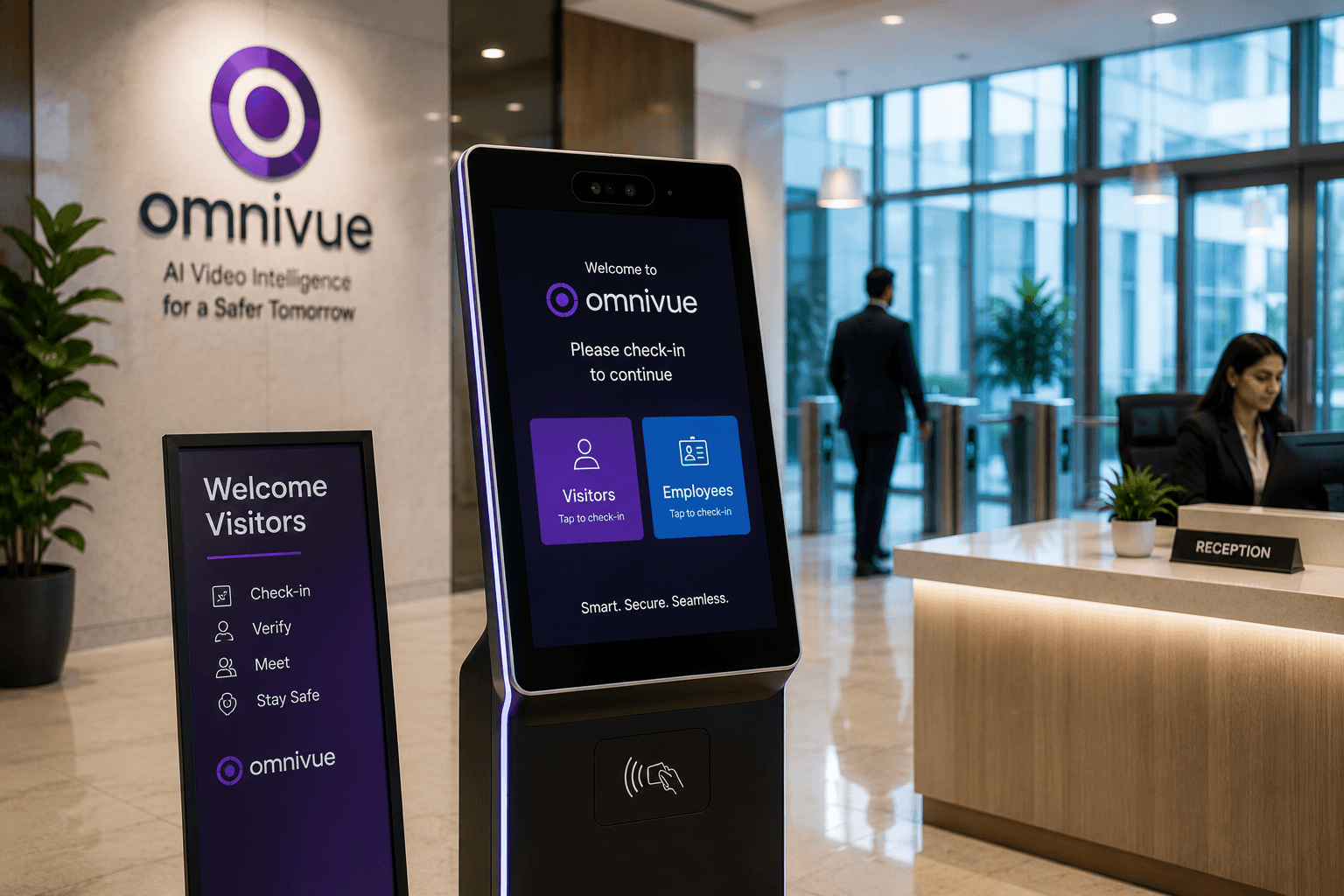
Access intelligence and gate operation visuals for AI visitor management
AI visitor management workflow

Executive summary

Many organizations want better visitor management but hesitate because they do not want to replace access-control hardware, turnstiles, boom barriers, reception software or security processes already in place. AI visitor management can be introduced as an intelligence and workflow layer.
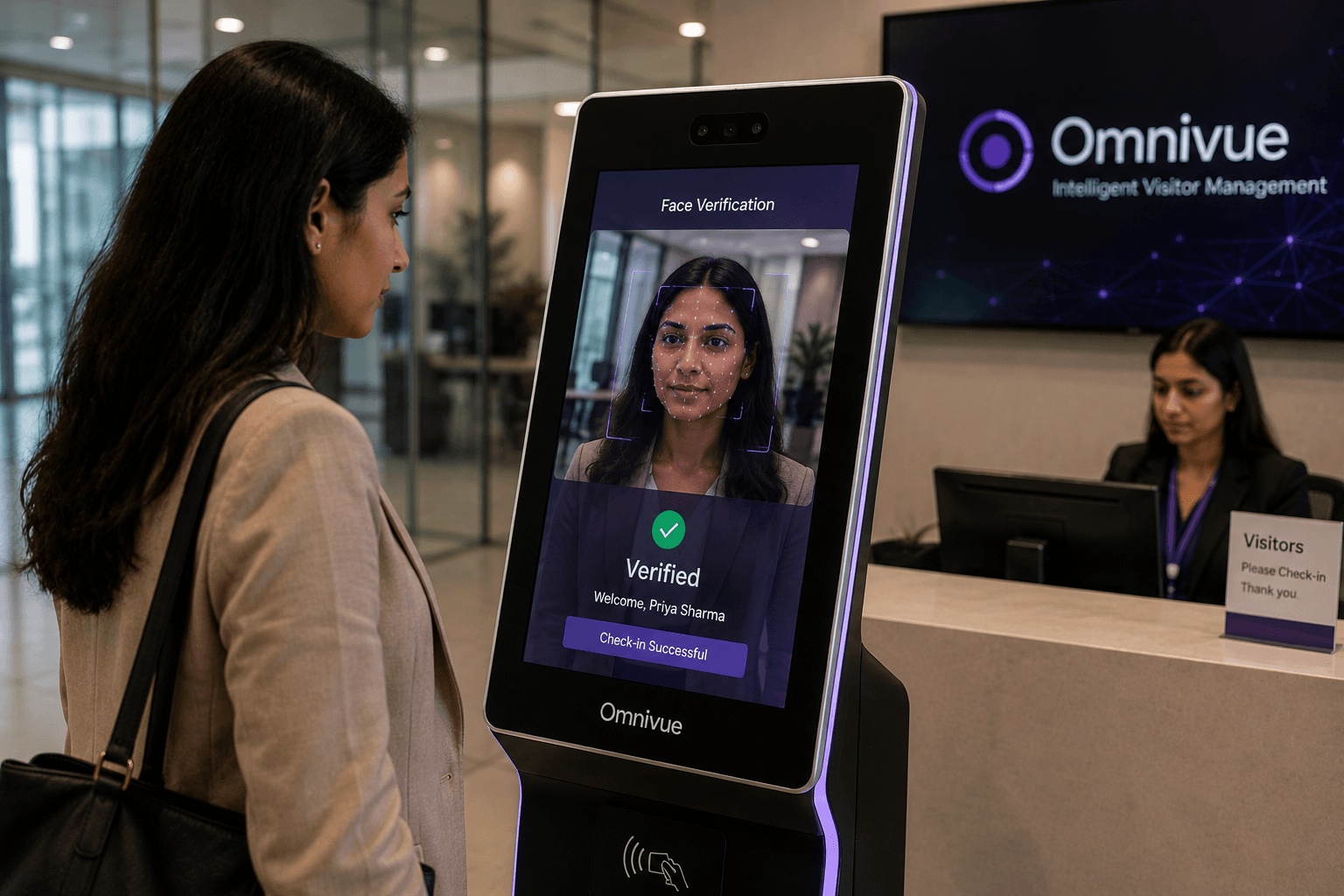
Visitor and access intelligence camera environment
Visitor-management content should visually feel like access operations and security infrastructure, not presentation diagrams.

Why traditional visitor management breaks down

Manual visitor registers are slow, incomplete and difficult to audit. Reception teams may miss repeat visitors, guards may rely on phone calls and hosts may not receive timely information when a visitor arrives. Access-control systems are often strong at credential validation but weaker at the surrounding visitor workflow.

Related Omnivue pages for this topic include Access Intelligence, AI Attendance Management and GateAssist.

What an AI layer can do

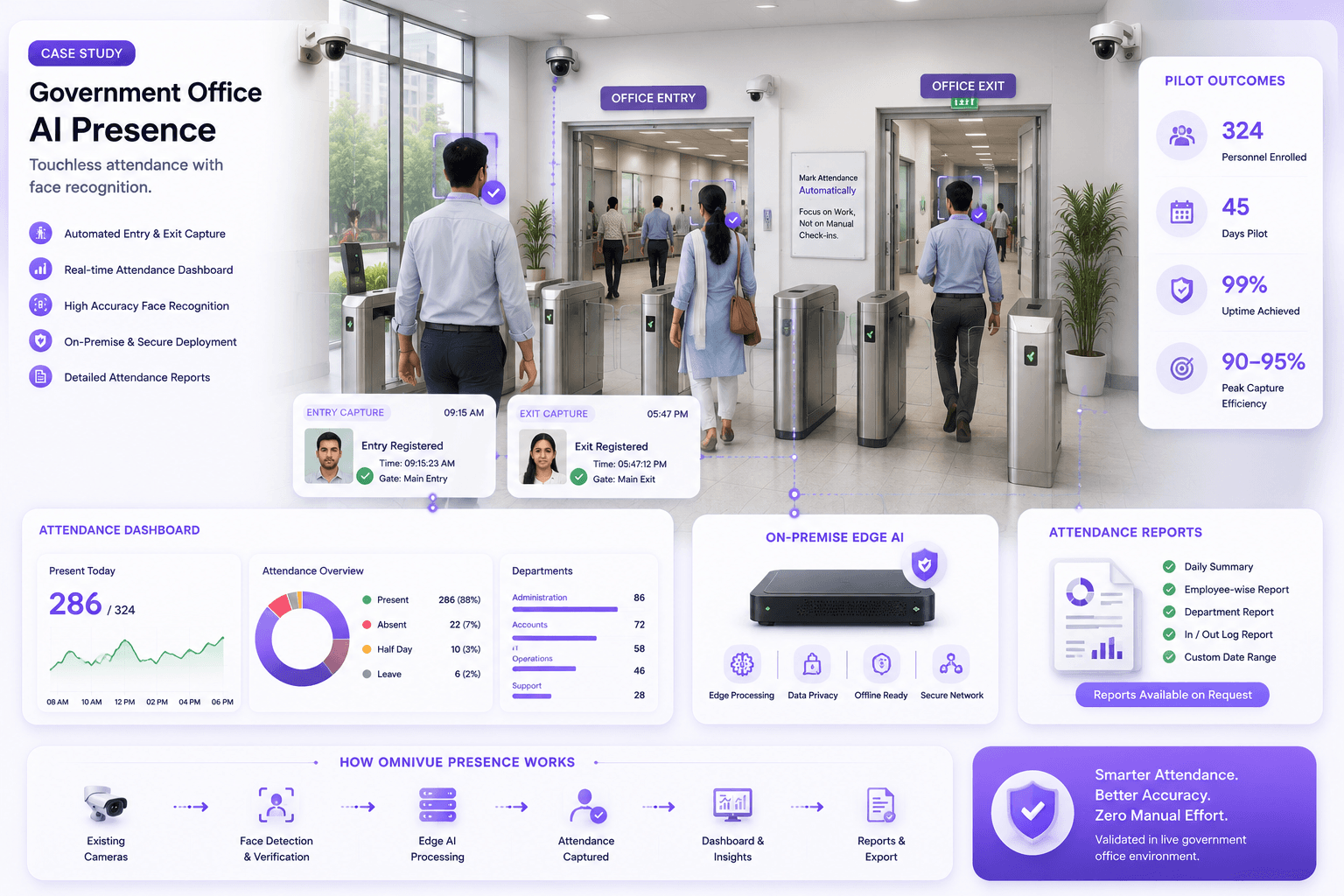
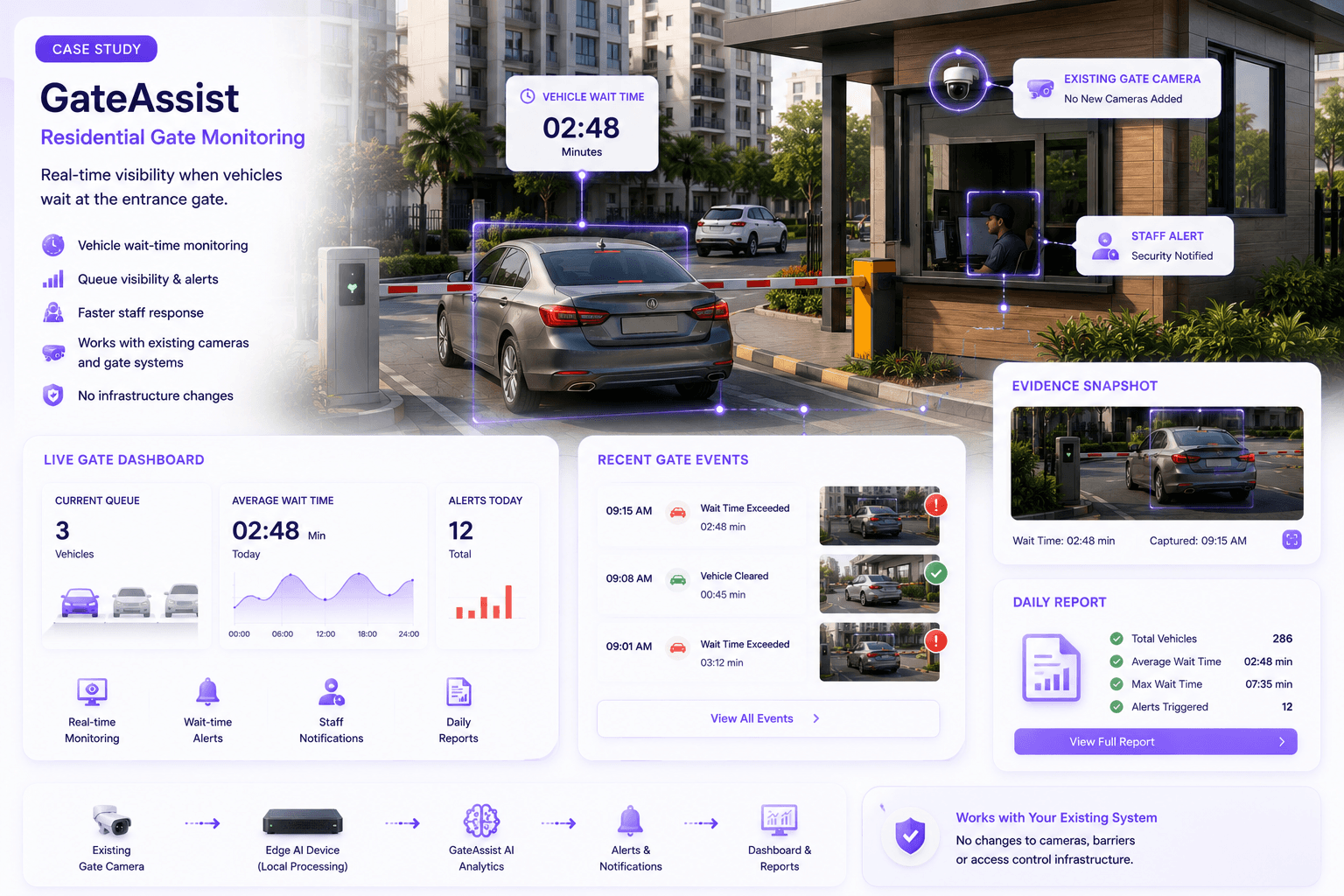
An AI layer can analyze camera feeds at reception, pedestrian gates, vehicle gates and waiting areas. It can create an event when a visitor arrives, connect the event to a pre-registration workflow, notify a host, record entry evidence and support exception handling.

Gate access case study environment used for visitor and vehicle entry intelligence
Real access-control and gate-operation visuals reinforce the visitor-management story.

Keeping existing access control

The key is to separate physical access authorization from intelligence and workflow improvement. The existing system can continue controlling locks, turnstiles or barriers while Omnivue adds detection, notification, evidence, reporting and workflow routing around it.

Decision areaWhat to checkWhy it matters
Camera suitabilityAngle, lighting, resolution and target sizeDetermines whether AI can see the operational event
Workflow ownershipAlert recipient, review process and closurePrevents dashboards from becoming unused reports
Scale decisionValidated scenes, compute needs and support modelTurns a pilot into a controlled rollout

Privacy and governance

Visitor management involves personal data. Any face-assisted or identity-related workflow must be designed with consent, retention policy, access control, audit logs and local privacy requirements in mind. Not every visitor workflow needs biometric identification.

Where Omnivue fits

Relevant Omnivue modules include EntryAssist for entry workflows, Sentinel for access-event awareness, Presence for attendance and presence intelligence, GateAssist for gate operations and PlateVision for vehicle entry workflows.

Visitor workflow review

Modernize Visitor Entry Without a Full Access-Control Replacement

Omnivue helps enterprises, campuses and residential communities evaluate visitor workflows, camera suitability, host notification paths and integration points with existing systems.


Frequently asked questions

Practical questions buyers ask.

Can this work with existing cameras?

In many cases yes, but the camera view, lighting, resolution, stream quality and workflow must be validated first.

Is this a replacement for human operators?

No. AI video analytics supports monitoring, alerting, evidence and reporting. Operational ownership remains with trained teams.

Should this begin as a pilot?

Yes. A pilot helps validate camera suitability, event definitions, alert routing and business value before scale-up.

Can Omnivue deploy on-premise or edge?

Deployment should be chosen according to site requirements, privacy, bandwidth, latency and integration constraints.

What makes the project successful?

Success comes from a clear use case, suitable cameras, defined workflows, measurable outcomes and a scale-up plan.

Continue the foundation series

Related practical guides.

View all articles
Residential community entrance using face recognition as part of a multi-layer access workflow
Residential face recognition access
Access Management and AI Video Intelligence

Face Recognition Access Control for Residential Communities: Benefits, Risks and Deployment Considerations

Face recognition can reduce friction at residential entrances, but recognition alone is not a complete access system. A successful deployment needs suitable cameras, clear consent and retention rules, alternative credentials, exception handling and integration with visitor and gate operations.

August 4, 20269-11 min read
Existing CCTV to operational intelligence
CCTV Modernization

How to Turn Existing CCTV Cameras into Operational Intelligence

Most organizations already have cameras. What they lack is a reliable way to turn video into decisions, alerts, evidence and operational action. Here is how an existing CCTV estate can become the foundation for AI-powered operations - without assuming that every camera must be replaced.

July 18, 20268-10 min read
Evidence-led vendor evaluation
Vendor Evaluation

How to Evaluate AI Video Analytics Vendors

Vendor selection should not be decided by the cleanest demo or the longest feature list. This guide shows how to evaluate whether an AI video analytics platform can perform consistently at your sites, fit your infrastructure and support a complete operational workflow.

July 18, 202611-13 min read