AI Video Analytics for Existing CCTV Cameras: What Really Works (and What Doesn't)
Existing CCTV cameras can often support AI video analytics, but not every camera, angle or scene is suitable. This guide explains what really works, what fails and how to evaluate camera readiness before investing in new hardware.
Executive summary
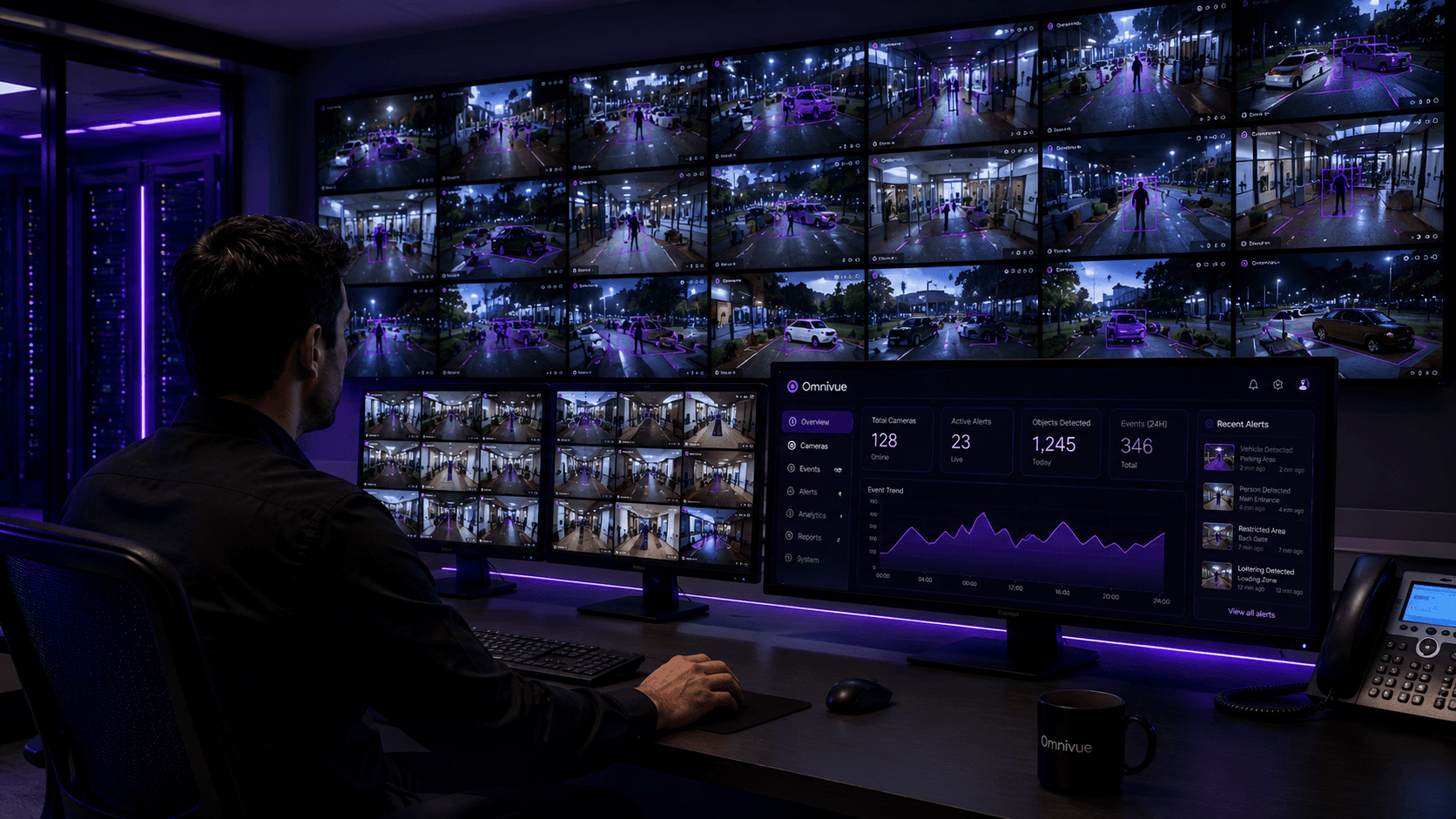
AI video analytics does not automatically require a full camera replacement project. In many enterprises, the fastest route to operational intelligence is to connect suitable existing CCTV feeds to an AI layer that can detect events, raise alerts, preserve evidence and support a repeatable response workflow. The important word is suitable. A camera that is useful to a human security operator is not always useful to a computer-vision model. AI performance depends on scene coverage, resolution, angle, lighting, motion blur, distance to subject, frame rate, compression, network stability and whether the use case is realistic for the camera view.
Why start with existing CCTV
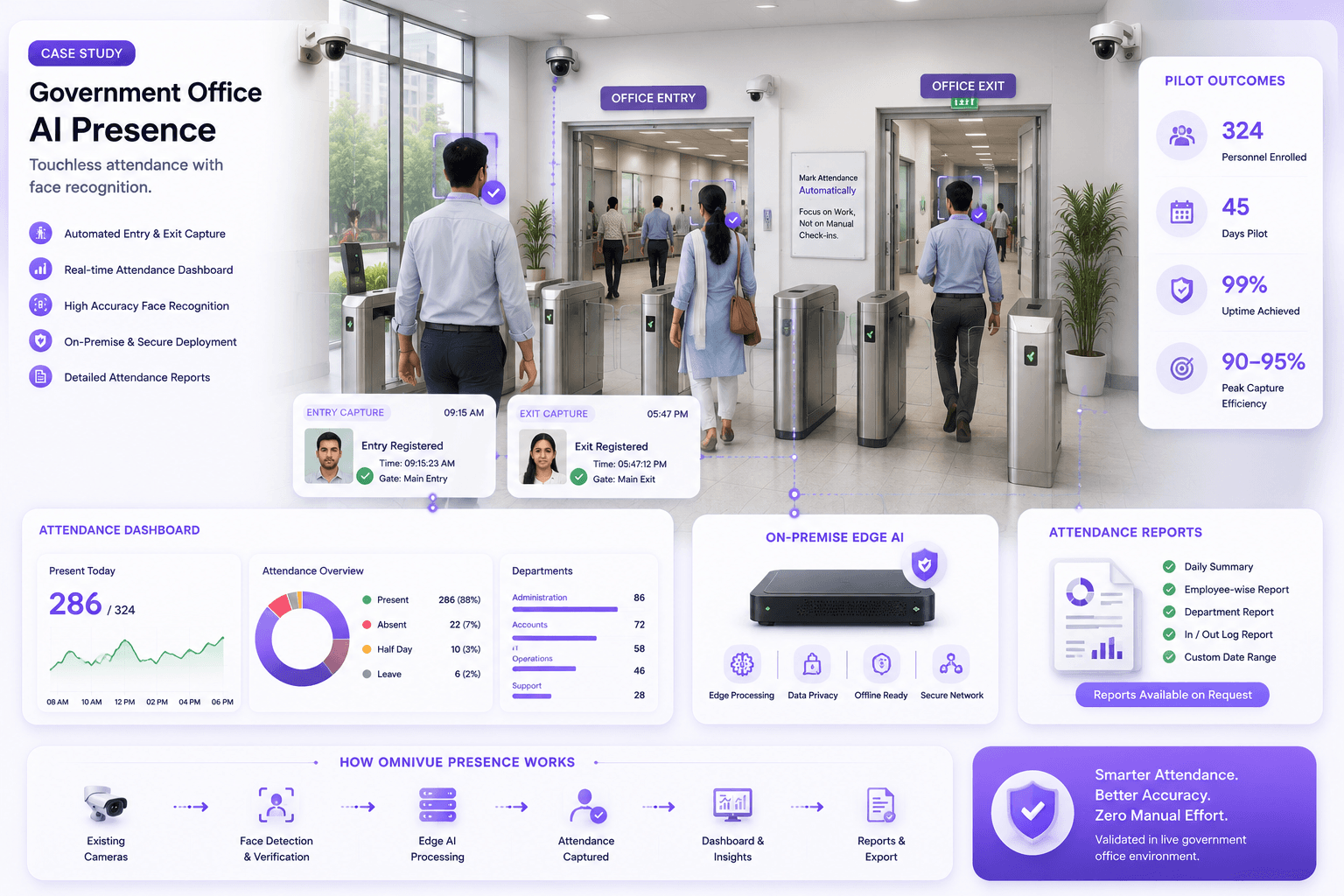
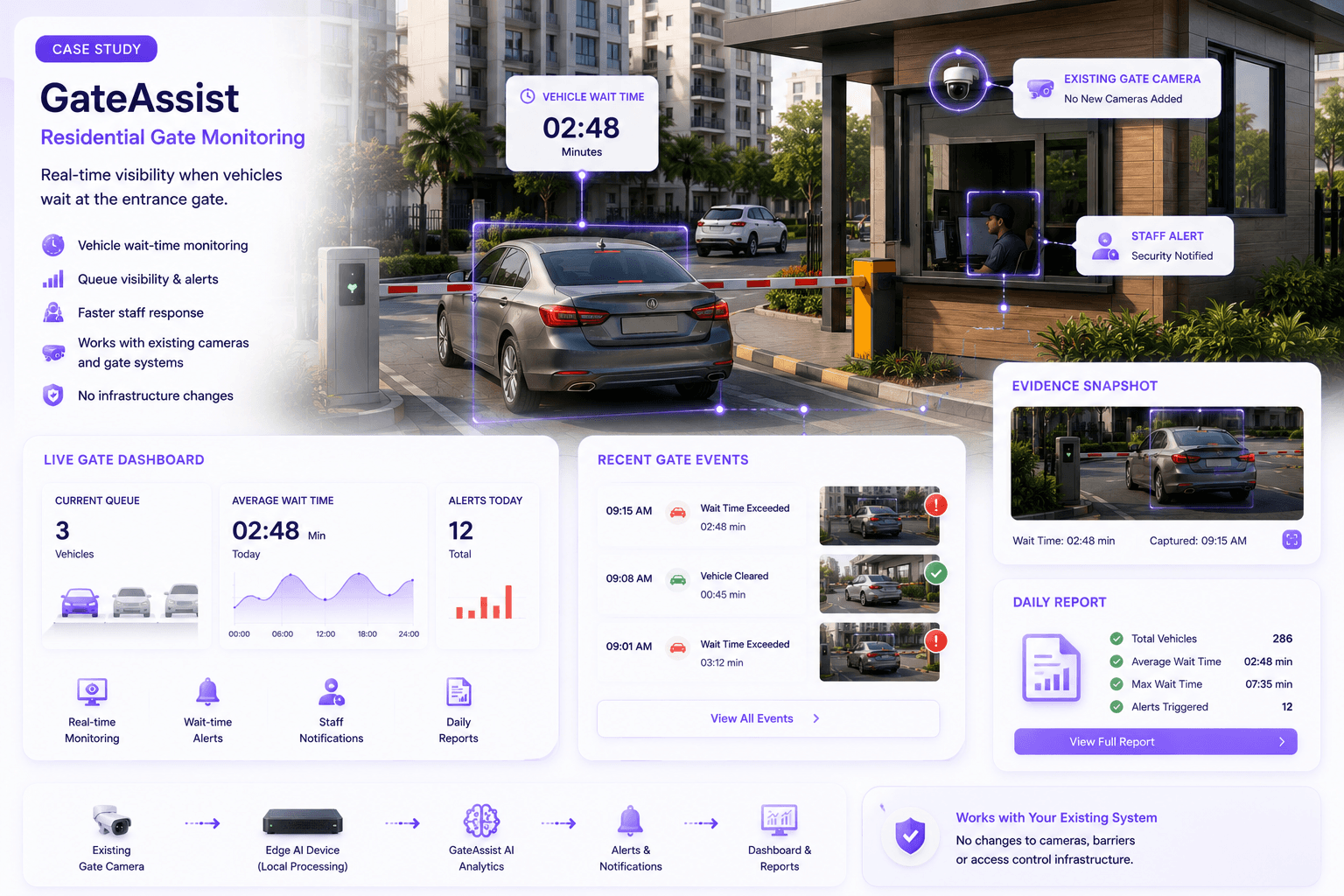
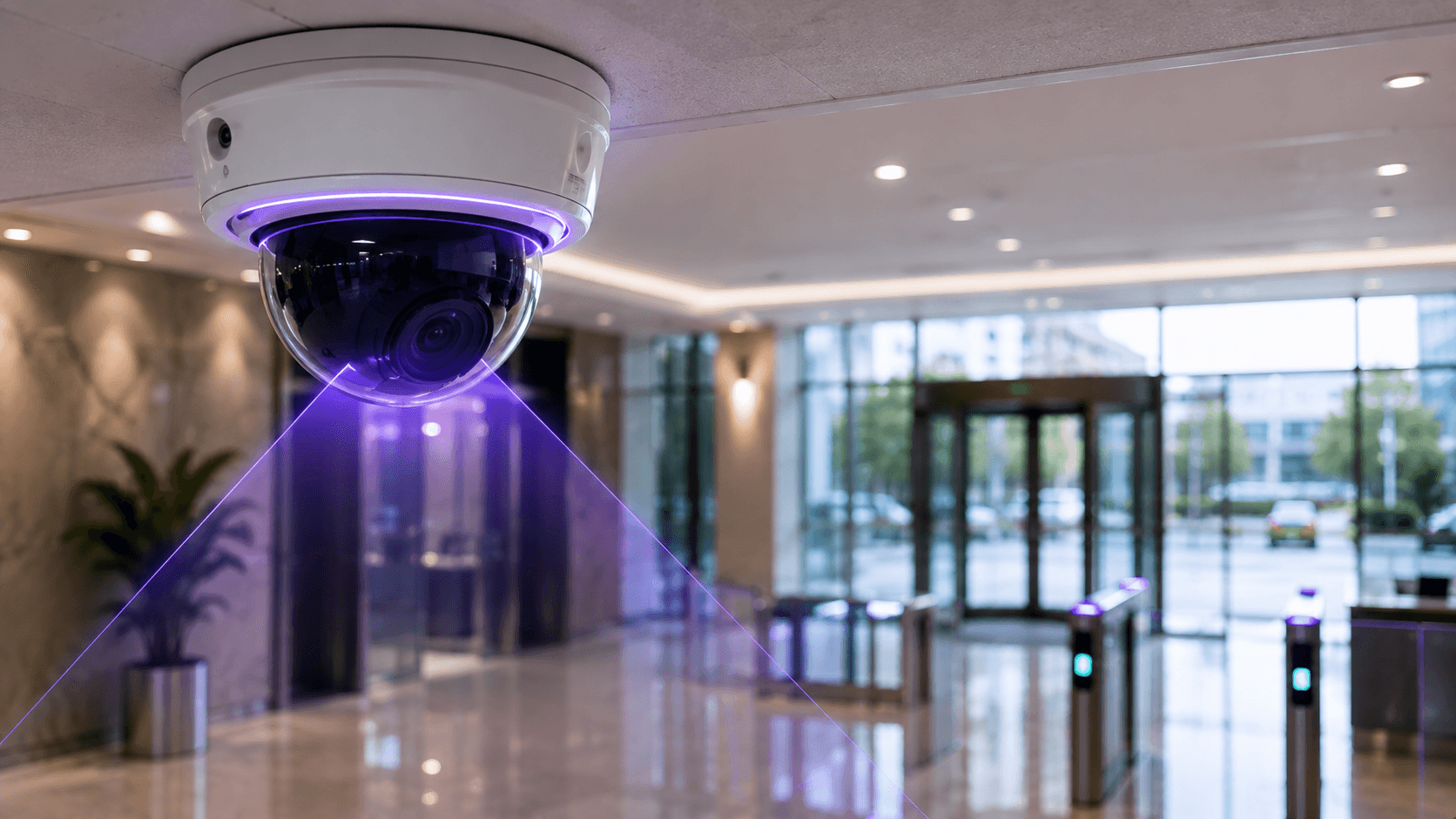
Most organizations already have cameras covering entrances, lobbies, parking areas, warehouses, production lines, gates and corridors. Replacing that estate before testing the operational value of AI creates cost, delay and procurement friction. An existing-camera-first strategy allows the organization to validate measurable outcomes before committing to new hardware and gives channel partners a clearer way to scope site survey, connectivity, configuration and support.
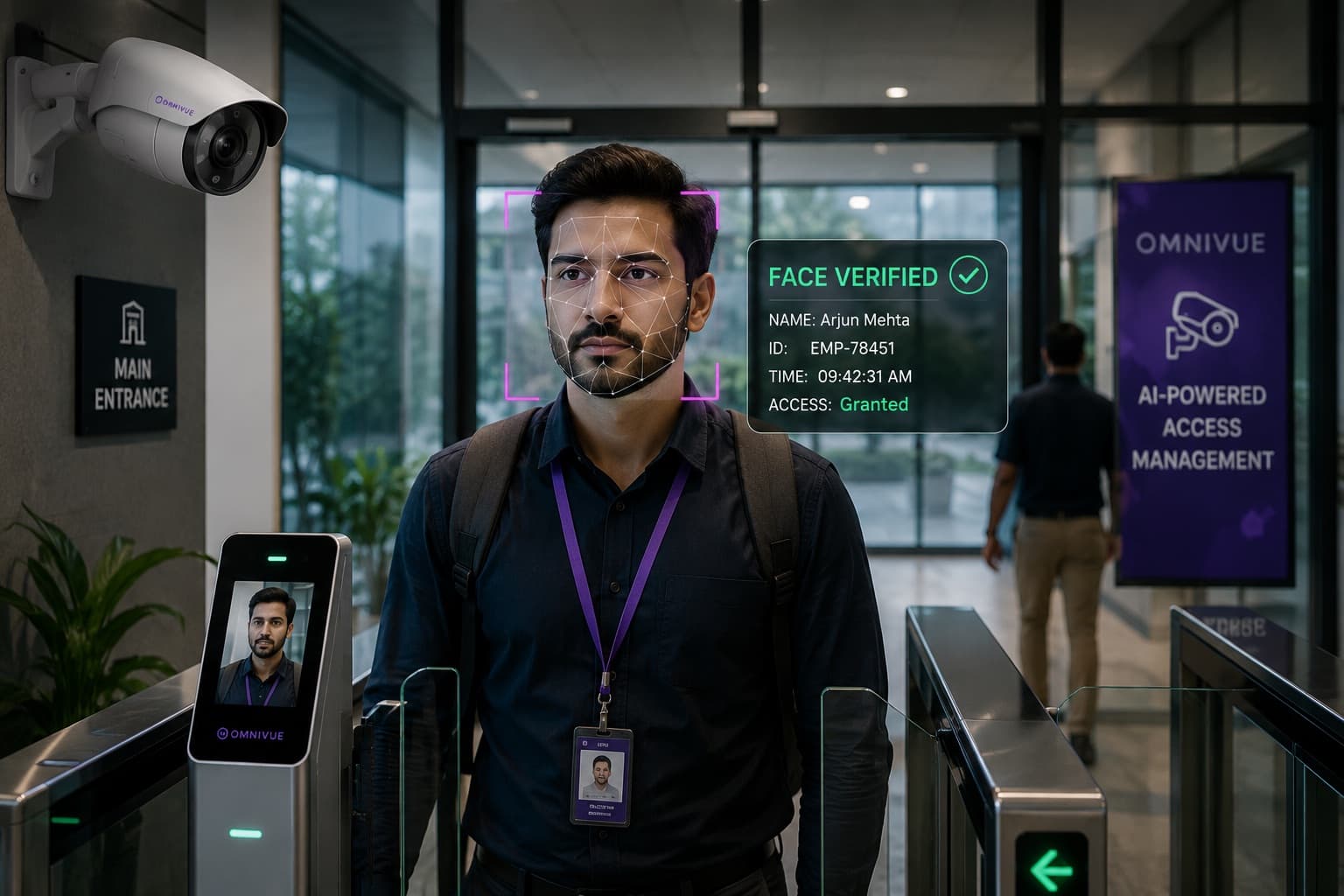
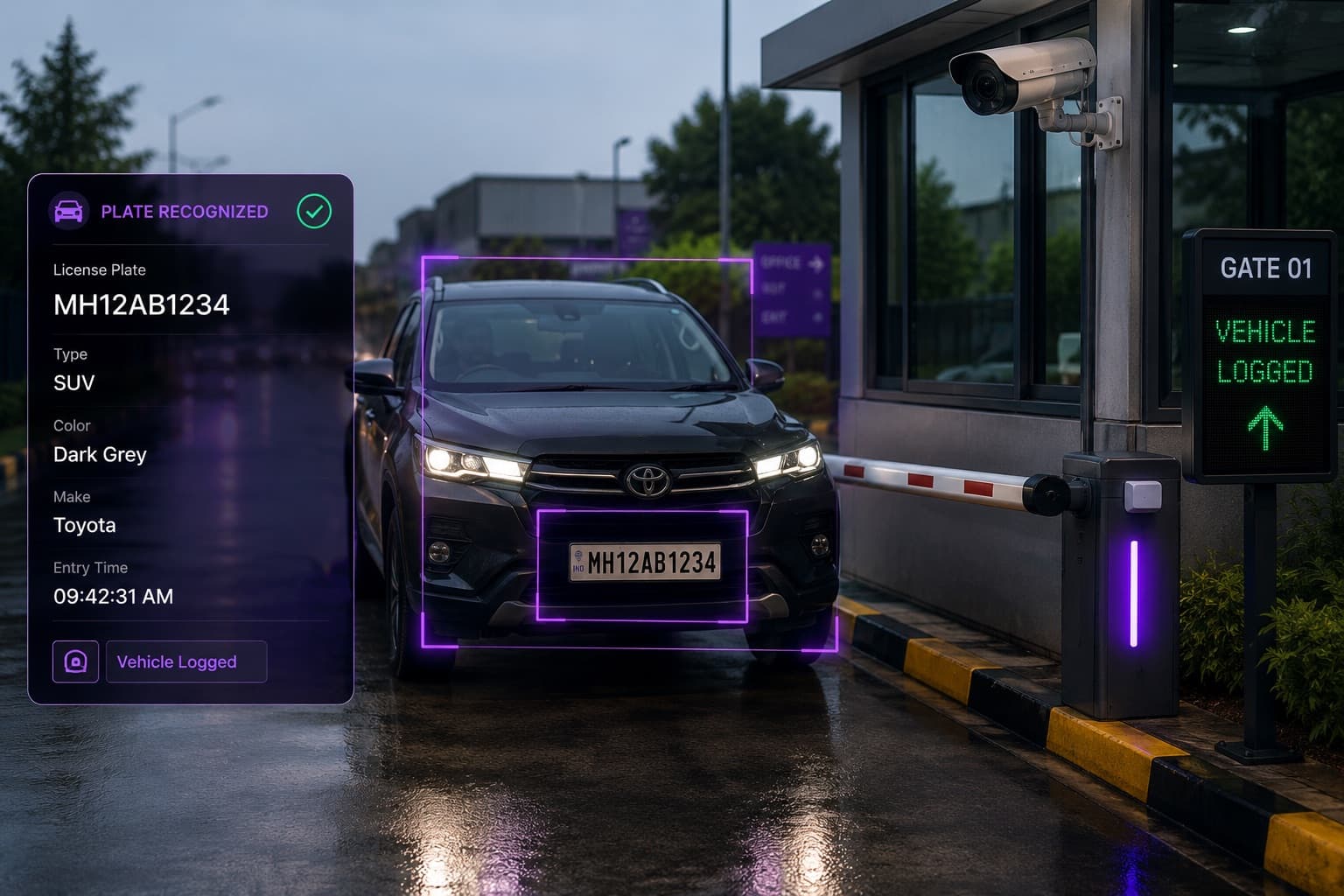
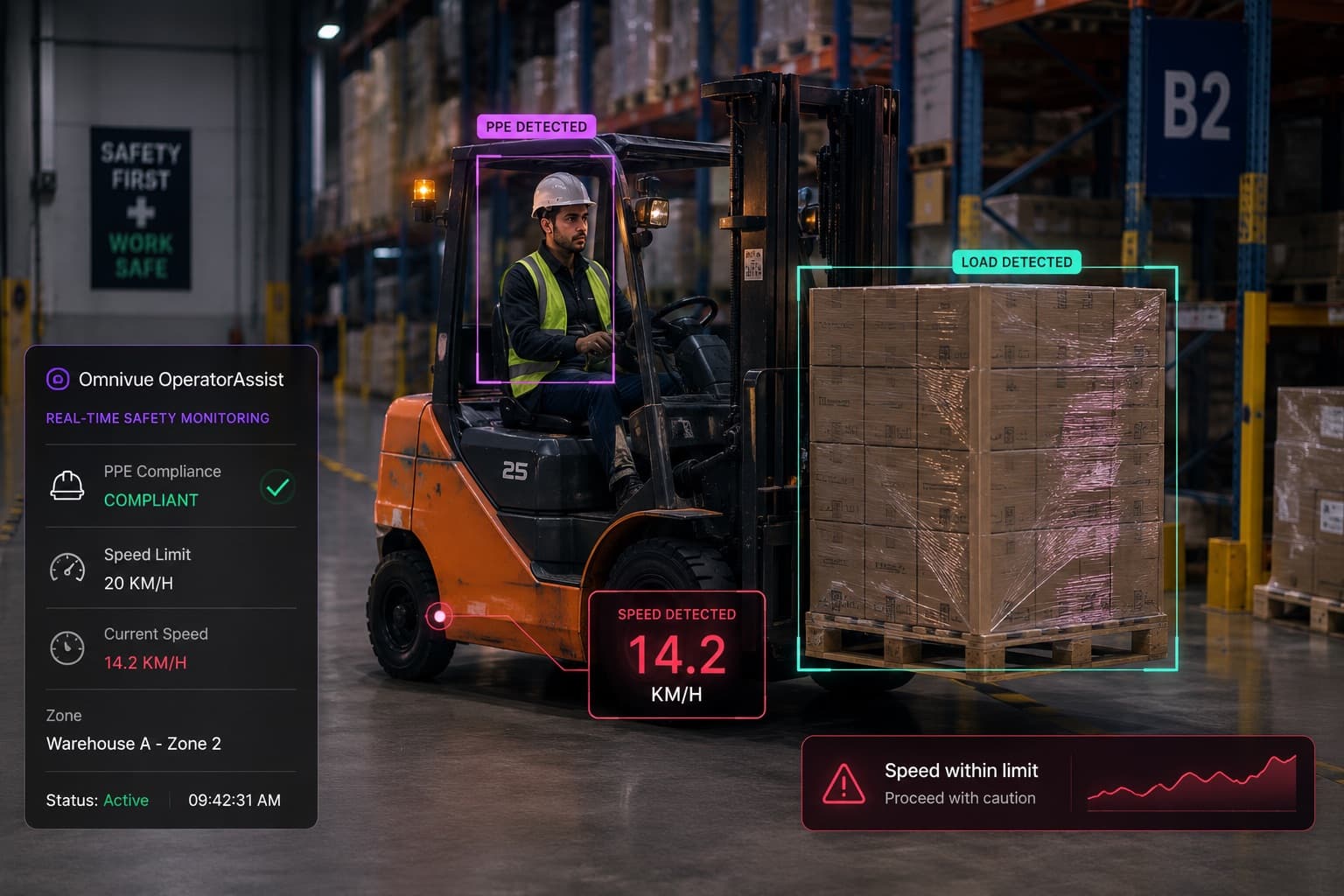
Related Omnivue pages for this topic include Access Intelligence, Industrial Safety Intelligence and Architecture.
What usually works well
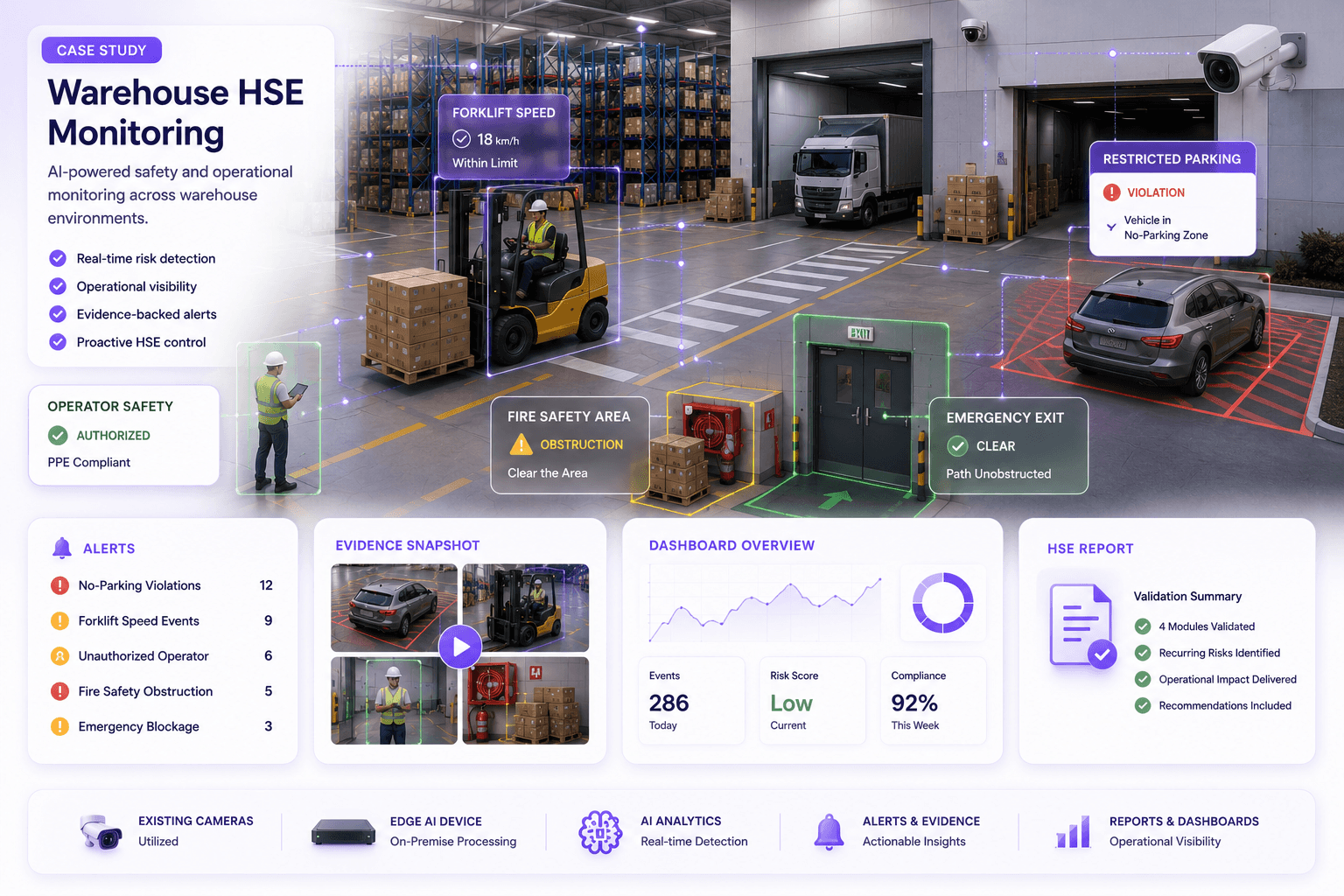
Existing cameras usually work best when the use case depends on visible movement, zone occupancy, object presence, people flow, vehicle presence or a clear operational threshold. Examples include entry and exit monitoring, queue length, parking gate activity, PPE visibility in controlled zones, forklift movement patterns and restricted-area entry. Fixed cameras are generally easier to validate than PTZ cameras because the scene geometry does not constantly change.
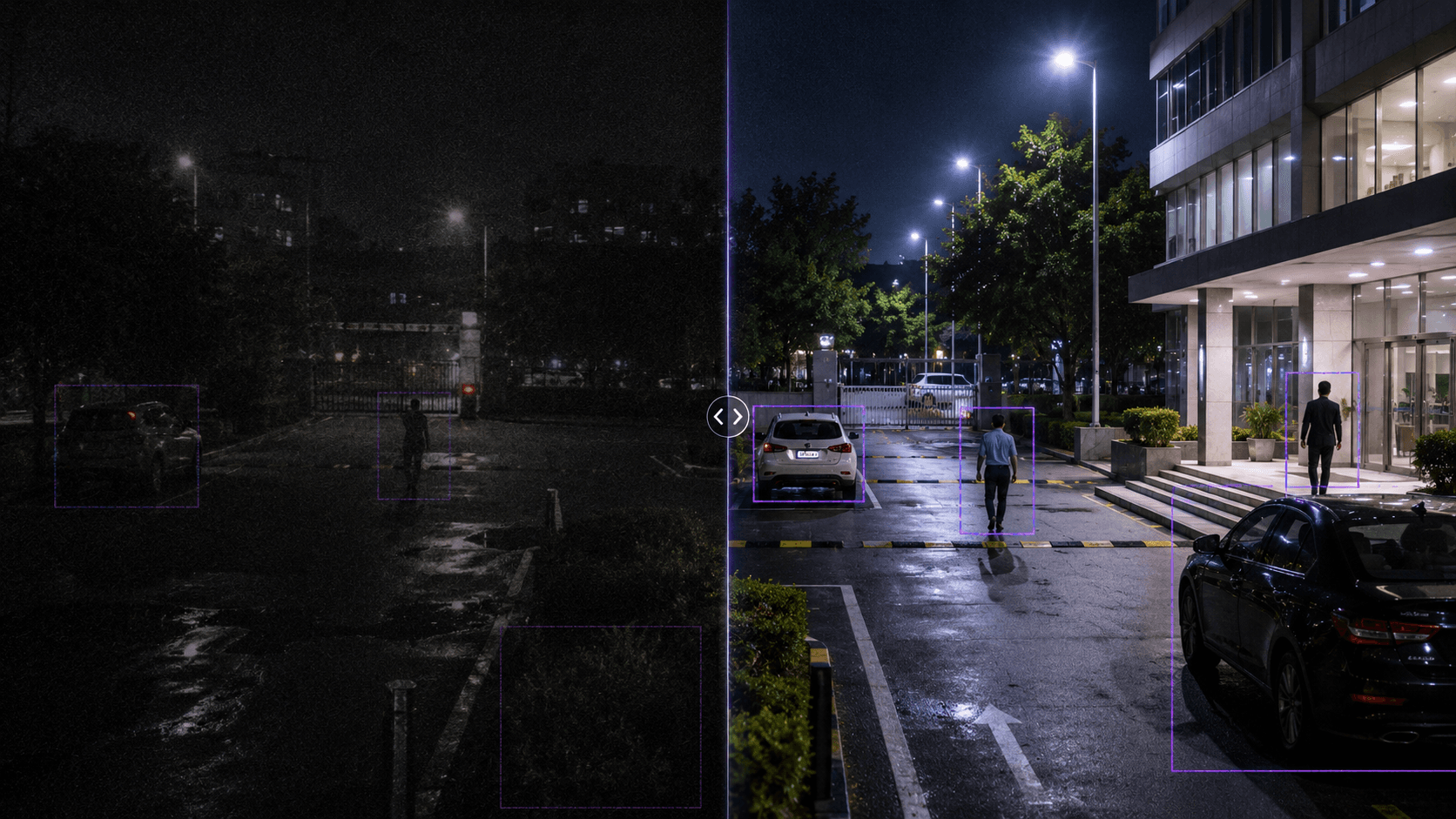
What does not work reliably
A camera is a poor AI candidate when subjects appear too small, the lens is aimed at the wrong zone, the view is blocked, the stream is unstable or the scene changes frequently. Heavy compression, low frame rate, glare, backlighting and night-time noise can also reduce reliability. AI cannot recover details that the camera never captured.
| Decision area | What to check | Why it matters |
|---|---|---|
| Camera suitability | Angle, lighting, resolution and target size | Determines whether AI can see the operational event |
| Workflow ownership | Alert recipient, review process and closure | Prevents dashboards from becoming unused reports |
| Scale decision | Validated scenes, compute needs and support model | Turns a pilot into a controlled rollout |
Pilot design
A good pilot should not test every camera. It should select a small number of representative scenes tied to measurable operational outcomes. The pilot should define expected events, false positive tolerance, review process, escalation workflow, reporting period and success criteria before deployment. The goal is to prove that existing CCTV can produce actionable signals, not just detection demos.
How Omnivue approaches this
Omnivue is best positioned when the customer wants to convert suitable CCTV feeds into operational workflows across access, safety, vehicle, parking, retail or facility operations. The platform should be introduced as a camera-to-action layer: event classification, workflow routing, evidence capture, reporting and integration with operational processes.
Existing CCTV feasibility review
Find Out Which Existing Cameras Can Support AI
Omnivue helps organizations review existing CCTV infrastructure and identify which cameras, scenes and workflows are suitable for AI video analytics before hardware replacement is considered.