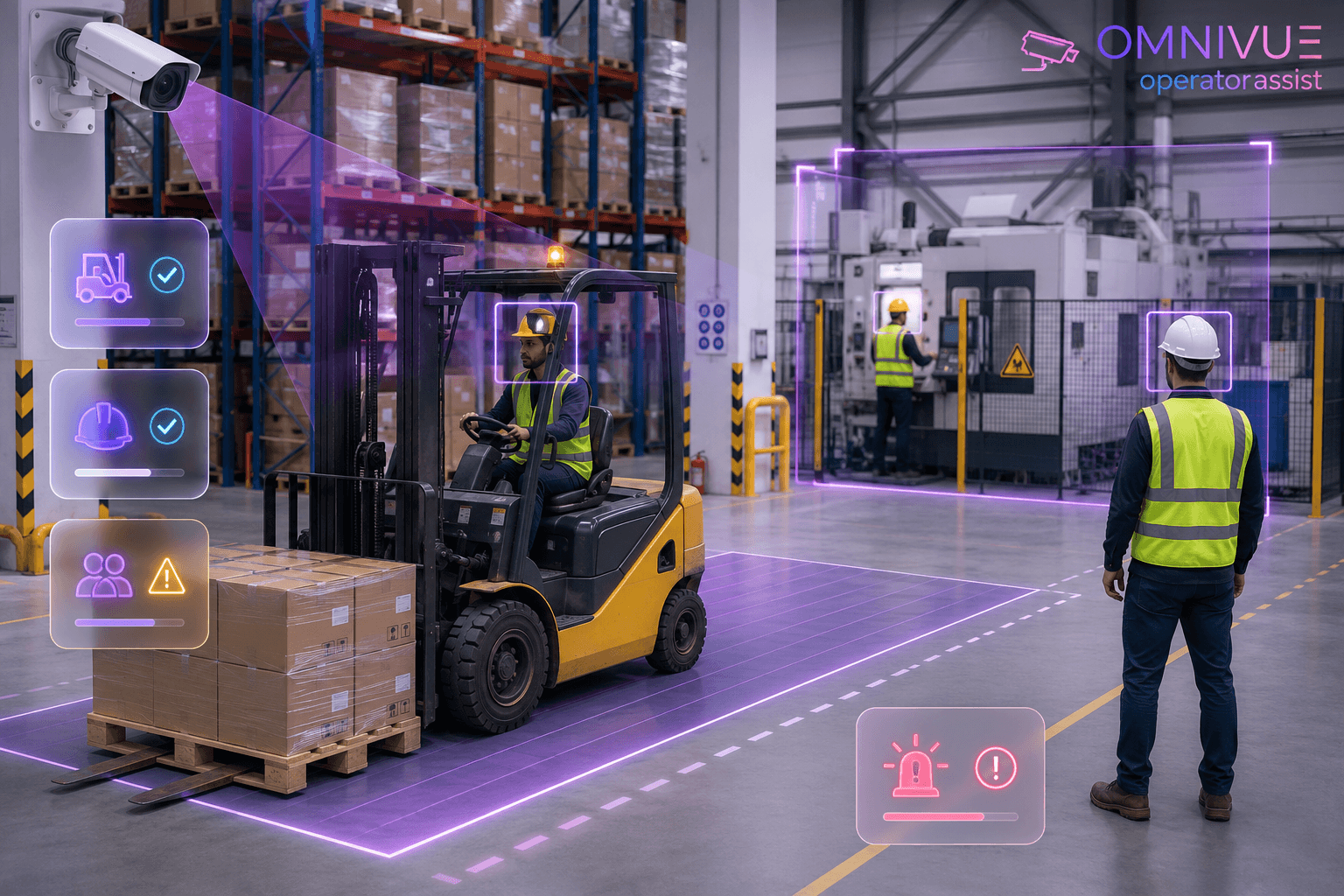
AI Guard Monitoring: How Video Intelligence Can Improve Security-Team Accountability and Response
Security teams are expected to monitor large sites, respond quickly and document every exception. AI guard monitoring can improve visibility, evidence and accountability - provided it is designed as a support workflow rather than a replacement for trained personnel.
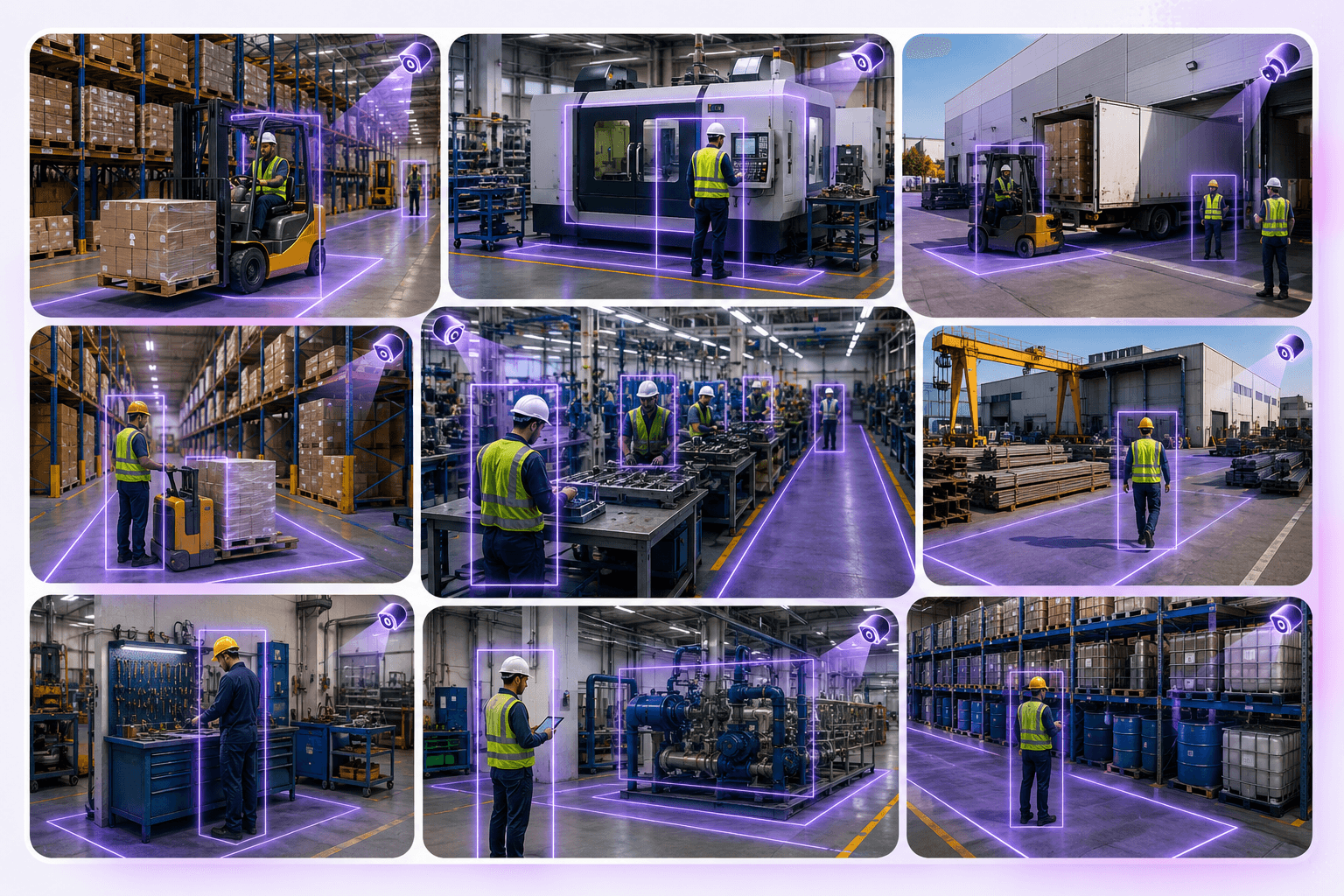
Security teams are often asked to do the impossible: maintain continuous visibility across large sites, respond quickly to incidents, complete patrols, enforce procedures and document every exception - all with a finite number of people.
The problem is not usually a lack of effort. It is a lack of continuous operational visibility.
A guard may be assigned to a gate, lobby, warehouse, residential tower, campus or industrial facility. Even a well-trained team cannot watch every camera, inspect every zone and respond to every event at the same time. Patrols create intermittent coverage. CCTV creates evidence, but only when someone knows what to look for. Manual logs provide accountability, but they may be incomplete or difficult to verify.
AI guard monitoring can help close that gap.
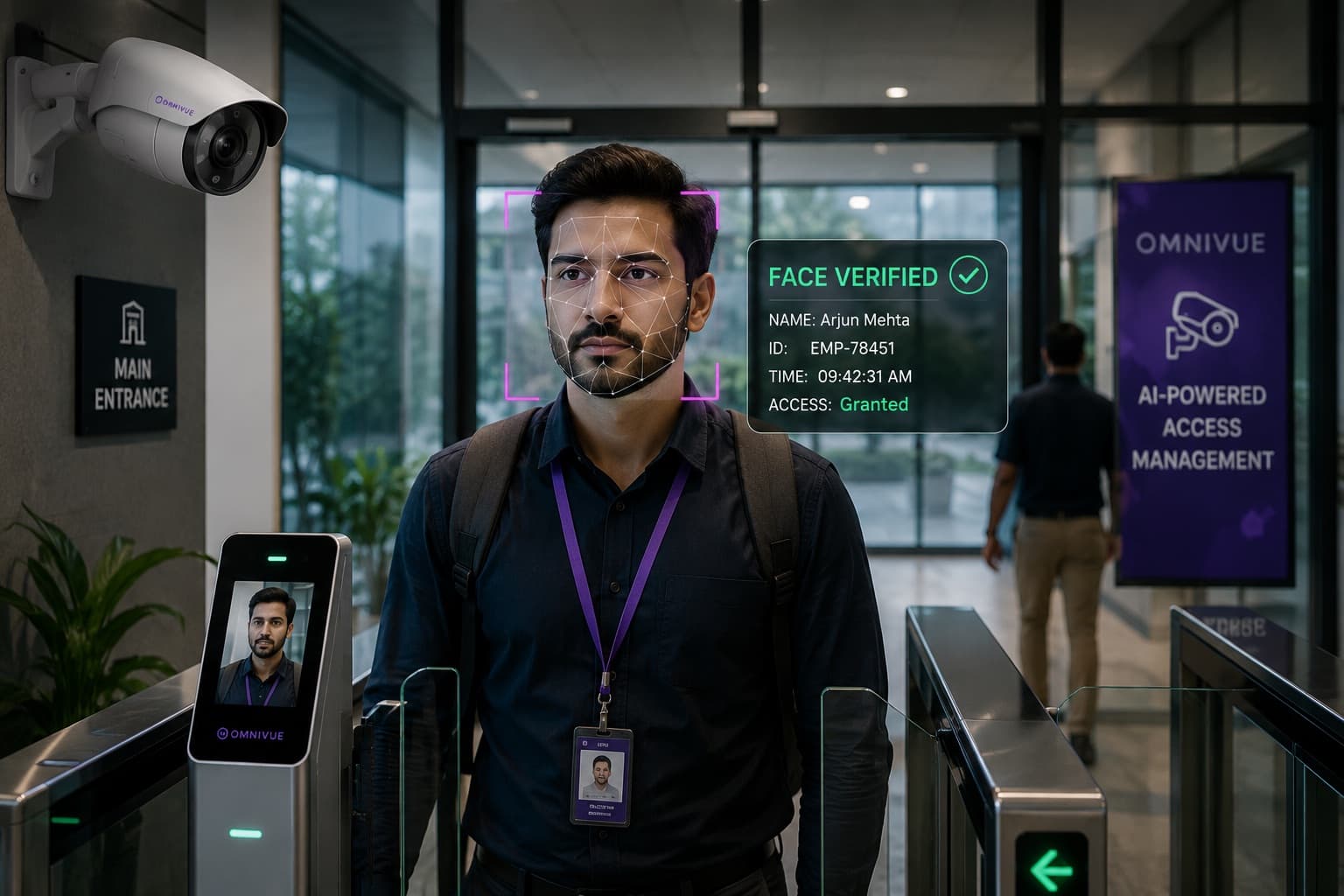
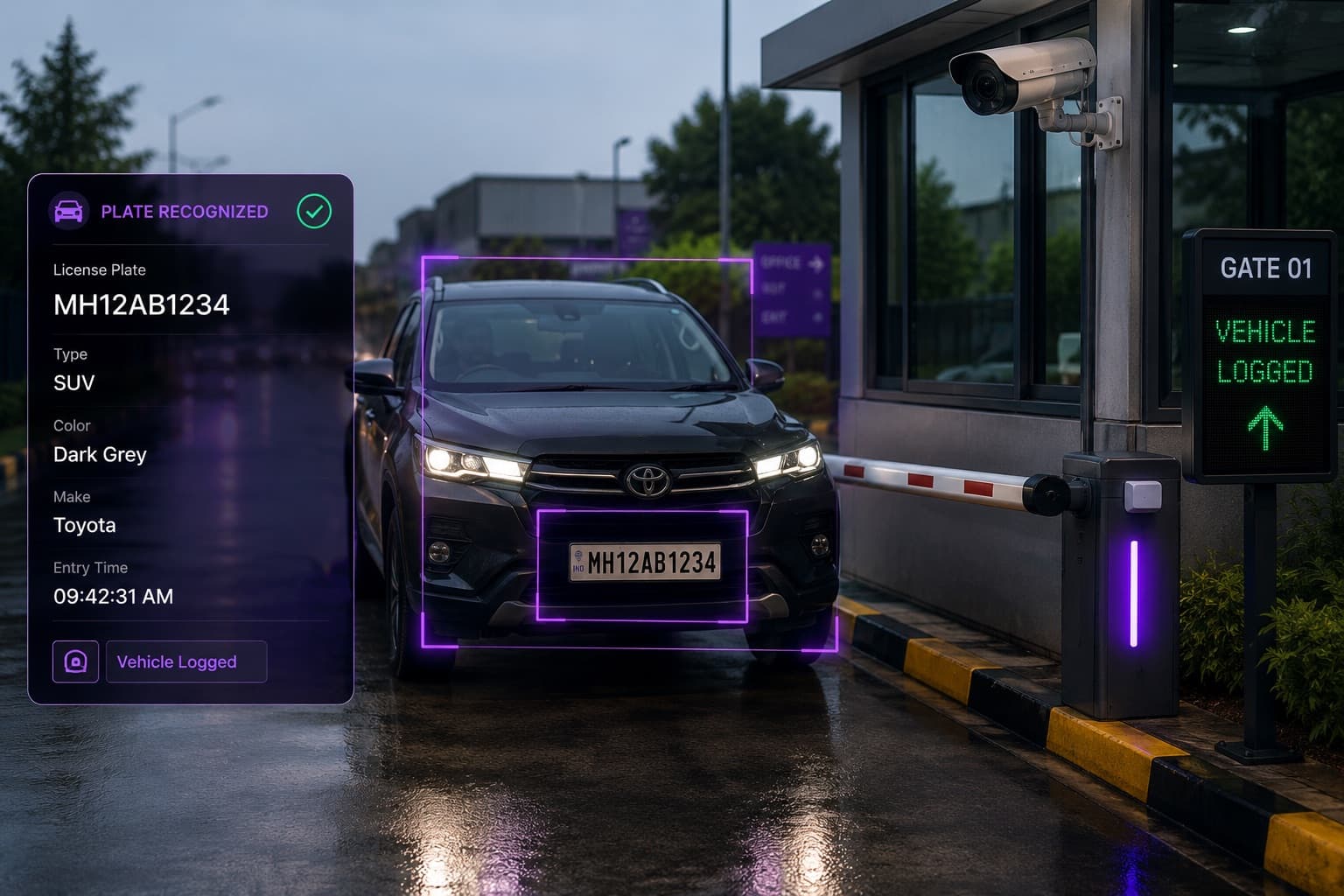
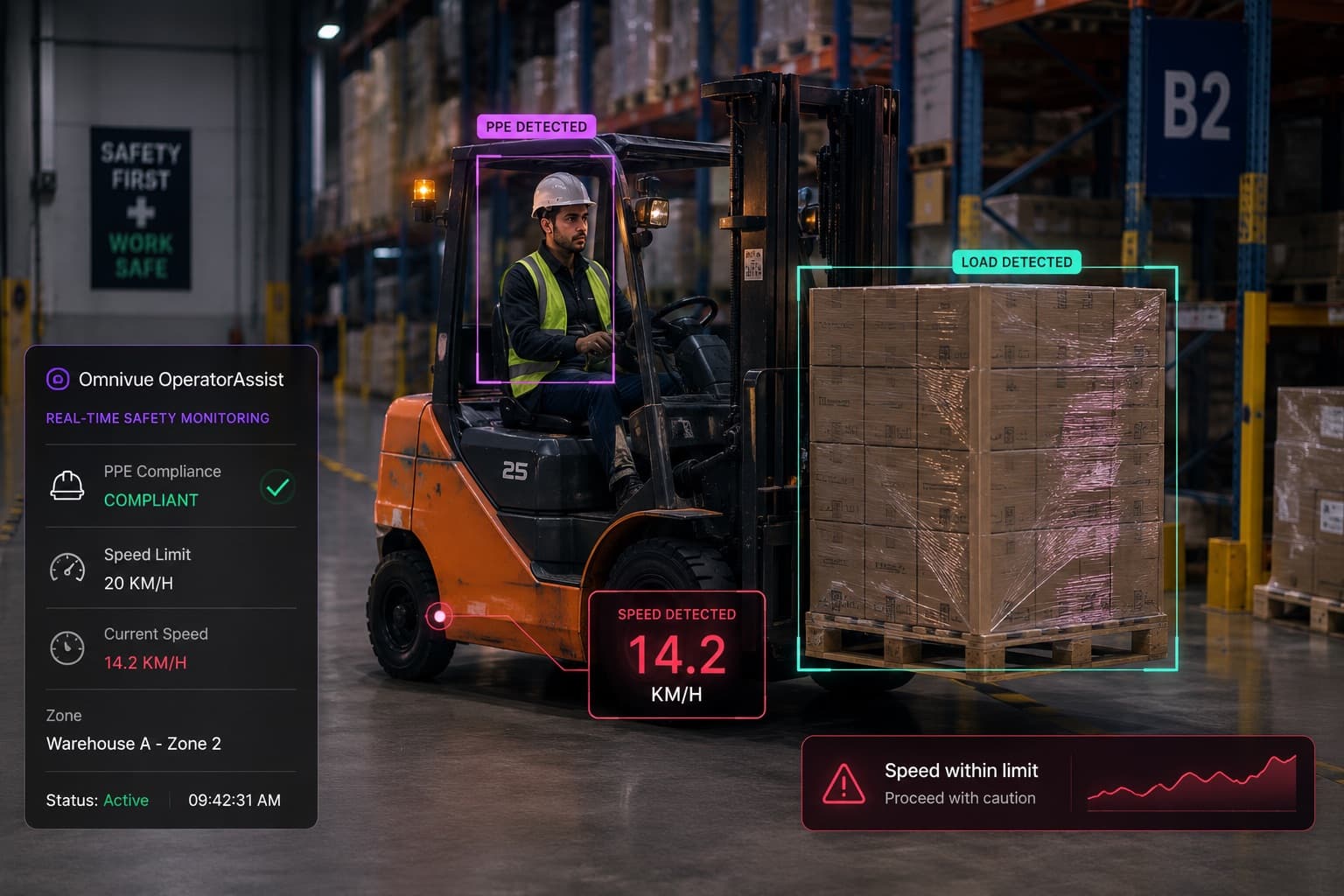
Used correctly, it adds an intelligence layer to selected camera feeds and security workflows. The system can identify relevant events, create evidence, notify the appropriate person, track whether the event was acknowledged and support management review.
This does not mean replacing guards. Physical security still depends on human judgment, presence, communication and response. The purpose of AI is to help the team see more, prioritize better and document what happened.
What Is AI Guard Monitoring?
AI guard monitoring is the use of video intelligence and workflow automation to support security personnel across patrol, incident and response processes.
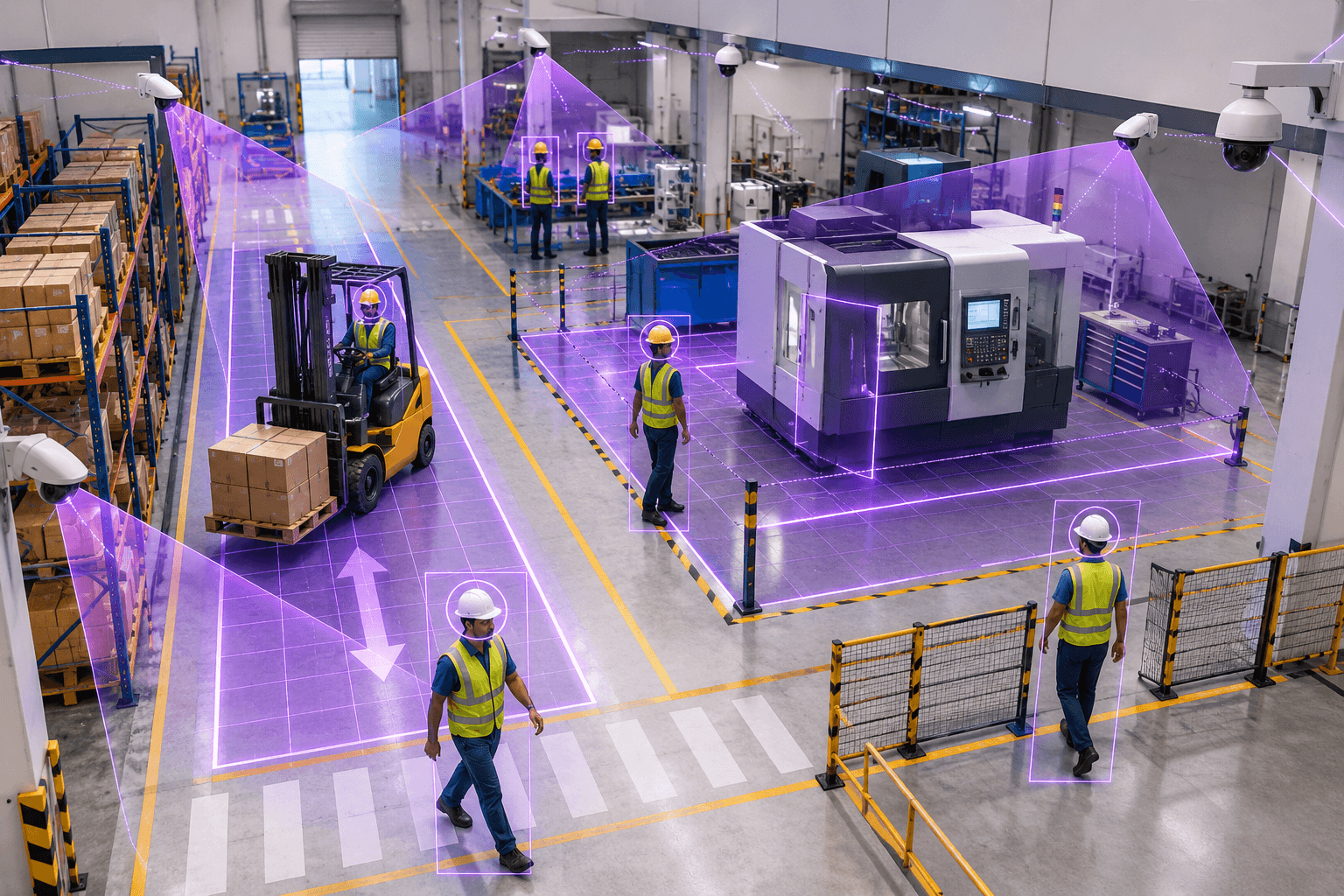
It may combine selected camera analytics with event rules, evidence capture, alerts, acknowledgements and reporting. Depending on the site, the system may help identify:
- A person entering a restricted area
- A vehicle stopping in a prohibited zone
- A guard or operator failing to attend a defined checkpoint
- An unattended or unresolved event
- A blocked emergency route
- Crowding or unusual activity in a monitored zone
- A security event that remains unacknowledged beyond a threshold
The important point is that AI guard monitoring is not simply another alert screen. The operational value comes from linking the event to a responsible person, a response expectation and a documented outcome.
A basic workflow may look like this:
- Camera identifies a relevant event
- The system creates a timestamped evidence record
- The assigned guard or supervisor receives the event
- The event is acknowledged, investigated or escalated
- The final status and response history remain available for review
The Operational Problems It Can Address
AI guard monitoring is most useful when it is tied to specific operational problems rather than deployed as a broad promise to “automate security.”
1. Limited visibility between patrols
Scheduled patrols are important, but they provide periodic rather than continuous coverage. AI can monitor selected high-risk zones between patrol visits and create events when defined conditions occur.
2. Slow event recognition
When operators must manually watch many camera feeds, relevant events can be missed or recognized late. AI can help surface the small number of events that may require human attention.
3. Inconsistent response documentation
Security logs may record that an incident occurred without preserving the full sequence: when it started, who was notified, when it was acknowledged and how it was resolved. A structured event record improves review and auditability.
4. Weak escalation discipline
An alert that receives no response should not disappear. AI-supported workflows can escalate unresolved events to a supervisor after a defined time.
5. Difficult management review
Managers need more than raw alert counts. They need to understand recurring locations, unresolved events, response times and whether operating procedures are being followed consistently.
Where AI Can Support Guard Operations
Commercial and corporate buildings
- Lobby and entrance monitoring
- Restricted-area activity
- After-hours movement
- Visitor or access exceptions
- Emergency-exit visibility
Residential communities
- Perimeter and gate activity
- Unauthorized parking or loitering zones
- Amenity-area rules
- Visitor and delivery exceptions
- Escalation of unresolved access events
Warehouses and industrial sites
- Restricted operational zones
- Unsafe parking or stopped vehicles
- Emergency-route obstruction
- High-risk area monitoring
- Incident evidence and escalation
Campuses and institutions
- Perimeter activity
- Crowding or after-hours access
- Vehicle and pedestrian movement at gates
- Selected high-risk zones
- Event review across distributed buildings
The first deployment should focus on a small number of high-value conditions. Attempting to automate every security scenario at once usually produces noise rather than operational improvement.
From Alert Generation to Accountability
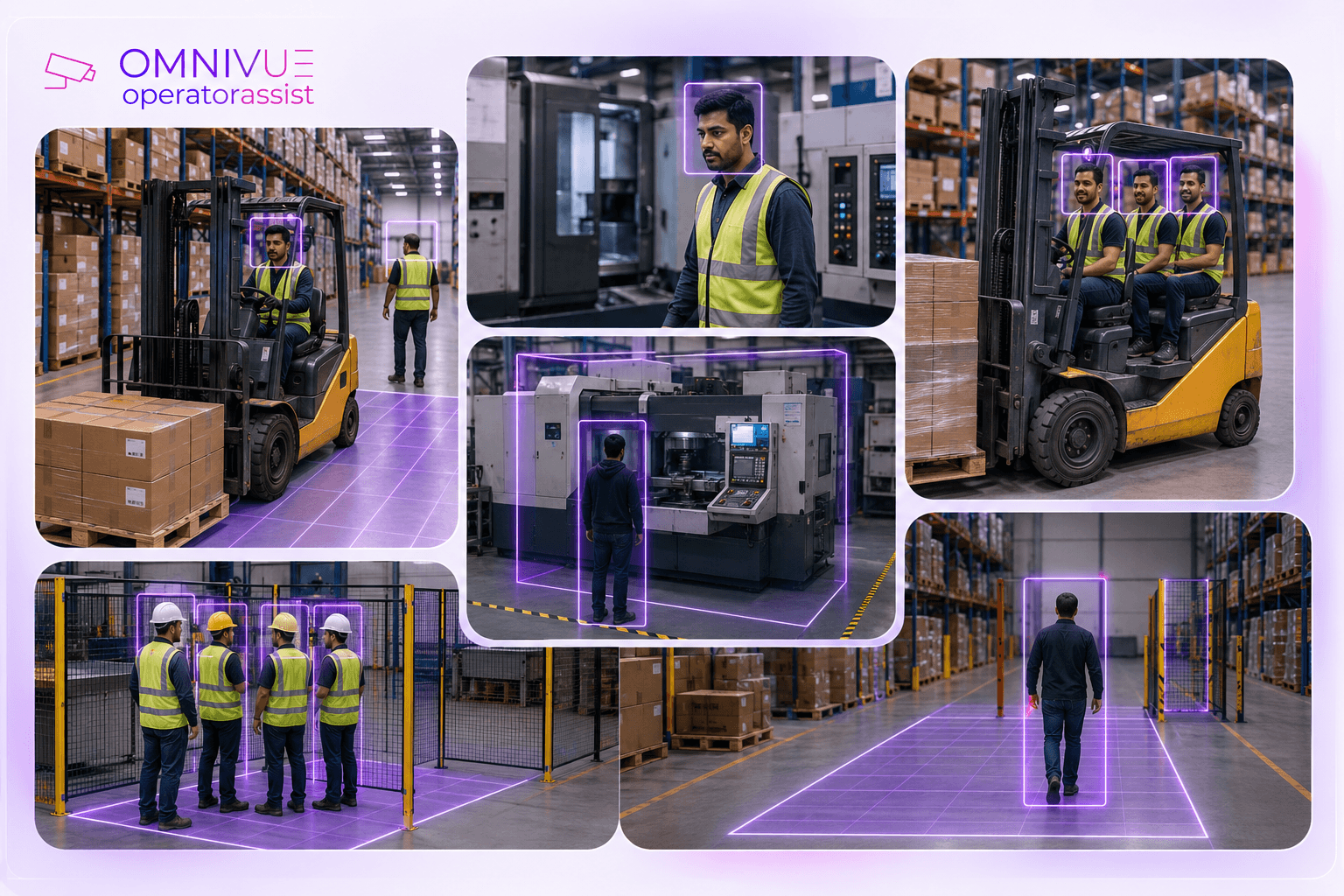
A common weakness in security technology projects is that they stop at alert generation.
An alert appears on a screen, but the system does not confirm whether anyone saw it, whether a response occurred or whether the event was resolved. This creates the appearance of intelligence without operational accountability.
A better workflow should answer five questions:
- What happened?
- Where and when did it happen?
- Who was responsible for reviewing it?
- Was the event acknowledged or escalated?
- What was the final resolution?
When those questions are captured consistently, security leaders gain a much clearer view of team performance and site risk.
What Evidence Should Be Preserved?
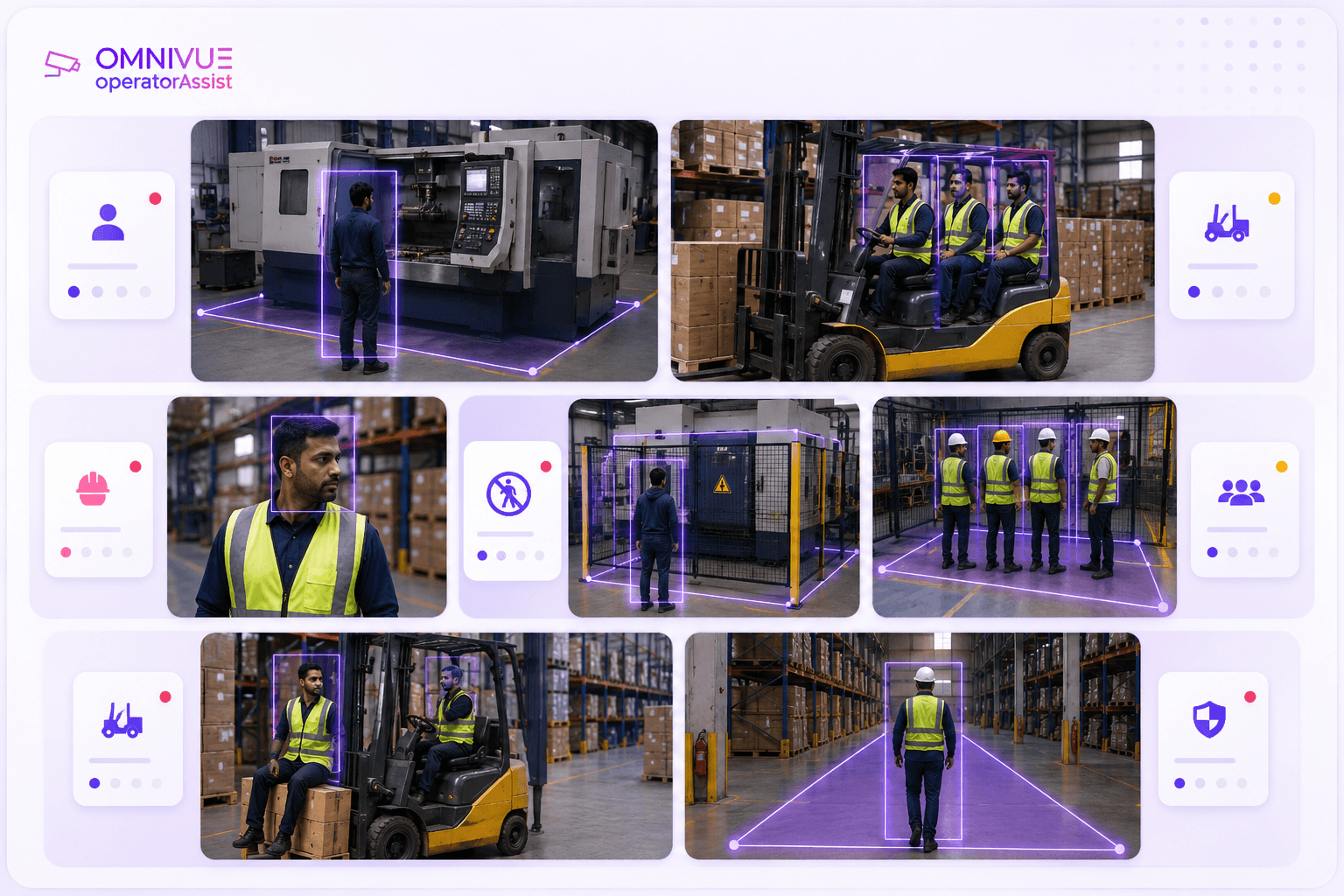
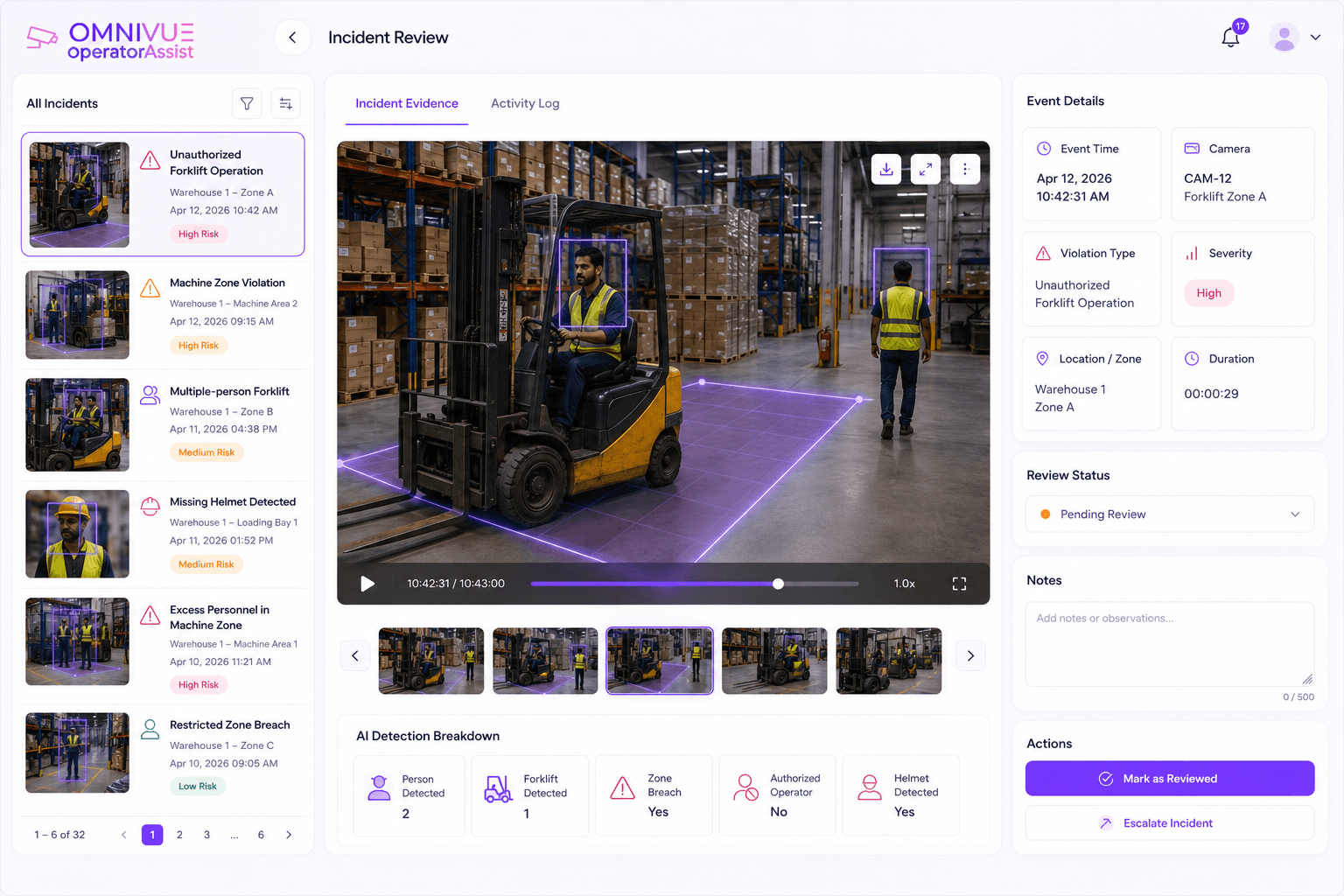
A useful AI guard-monitoring event record may include:
- Timestamp
- Camera and location
- Event type
- Supporting image or short video clip
- Alert recipient
- Acknowledgement time
- Escalation history
- Operator notes
- Verification status
- Final resolution
This evidence helps supervisors distinguish between a detection, a verified security event and a resolved operational exception.
It also supports incident reviews, service-level discussions, training and customer reporting where appropriate.
What AI Guard Monitoring Should Not Be
The technology should not be positioned as a replacement for guards or as a system that can make every security decision automatically.
A responsible deployment should avoid the following claims:
- That AI eliminates the need for human patrols
- That every camera can support every use case
- That every alert is automatically a verified incident
- That human judgment is no longer required
- That higher alert volume means stronger security
The right objective is targeted support: use AI where continuous visual monitoring, evidence and escalation can improve an existing security workflow.
How to Select the Right Camera Workflows
Not every camera or zone should be included in the first phase. Select use cases with clear ownership and measurable operational value.
A strong initial workflow usually has:
- A recurring and clearly defined problem
- Suitable camera coverage
- A defined person responsible for response
- A clear rule for acknowledgement and escalation
- Evidence that can be reviewed
- A realistic success metric
For example, a commercial site may begin with after-hours restricted-zone activity and blocked emergency exits. A residential site may begin with unauthorized vehicle stopping and unresolved gate exceptions. A warehouse may begin with restricted operational zones and unattended safety events.
Edge, On-Premise or Cloud?
The deployment model should follow the site’s operational and security requirements.
Edge or on-premise processing may be preferred where fast local response, limited connectivity or stricter data control is required. Cloud management may be useful for distributed sites that need centralized administration. Hybrid deployments can process video locally while sending selected events and evidence to a central platform.
The decision should consider bandwidth, latency, data policy, integration needs and continuity during connectivity outages.
Integrating AI with Existing Security Operations
AI guard monitoring should fit into the systems and procedures the security team already uses.
Depending on the project, events may connect to:
- VMS or NVR platforms
- Access-control systems
- Visitor-management platforms
- Incident-management systems
- Email, SMS or messaging channels
- Security dashboards
- Barrier or gate systems
- Enterprise APIs and reporting tools
The integration does not always need to be complex. A structured event queue with evidence, acknowledgement and escalation can deliver significant value before deeper automation is introduced.
How to Measure Success
A successful deployment should be measured by operational outcomes, not only detection accuracy.
Useful measures may include:
- Time from event creation to acknowledgement
- Percentage of events reviewed within the expected response window
- Number of unresolved events requiring escalation
- Recurring event locations or time periods
- Reduction in manual camera-watching workload
- Evidence availability for incident review
- Guard and supervisor adoption of the workflow
- Improvement in reporting consistency
These metrics show whether the system is improving security operations rather than simply creating more notifications.
Common Failure Modes
AI guard-monitoring projects often underperform for predictable reasons:
- Too many use cases are launched at once
- No one owns the alert queue
- Cameras are unsuitable for the intended event
- There is no acknowledgement or escalation process
- False or irrelevant events are not reviewed systematically
- The system is evaluated only on model output, not operational usefulness
- Guards and supervisors are not trained on the new workflow
A Practical Pilot Structure
A guard-monitoring pilot should test one or two workflows under actual site conditions.
The pilot should define:
- Selected cameras and zones
- Target events
- Operating hours
- Alert recipients
- Acknowledgement and escalation rules
- Evidence requirements
- Verification method
- Response-time expectations
- Success criteria
- Conditions for expansion
The goal is to answer a practical question: does the workflow help the security team recognize, respond to and document important events more consistently?
Building a More Measurable Security Operation
Physical security will always require trained people. Technology cannot replace judgment, communication, presence or responsibility.
What AI can do is reduce blind spots in selected areas, prioritize relevant events, preserve evidence and create a more consistent response trail.
For security leaders, the opportunity is not to remove guards. It is to give guards and supervisors better operational visibility and a clearer way to demonstrate what happened, who responded and how the event was resolved.
That is the real value of AI guard monitoring: a more informed, accountable and responsive security operation.
The opportunity is not to remove guards. It is to give guards and supervisors better operational visibility.
Security operations workflow review
Evaluate a Practical AI Guard-Monitoring Workflow
Omnivue helps enterprises assess existing camera infrastructure and security processes for targeted AI guard-monitoring workflows across commercial, residential, industrial and institutional environments. A workflow review can help determine which cameras and zones are suitable, which events should be prioritized, how alerts should be assigned and escalated, what evidence and audit trail should be retained, whether edge, on-premise or hybrid deployment is appropriate and how to structure a controlled pilot.