Introducing Omnivue VMS: AI-Ready Video Management for CCTV Operations
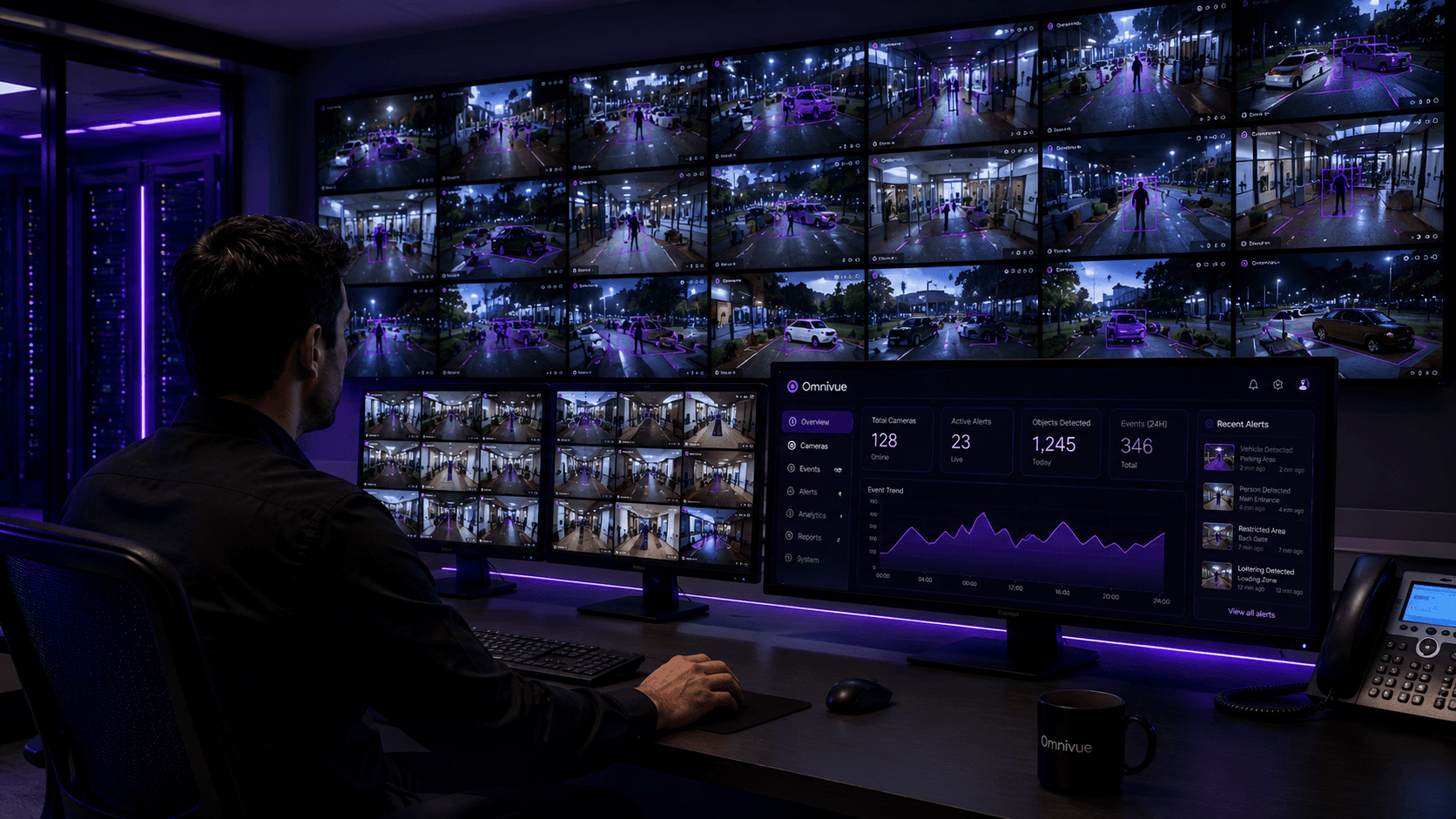
Omnivue VMS gives security and operations teams a single console for live camera monitoring, playback, AI event review, evidence, camera health and user access - while Omnivue AI modules convert video into operational workflows.
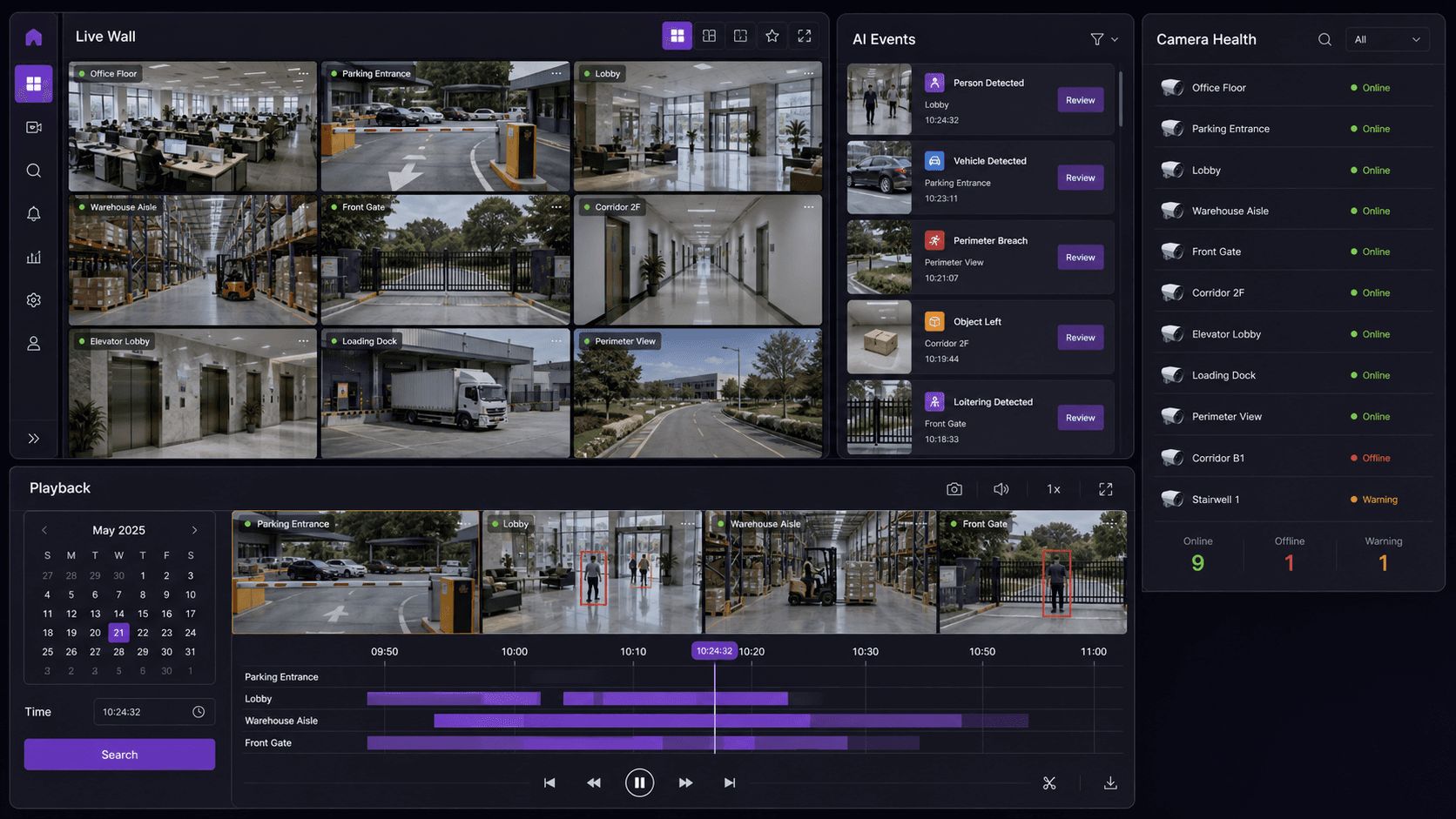
Most CCTV systems are useful for watching and recording. The harder problem is turning live video, playback, camera health, evidence, users and AI events into one operating workflow that security and operations teams can actually use.
That is the role of Omnivue VMS. It is the video operations layer for Omnivue: live monitoring, multi-camera layouts, recorded playback, AI event timelines, evidence snapshots and clips, camera health, user roles, audit logs and multi-site review.
Why VMS matters inside the Omnivue platform
Omnivue has always been positioned around operational AI video workflows: access, attendance, vehicles, parking, safety, facility operations and retail intelligence. VMS strengthens that platform story because every AI workflow needs a practical video layer beneath it.
What Omnivue VMS includes
- Live camera monitoring and multi-camera layouts for site teams and control rooms.
- Recorded video playback connected to event review and investigation.
- AI event timelines created by Omnivue modules for access, safety, vehicles, parking and facility workflows.
- Evidence snapshots and clips for incident review, reporting and audit history.
- Camera health visibility so teams know which selected views need attention.
- User roles and audit logs for controlled video and evidence access.
- Multi-site monitoring for organizations operating several facilities or locations.
How it can be deployed
| Model | Where it fits |
|---|---|
| Standalone Omnivue VMS | For teams that want Omnivue as the main console for live view, playback, evidence and AI event review. |
| Alongside existing NVR/VMS | For sites where suitable existing camera, NVR or VMS streams can be connected and Omnivue adds the operations and AI workflow layer. |
| Edge, on-premise or cloud-connected | For deployments that need local processing, offline tolerance, central dashboards or multi-site visibility. |
How AI modules expand the VMS layer
The VMS layer organizes what the camera system sees. Omnivue AI modules decide what those views mean in an operational context.
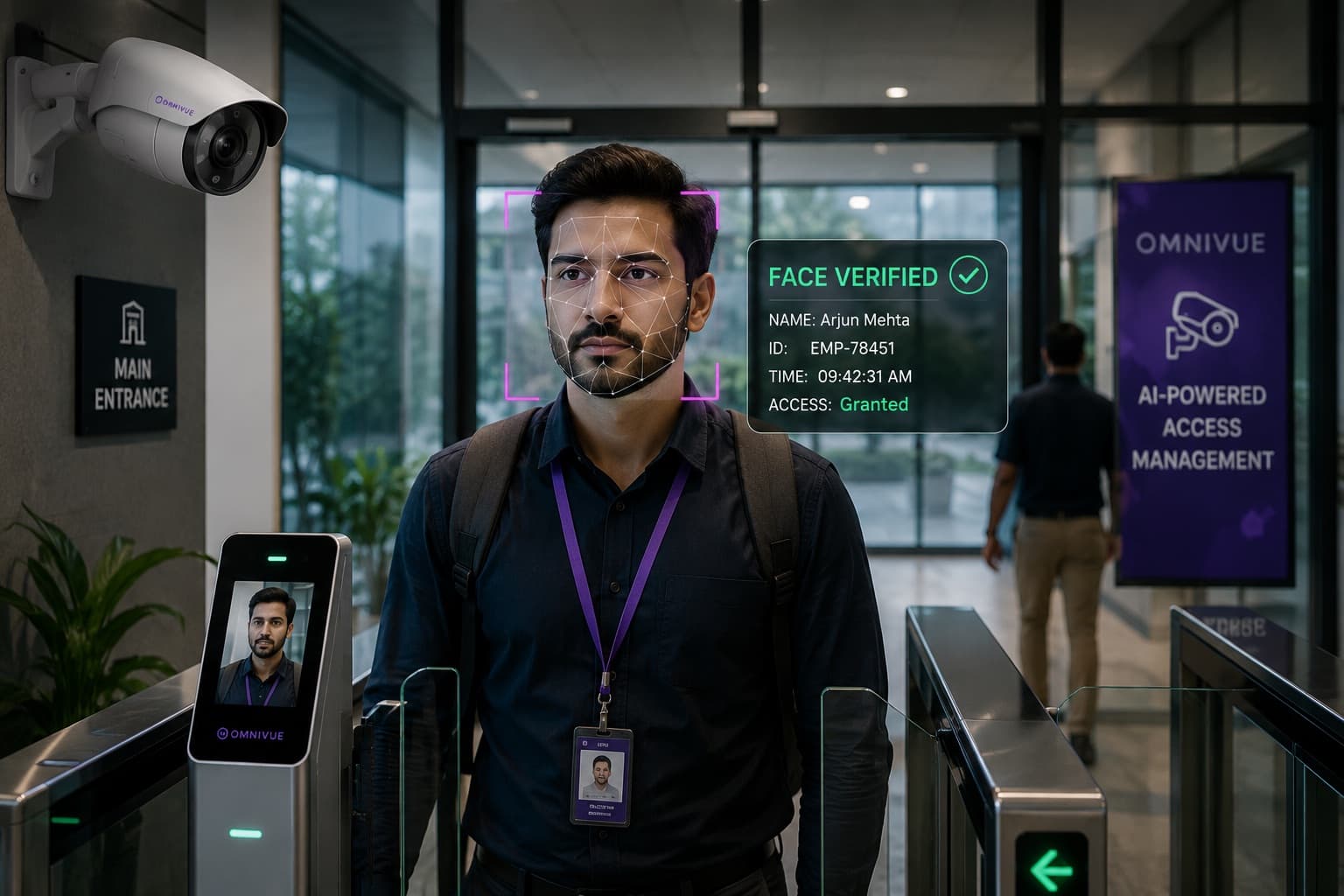
- Sentinel and Presence connect access, visitor, contractor and attendance events to playback, evidence and audit history.
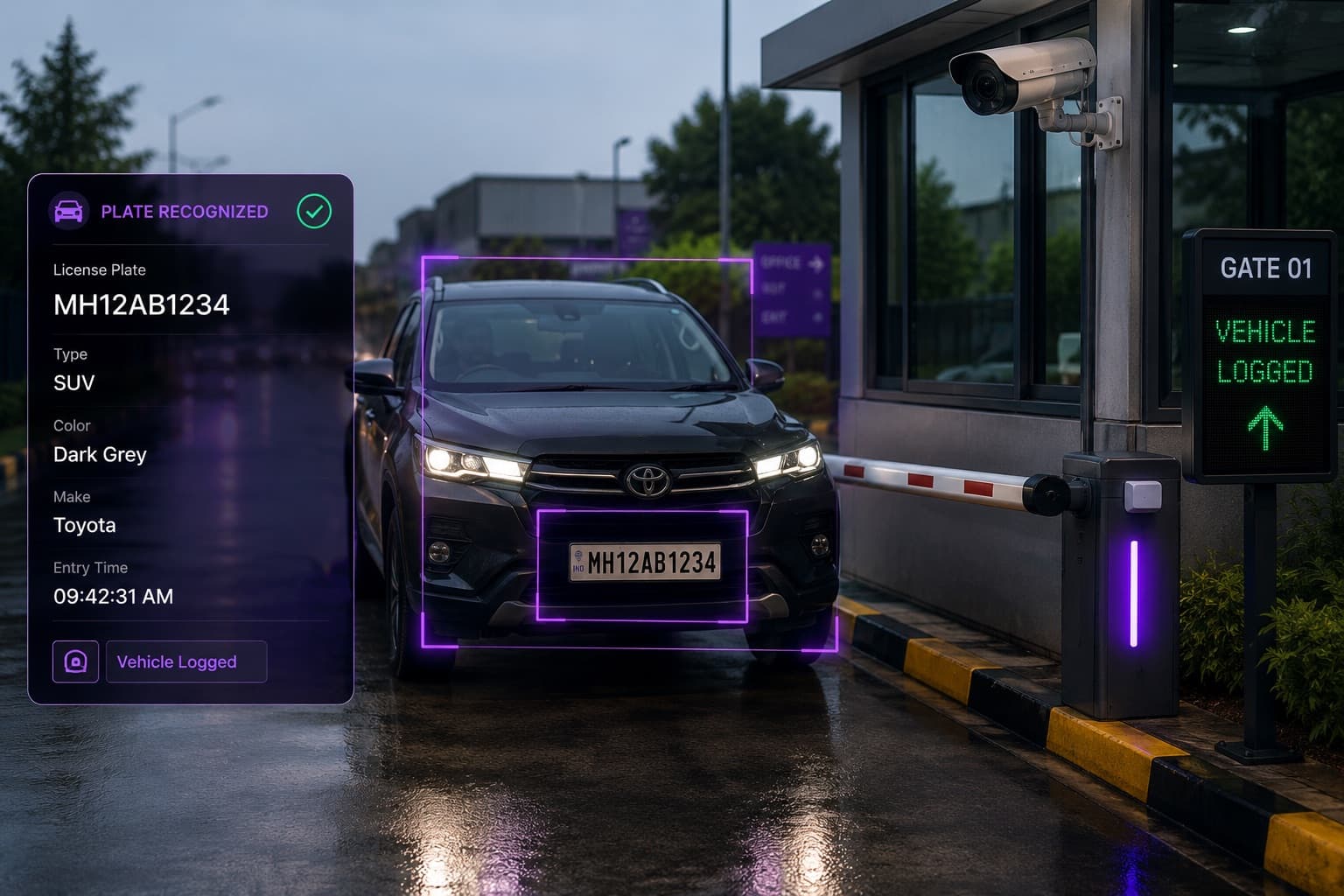
- PlateVision, GateAssist and ParkGuard connect vehicle movement, gate decisions and parking exceptions to camera evidence.
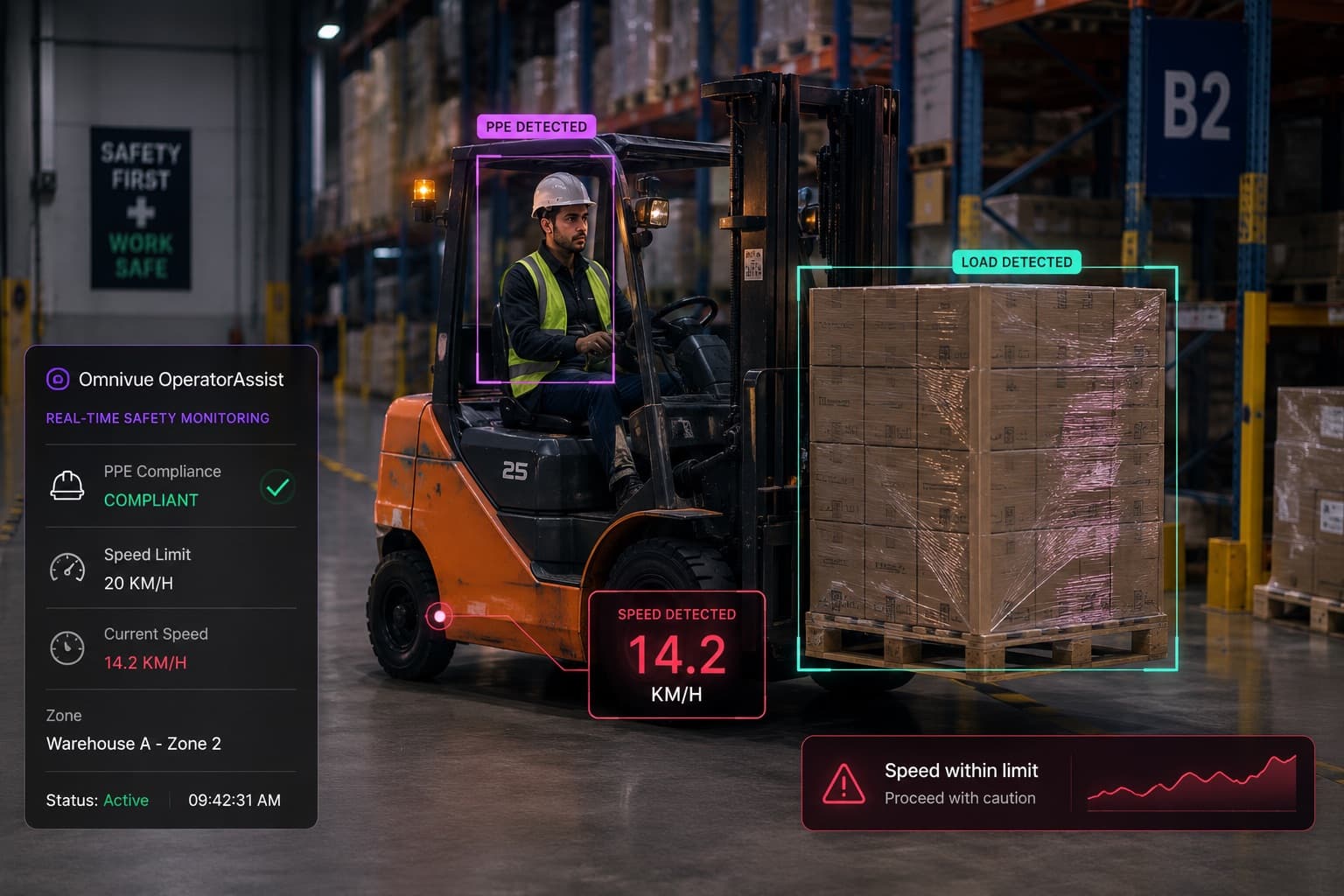
- OperatorAssist and SafeGuard connect HSE exceptions, restricted zones, emergency access and facility events to review-ready records.
- BayFlow, ElevatorAssist and Retail Intelligence extend the same pattern into service bays, elevators, retail branches and other operational environments.
What to review before deployment
A good VMS deployment should start with the operating requirement, not only a camera count. The key questions are which teams need live view, which events need playback, which evidence must be retained, which user roles matter and which AI modules should create the event timeline.
- Which CCTV, IP camera, RTSP, ONVIF, NVR or VMS streams are technically available?
- Which camera views are important enough for live monitoring or AI workflows?
- Who should access live view, playback, evidence and exports?
- Which events need an audit trail, escalation or integration?
- Which Omnivue AI modules should be added first after the VMS foundation is clear?
Next step
If you are evaluating video management for an existing CCTV environment, start by mapping the current camera infrastructure, the monitoring workflow and the first AI event types the team needs to review.
Omnivue VMS demo
Review VMS, playback, evidence and AI event workflows for your site
Tell us about your current CCTV, NVR or VMS setup and the operational workflows you want to improve. We will help map the right VMS and AI module path.